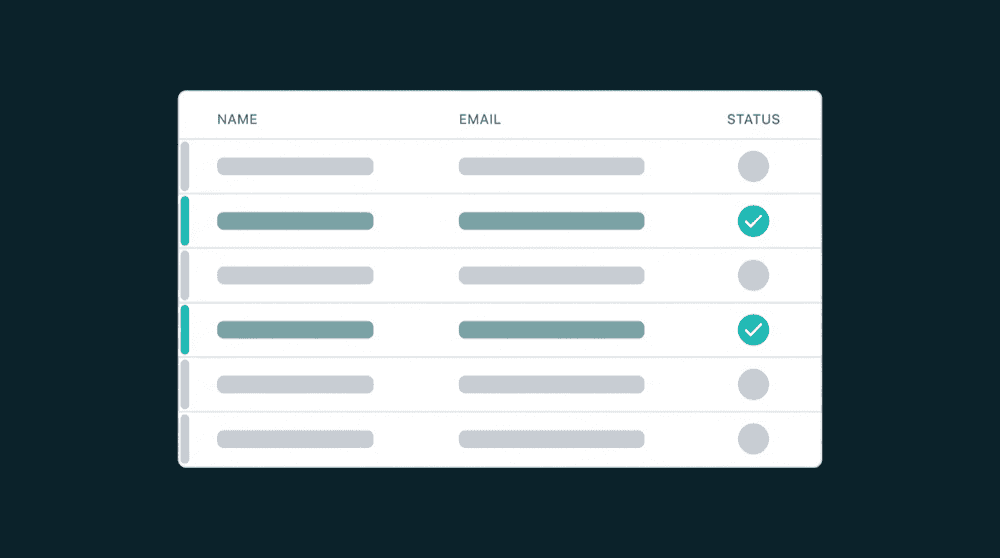
Full Visibility
Data Quality Built In
Customer Data Management Tools
See every property each tool brings, manage field types, spot duplicates, and track data quality across your stack.

Why Customer Data Management Tools Matter
Your CRM, billing tool, and support platform each hold a different slice of the customer. Without visibility, you get duplicate fields, type mismatches, and stale records.
Customer Data Management Capabilities
Visibility, property management, and data quality built into every sync.

See every property each tool brings
Oneprofile discovers fields from every connected tool and shows them side by side. See which properties exist, their types, and how they map across your stack before any data moves.
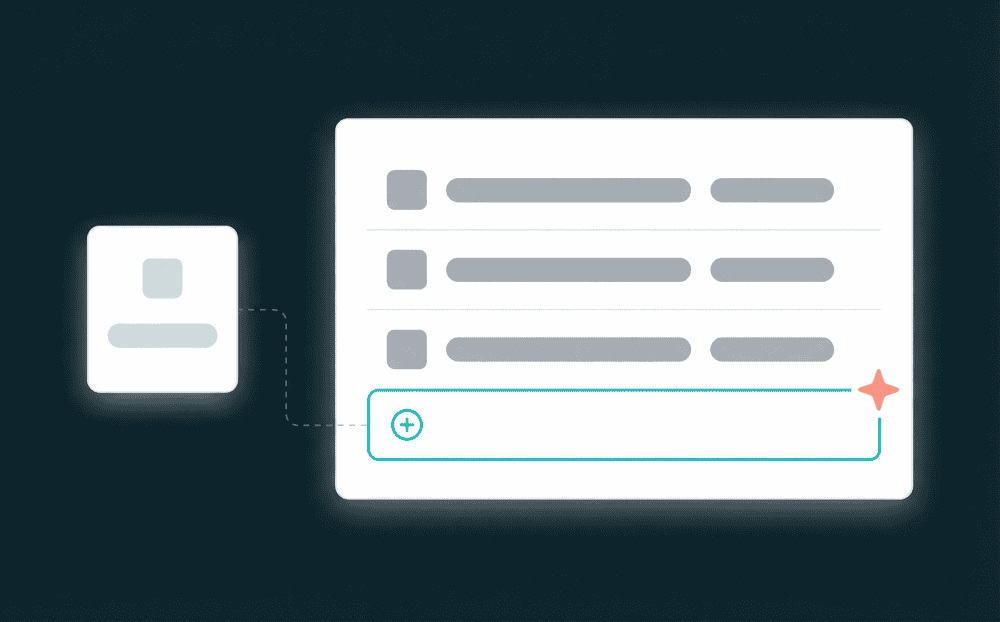
Flag type mismatches before data flows
Every field is typed. When a source sends a date and the destination expects a string, Oneprofile warns you before the sync runs. Missing fields are auto-created with the correct type.

Trace every field change to its source
Every sync logs which record changed, which field, old value, and new value. Trace any discrepancy to the exact sync run.

Failed records are queued, not lost
Records that fail after retries are captured with the error reason. Fix the cause and reprocess without re-running the full sync.

Quality without extra infrastructure
Type validation, change tracking, error recovery, and audit trails are built in. No tracking plans or separate monitoring tools.
How customer data management works
Connect your tools, see what each one brings, and manage how data flows between them.
Step 1
Connect tools and discover properties
Authenticate your CRM, billing tool, support platform, or database. Oneprofile discovers every field, its type, and which records it belongs to. You see the full picture before mapping anything.


Step 2
Map and validate fields across tools
Select source and destination fields visually. Type-aware mapping flags mismatches before data flows. Missing destination fields are created as custom properties.
Step 3
Monitor quality and track changes
Track every sync run in real time: records synced, created, updated, and failed. Every field change is logged with old and new values. Failed records land in a recovery queue with the error reason.