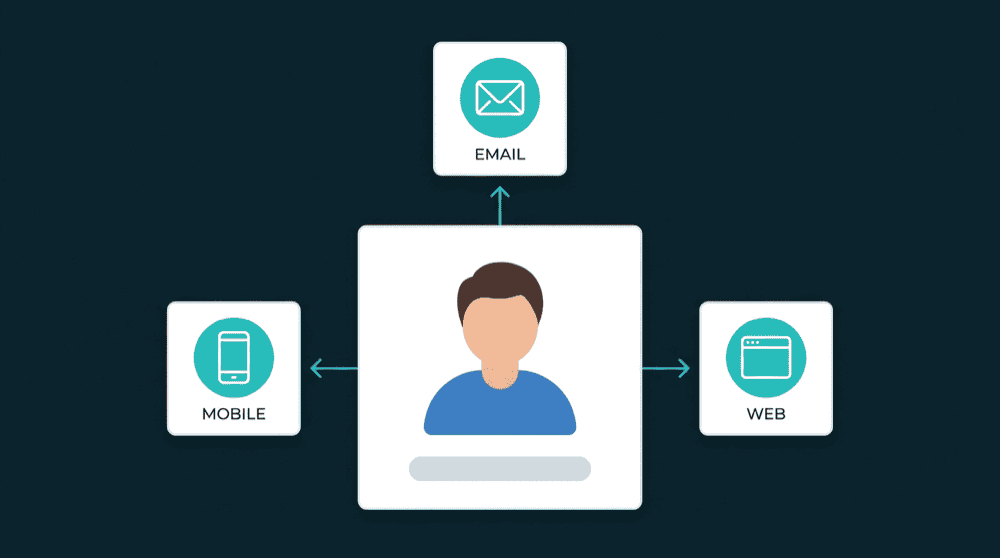
Connected Tools
No New Platform
Customer Engagement Platform
Your existing tools become a customer engagement platform when they share customer data automatically.

Why Your Customer Engagement Platform Needs Data
Your CRM, email, and support tools each hold a piece of every customer. When they share that data, every interaction starts with full context.
Customer Engagement Platform Capabilities
How Oneprofile keeps customer data flowing between the tools your team uses every day.
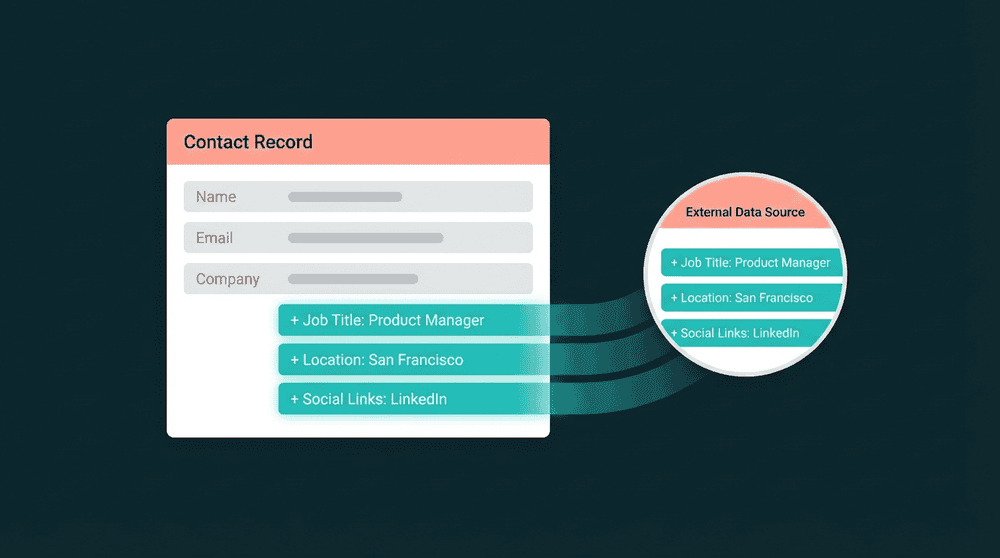
Every team sees the same customer
Billing status, support history, product usage, and email engagement flow between all connected tools. Your CRM, email platform, and support tool share one complete view of each customer.
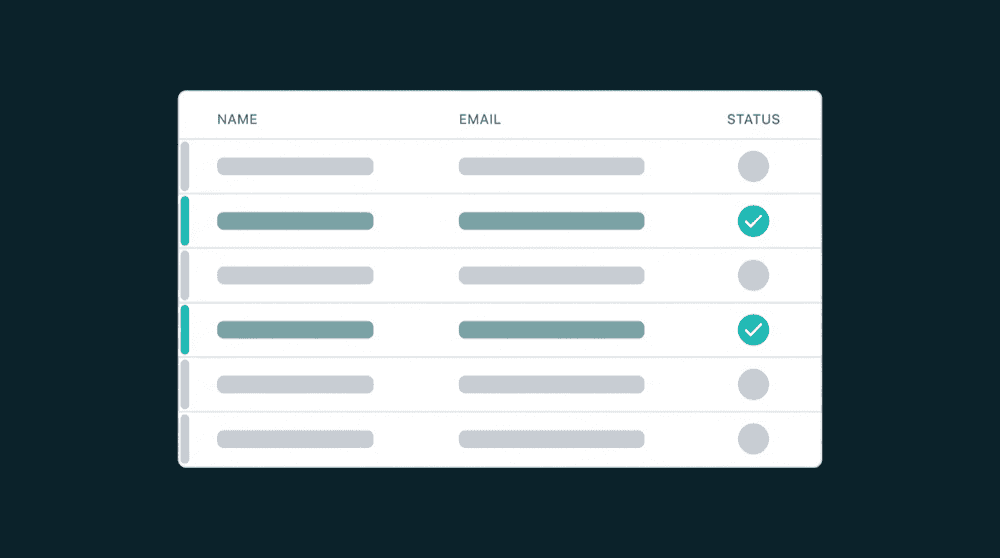
Your tools stay current as data changes
Property-level change tracking means only updated fields sync to each destination. When billing status changes in Stripe, your CRM and email tool reflect it within minutes.

Any tool works as source or destination
Every Oneprofile integration is bidirectional. CRM, billing, support, email, and databases all send and receive data.

Failed records are captured, not dropped
Records that fail all retries go to a dead letter queue for investigation and reprocessing. No silent data loss.

Set up in minutes, not months
Authenticate tools, map fields, and data flows. No SDK, warehouse, or multi-month implementation needed.
How your customer engagement platform works
Three steps to turn the tools you already use into a unified engagement system.
Step 1
Connect your CRM, email, and billing tools
Add your tools as sources and destinations. Oneprofile validates credentials against live APIs and discovers available record types and fields automatically.


Step 2
Map the customer fields each team needs
Map billing status, support tickets, product usage, and engagement data between tools. Type-aware mapping catches mismatches before data flows.
Step 3
Data flows and every tool stays in sync
Set a sync schedule or enable real-time updates. Every connected tool sees the same customer record, updated automatically. No manual exports or tab-switching.