Revenue Signals
Usage & Churn Data
Customer Value Tracking for Data Sync
Sync billing, support, and usage data to your CRM so every contact shows real customer value.

Why Customer Value Tracking Matters
Revenue, support history, and product usage live in three different tools. Your CRM only sees what someone manually exports. Customer value tracking starts when those fields sync automatically.
Customer Value Tracking Capabilities
The specific product features that make customer value tracking work across your tools.
Revenue fields stay current, not stale
Stripe subscription data syncs to your CRM every 15 minutes. Plan tier, MRR, and payment status update the same day a customer upgrades, downgrades, or goes past due.

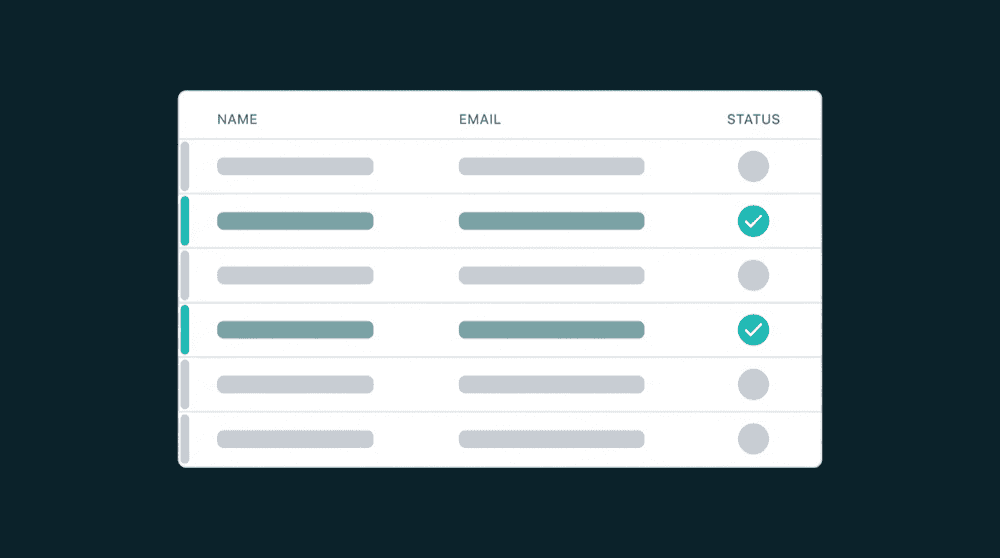
See which value fields actually changed
Property-level change tracking shows old and new values for every field. When MRR drops from $250 to $100, the CRM record shows the exact change, not just the current state.

Support data arrives without CSV exports
Ticket counts, conversation history, and escalation data sync from your support tool to CRM contact properties. No manual exports needed.

Usage signals flow from your database
Point Oneprofile at Postgres. Login frequency, feature adoption, and seat utilization push to your CRM without custom code.

Failed records are captured, not lost
Records that fail all retries enter a recovery queue. Automatic retry handles rate limits. Nothing is silently dropped.
How customer value tracking works
Connect billing, support, and product tools to your CRM. Customer value fields sync automatically.
Step 1
Connect billing and support tools
Add Stripe, Zendesk, Intercom, or your product database as sources. Oneprofile validates each connection against the live API before saving.

Step 2
Map customer value fields to your CRM
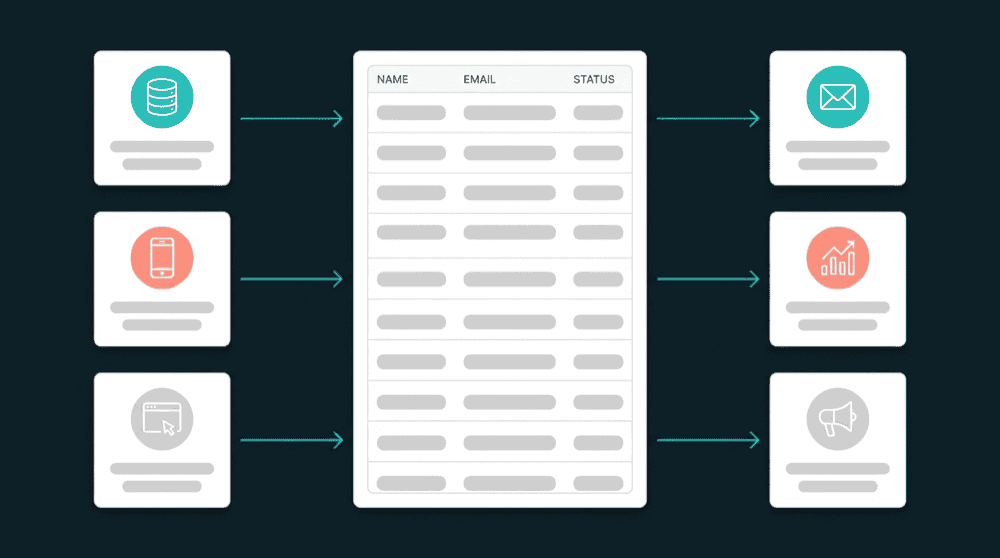
Map revenue, plan tier, ticket count, and usage fields to CRM contact properties. Type-aware mapping flags mismatches before data flows.
Step 3
Customer value updates on every sync
Set a schedule and billing changes, ticket spikes, and usage drops propagate to your CRM automatically. Only changed fields are sent.