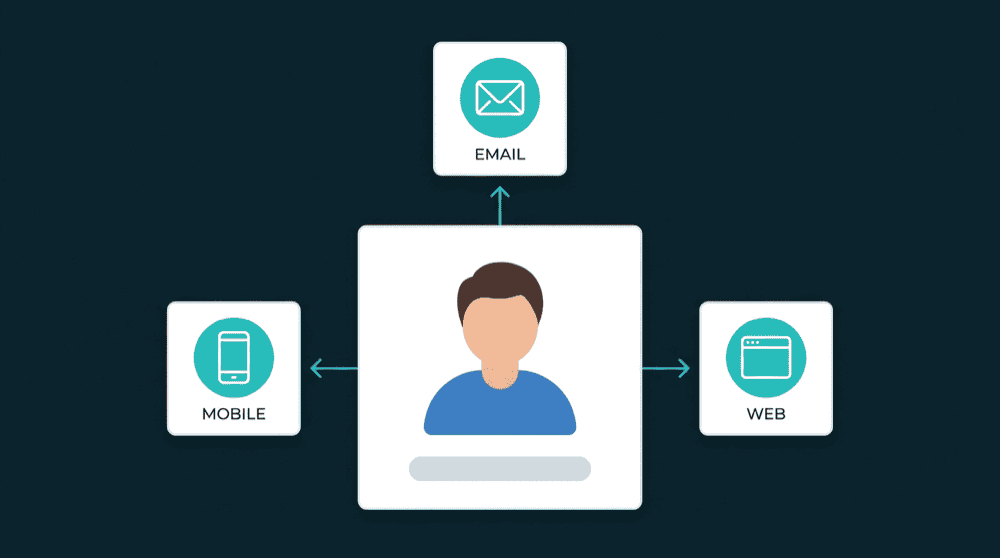
Warehouse Optional
Direct Database Access
Database Sync — Source of Truth for Every Tool
Database to SaaS sync that connects your Postgres to every CRM, marketing tool, and analytics platform you use.

Why Database to SaaS Sync Matters
Your app already writes to Postgres. ETL pipelines extract data into a warehouse, transform it, then reverse-ETL it out. For operational data, that pipeline is overhead. Connect directly.
Database Sync Capabilities
Built for teams who want their database as the source of truth for every SaaS tool they use.
Your database drives every tool
Point Oneprofile at Postgres and it pushes rows to every SaaS tool your team uses. Your app already writes to the database. No SDK, no event tracking, no extra code on your side.
Only changed rows leave your database
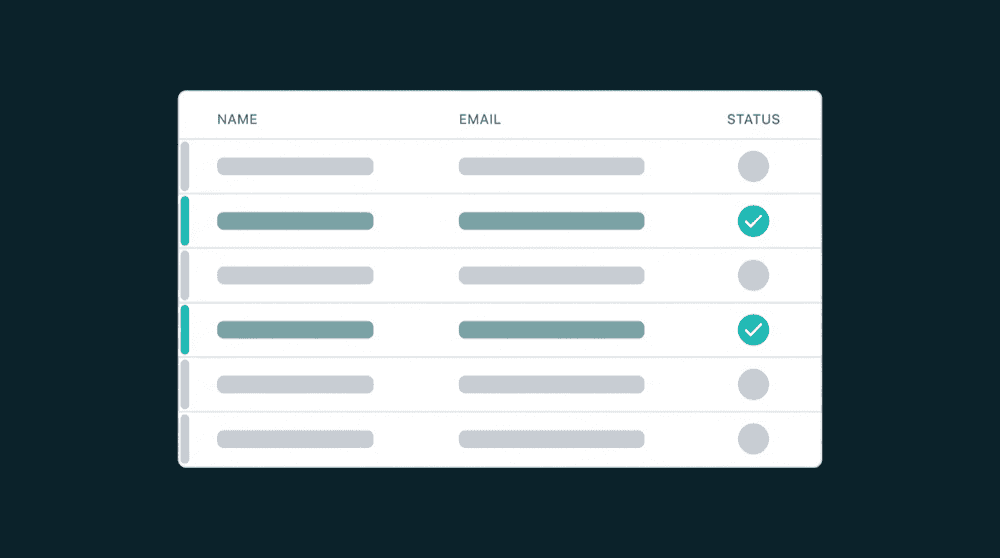
Delta sync reads only rows updated since the last run. Destinations receive field-level diffs, reducing API calls and preventing overwrites from stale data.

Every failed record is recoverable
Records that fail all retries are captured for investigation and reprocessing. Automatic retry handles rate limits and transient errors.

Destination fields create themselves
Oneprofile creates custom properties in your CRM or SaaS tool before writing data. No manual schema setup in HubSpot, Stripe, or Mixpanel.

Four sync modes for every use case
Update, Update or Create, Create Only, and Mirror. Pick the behavior that fits each destination and Oneprofile handles the rest.
How database to SaaS sync works
Connect your database, map columns to destination fields, and data flows on a schedule or in real time.
Step 1
Connect your database
Authenticate your Postgres, MySQL, or any supported database. Oneprofile reads your tables and columns at connect time. No schema definition or manual setup needed.


Step 2
Map database columns to SaaS fields
Oneprofile shows columns from your database and fields from the destination side by side. Type-aware mapping catches mismatches before data flows.
Step 3
Schedule and sync to every destination
Pick a schedule from 15-minute intervals to daily runs. The first run backfills all historical data. After that, only changed rows are processed and pushed to each destination.