Warehouse Optional
Merge Rules Built In
Unified Customer Profiles
Merge data from every connected tool into unified customer profiles that stay current across your entire stack.

Why RevOps Teams Need a Single Source of Truth
Your CRM says one thing, billing says another. RevOps teams lose trust in pipeline data when every tool holds a different customer slice. Without a single source of truth, forecasts drift.
Unified Customer Profile Capabilities
What you get when every tool contributes to and reads from the same customer profile.
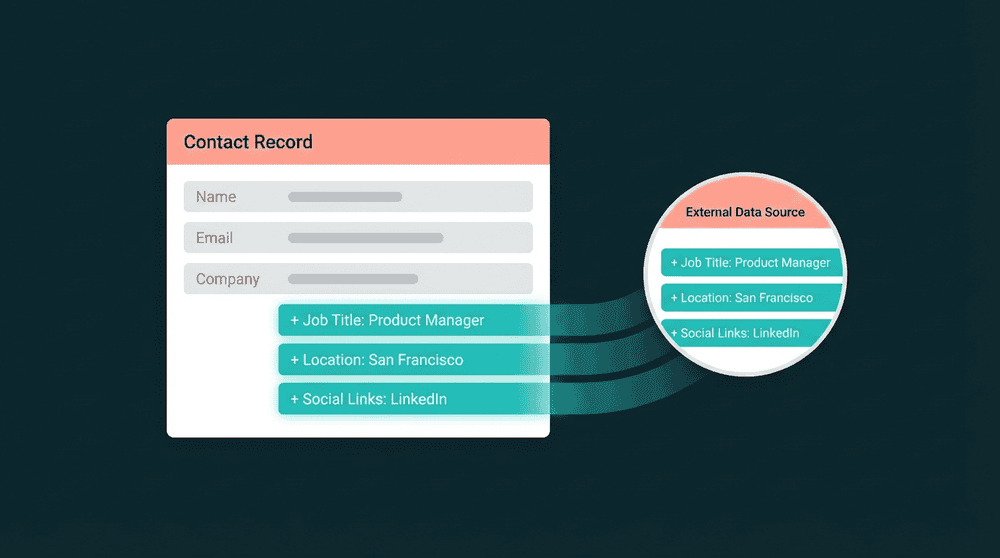
Every tool enriches the same profile
Stripe adds billing data, Intercom adds support history, your database adds product usage. Each source contributes its fields to one profile, and every destination gets the full picture.

Only changed fields propagate
Oneprofile tracks which individual fields changed, with old and new values. Destinations receive precise diffs instead of full-record overwrites, so manual edits in your CRM are preserved.

You control how conflicts resolve
Set per-field rules: last update wins, highest value wins, or prioritize a specific source. No black-box resolution.

Direct connections. No SDK, no graph.
Connect tools directly. Oneprofile merges profiles without SDK instrumentation or an identity graph. Warehouse optional.

Every failed record is recoverable
See exactly which records failed, why, and retry them. No silent data loss.
How Unified Customer Profiles Work
Connect tools, define merge rules, and Oneprofile assembles a complete profile per customer.
Step 1
Connect your data sources
Authenticate your CRM, database, billing tool, or any source. Oneprofile validates credentials and discovers available record types and fields automatically.

Step 2
Define how profiles merge
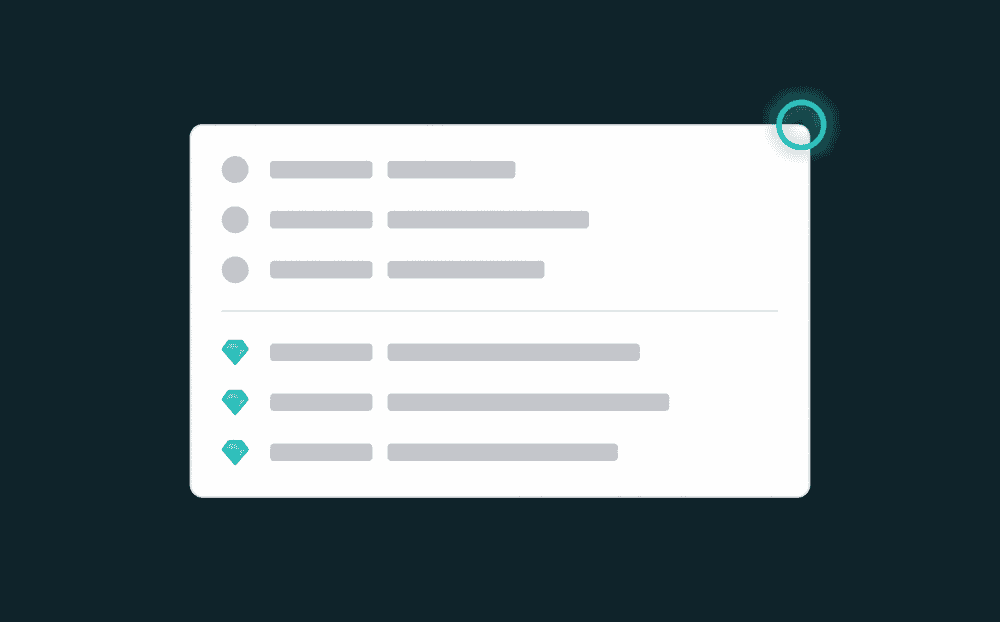
Map fields from each source to a unified schema. Set merge rules per field: last update wins, largest value wins, or source priority. Oneprofile resolves conflicts before data flows.
Step 3
Push complete profiles everywhere
Oneprofile syncs the merged profile back to every destination. Your email tool, CRM, and support platform all see the same customer with the same data.
