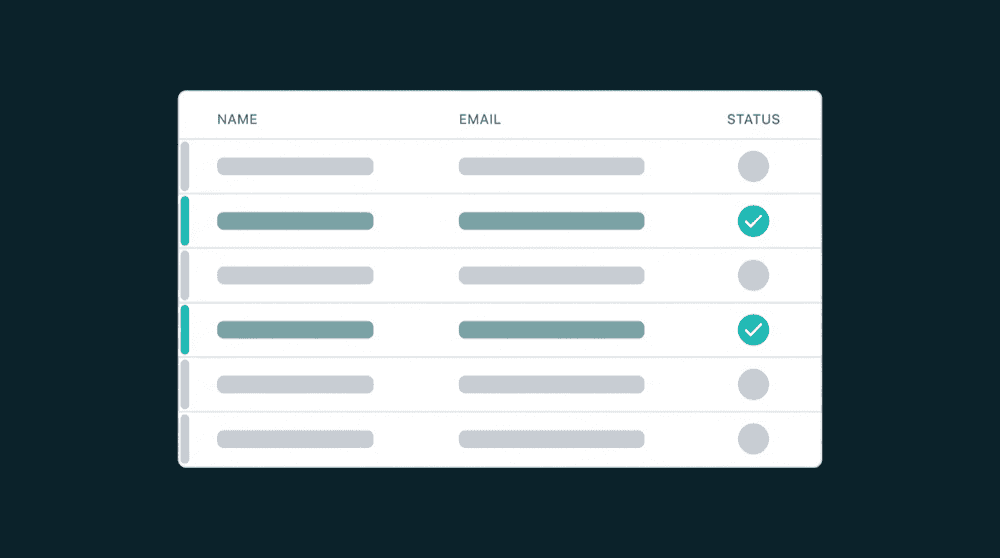
Automatic Audit Trails
Config Change History
Customer Data Governance Built In
Automatic audit trails for every sync, every config change, and every field update. Included on every plan.

Why Customer Data Governance Matters
A field changes in your CRM. Was it a sync, a manual edit, or an API call? Without an audit trail, there is no way to trace it back or know who triggered the change.
Customer Data Governance Capabilities
Data sync audit trail, config history, and change attribution built into every sync.
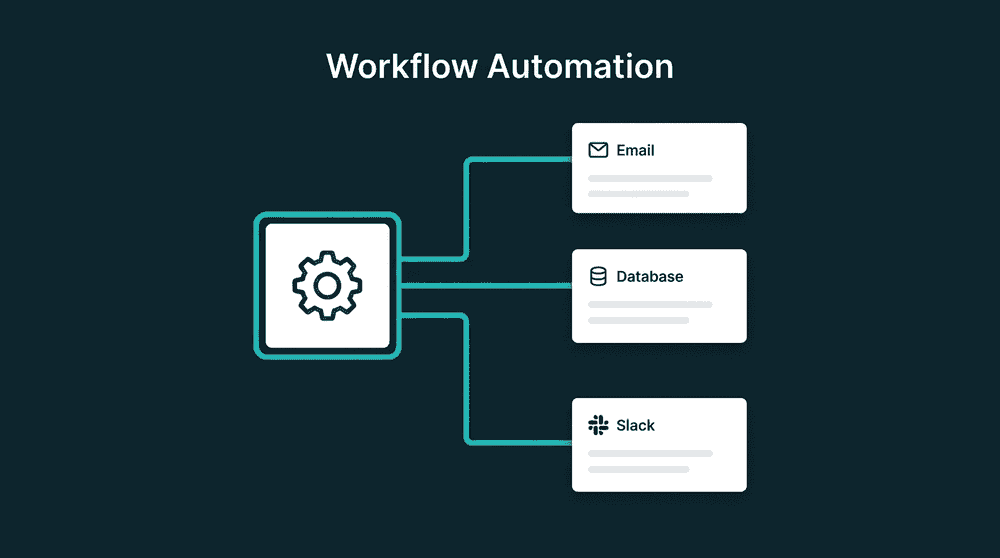
Know who changed every sync config
Every config change is logged: who created it, who updated it, what changed, and the previous values. Whether a person or an API key made the change, the audit trail captures it.

Trace field changes to their origin
Property-level change tracking records every field update with the old value, new value, and the sync run that moved it. Trace any discrepancy back to its exact source.

No record fails without a trace
Failed records are flagged with the exact error for investigation and retry. Nothing is silently lost.

Every action attributed to its source
Manual runs, config changes, and cancellations are tagged with the user or API key that triggered them.

Included on every plan
Full audit trails, change tracking, and error recovery ship on every plan. No enterprise upgrade required for governance.
How customer data governance works
Connect your tools, configure syncs, and every data change is tracked with a full audit trail from day one.
Step 1
Connect tools and define field ownership
Authenticate your source and destination tools. Pick record types and assign which tool owns each field. Oneprofile logs every config creation with the user or API key that set it up.


Step 2
Map fields with change tracking enabled
Map source fields to destination fields. Every sync tracks which fields changed, the previous value, and the new value. Only the changed fields sync to the destination.
Step 3
Monitor syncs and trace every change
Every sync run logs records imported, exported, created, updated, and failed. Trace any discrepancy to the exact run, field, and timestamp that caused it.