Cron Scheduling
Grouped Configs
Data Sync Automation for Every Tool
Data sync automation on your schedule. Group syncs, monitor runs, and keep every tool current from one dashboard.

Why Data Sync Automation Matters
Your marketing tool doesn't know your CRM updated until someone notices stale data. Cron scripts lose error handling. Recipe tools charge per execution and poll every 15 minutes.
Sync Scheduling Capabilities
Scheduling is the core of data sync automation. Here's what Oneprofile gives you out of the box.

Related syncs always run together
Group multiple sync configs under one schedule so CRM, marketing, and support tools all update at the same time. No drift between destinations.
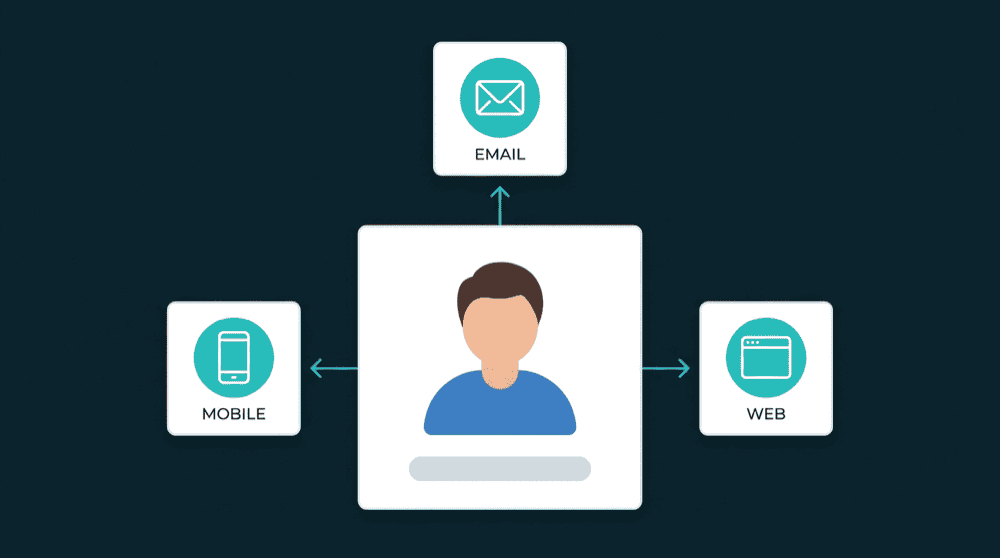
Real-time and scheduled in one place
Enable webhook-driven sync for tools that support it and cron-based schedules for everything else. Both run from the same dashboard, no separate real-time pipeline.

Pause and resume without losing state
Pause a schedule when you need to. Oneprofile holds the sync state so resuming picks up exactly where you left off.

Always know when the next run fires
Every schedule shows its next run time. No guessing whether your data is current or when the next update arrives.

Trigger any sync on demand
Run incremental or full syncs manually from the dashboard or API. No waiting for the next scheduled window.
How data sync automation works in Oneprofile
Three steps to automated data sync: connect your tools, group them under a schedule, and monitor runs.
Step 1
Create sync configs for each data flow
Pick a source and destination, choose a record type, and map fields. Each sync config defines one directional data flow between two tools.


Step 2
Group configs under a cron schedule
Bundle related sync configs into one schedule. Set the frequency with a visual cron builder: every 15 minutes, hourly, daily, or weekly. All configs in the group run together.
Step 3
Monitor runs and handle failures
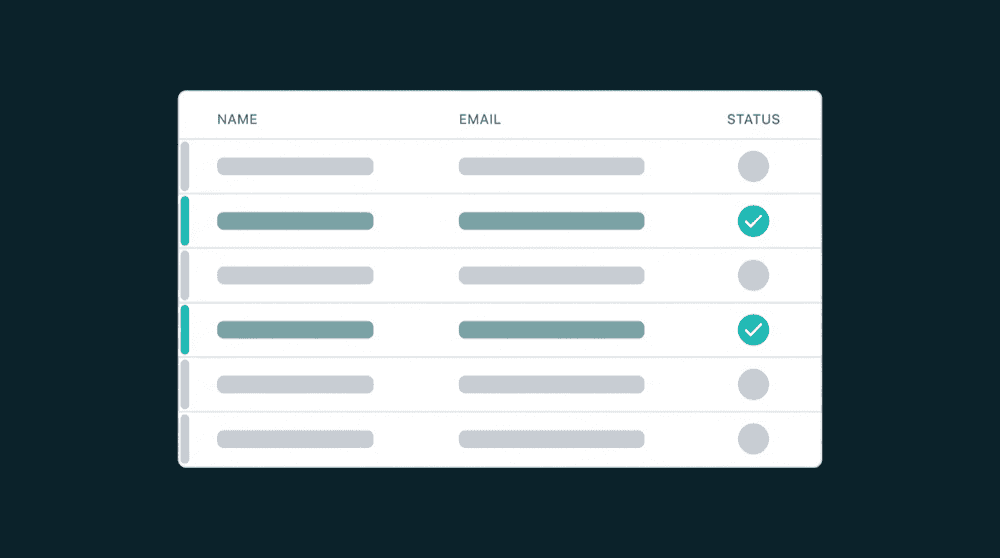
Track imports, exports, creates, updates, and errors in real time. Failed records are captured for retry. Cancel or re-trigger any run from the dashboard.