Backfill + Ongoing Sync

Four Migration Modes

Data Migration Software for SaaS Teams

Data migration software that moves records between tools and keeps them in sync after the initial transfer.

No credit card required

Free 100k syncs every month

No credit card required

Free 100k syncs every month

No credit card required

Free 100k syncs every month

Why Data Migration Needs Ongoing Sync

Most migration tools run once and get discarded. Your team needs both systems running for weeks while habits catch up. That gap is where records fall out of sync.

Data Migration Software Capabilities

Everything you need to migrate data between tools and keep it flowing afterward.
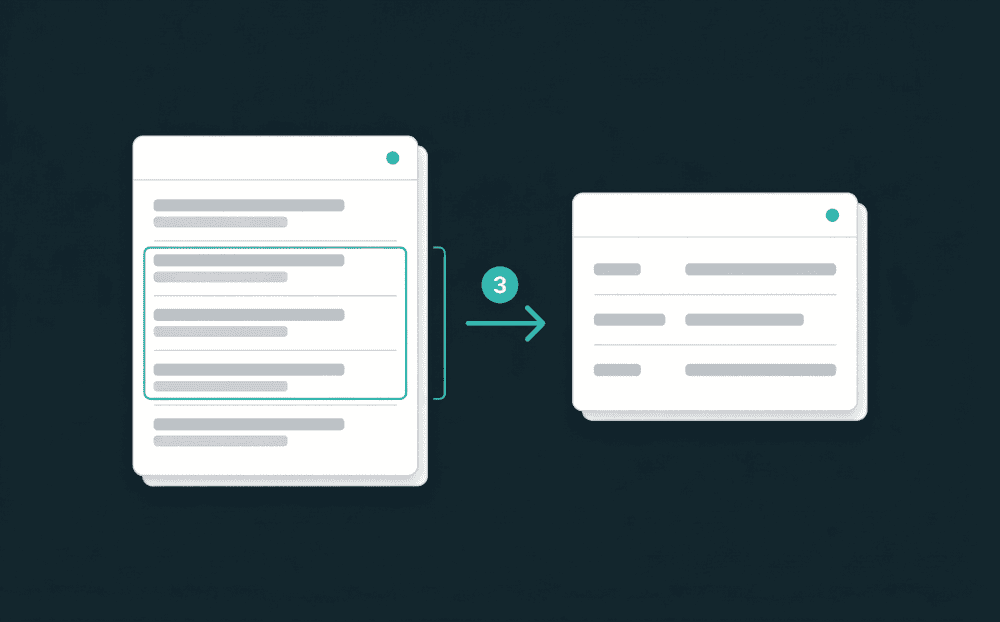
Your full history migrates on day one

New syncs start with a complete backfill. Every record in the source transfers to the destination immediately. No separate migration step, no manual export.
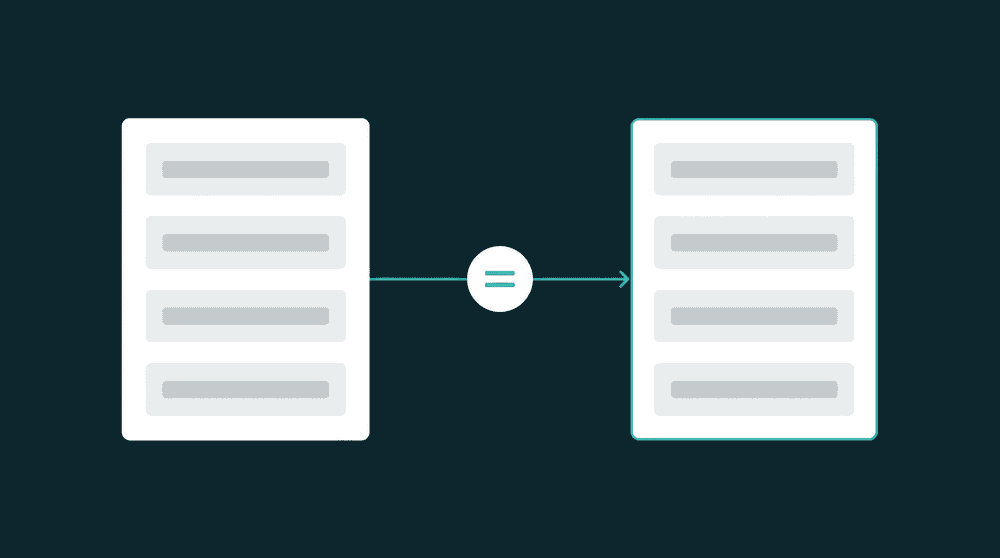
Four modes for every migration pattern

Update existing records, create new ones, append without touching existing data, or mirror the source exactly. Mirror mode deletes records from the destination that no longer exist in the source.

Every failed record is recoverable

Records that fail during migration land in a recovery queue. Review the error, fix the cause, and reprocess. Nothing is silently dropped.

Migration becomes sync automatically

The config that migrated your data keeps running on schedule. No tool switch, no re-mapping. One setting turns backfill into ongoing sync.

Only changed fields get written

Property-level change tracking sends only the diff. Fewer API calls, no full-record overwrites, and a clear audit trail per field.

How Oneprofile data migration software works

Connect your source, map fields, and run a backfill. The same configuration that migrates keeps syncing.

Step 1

Connect source and destination

Authenticate both tools with API keys or OAuth. Oneprofile validates credentials against the live service and discovers available record types: contacts, companies, deals, or custom objects.


Step 2

Map fields and pick a migration mode

Oneprofile discovers fields from both tools and shows them side by side. Pick Update or Create for additive migrations, Mirror for exact replication, or Create Only for append-only imports.

Step 3

Run backfill and start syncing

The first sync transfers every record from source to destination. After that, only changed records sync on schedule. The migration becomes ongoing sync without changing a thing.

FAQ

What is data migration software?

Data migration software moves records between systems, databases, or SaaS tools. Most tools handle one-time transfers. Oneprofile handles the initial migration and ongoing sync in the same configuration.

Do I need a data engineer to run a data migration?

No. Connect tools, map fields visually, and run the migration. No code, no scripts, no staging environment. Oneprofile is built for teams without dedicated data engineers.

How long does data migration take with Oneprofile?

Setup takes minutes. The backfill duration depends on record count and API rate limits. Most SaaS tool migrations with 10,000 to 50,000 records finish in under an hour.

Can I use Oneprofile as a database migration tool?

Yes. Connect your Postgres or any database as a source. Unlike dedicated database migration tools, Oneprofile keeps syncing after the initial transfer. Map tables to record types and go.

What happens if records fail during migration?

Failed records land in a dead letter queue for review and reprocessing. Oneprofile retries automatically on rate limits and server errors. No data is silently lost.

What is data migration software?

Data migration software moves records between systems, databases, or SaaS tools. Most tools handle one-time transfers. Oneprofile handles the initial migration and ongoing sync in the same configuration.

Do I need a data engineer to run a data migration?

No. Connect tools, map fields visually, and run the migration. No code, no scripts, no staging environment. Oneprofile is built for teams without dedicated data engineers.

How long does data migration take with Oneprofile?

Setup takes minutes. The backfill duration depends on record count and API rate limits. Most SaaS tool migrations with 10,000 to 50,000 records finish in under an hour.

Can I use Oneprofile as a database migration tool?

Yes. Connect your Postgres or any database as a source. Unlike dedicated database migration tools, Oneprofile keeps syncing after the initial transfer. Map tables to record types and go.

What happens if records fail during migration?

Failed records land in a dead letter queue for review and reprocessing. Oneprofile retries automatically on rate limits and server errors. No data is silently lost.

Ready to get started?

No credit card required

Free 100k syncs every month

Ready to get started?

No credit card required

Free 100k syncs every month

Ready to get started?

No credit card required

Free 100k syncs every month

© 2026 Oneprofile Software

455 Market Street, San Francisco, CA 94105

© 2026 Oneprofile Software

455 Market Street, San Francisco, CA 94105

© 2026 Oneprofile Software

455 Market Street, San Francisco, CA 94105