No New Data Stores
Built-In Audit Trail
Data Privacy Controls for Data Sync
Data privacy controls for teams syncing customer data between SaaS tools, databases, and warehouses.

Why Data Privacy Controls Matter
Each tool in your stack stores customer data. Every copy adds a system to audit, a deletion target when someone requests their data removed, and a wider surface for breaches.
Built-In Data Privacy Controls
Every privacy control ships with the sync engine. No add-ons, no premium tiers, no separate compliance product.
No new places for data to live
Oneprofile moves data between your existing tools without copying it into a warehouse or staging area. Your compliance scope stays exactly where it was before you connected anything.

Each tool gets only the fields it needs
Field mapping lets you control exactly which data reaches each destination. Your marketing tool gets email and name. Your CRM gets billing status. Nothing extra flows where it does not belong.

Every record change is logged
Sync logs capture every field update with old and new values, timestamps, and attribution. Your audit trail builds itself.

Failed records are captured, not lost
Failed records are flagged with the exact error for investigation and retry. No silent data loss, no gaps in your compliance record.

No tracking scripts on your site
Oneprofile reads from your database and existing tools. No client-side SDK, no JavaScript tags, no new consent banners for visitors.
How data privacy controls work in Oneprofile
Connect tools, choose which fields sync, and monitor every record that moves.
Step 1
Connect your tools directly
Oneprofile syncs data between tools you already use. No SDK to install, no warehouse to set up, and no new data store where customer records accumulate.


Step 2
Map only the fields each tool needs
Pick which fields flow to each destination. If your email tool only needs name and email, that is all it receives. No extra personal data leaks into systems that do not need it.
Step 3
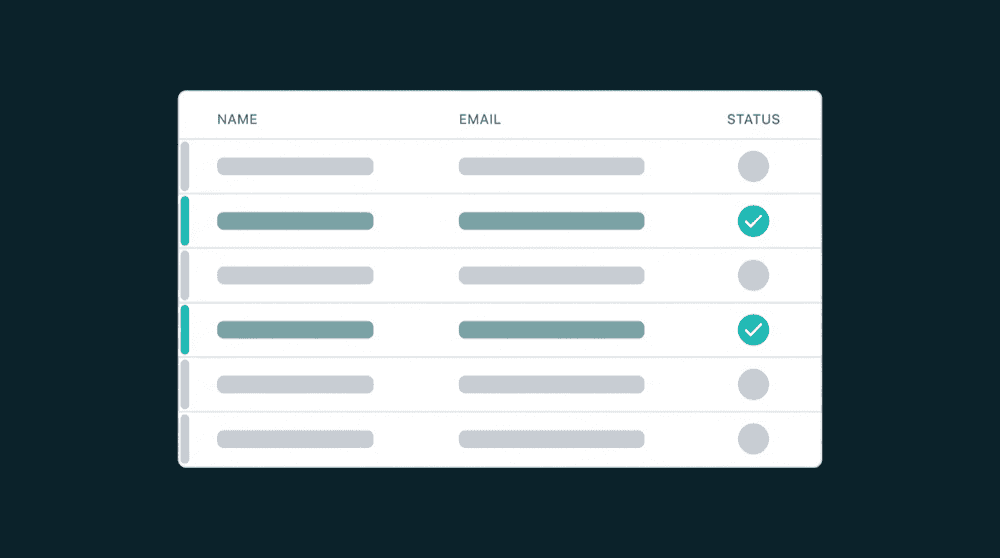
Monitor every sync with built-in logs
Every record that moves is logged with old and new values, timestamps, and the user or API key that triggered it. Your audit trail exists before you need to produce one.