Warehouse Optional
Any Tool to Any Tool
Tool-to-Tool Data Sync
Sync data directly between your tools. No intermediate pipeline to build, no SQL to write. Warehouse optional.

Why Tool-to-Tool Sync Matters
Most data platforms route everything through an intermediate pipeline. You write SQL, schedule reverse ETL jobs, and pay for compute to get billing data into your CRM. Direct sync skips the detour.
Tool-to-Tool Sync Capabilities
What changes when your tools share data directly instead of through an intermediate layer.

Any source to any destination
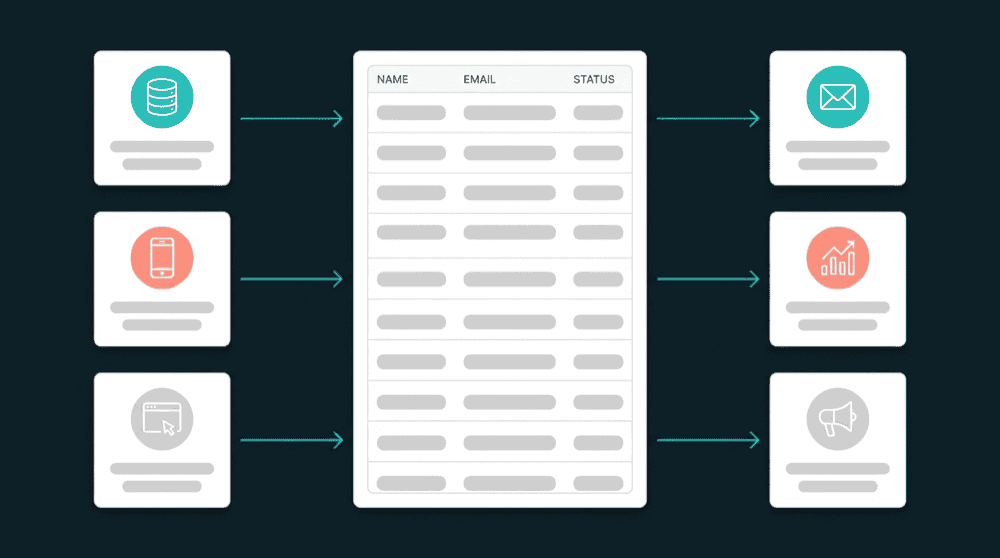
Stripe to HubSpot. PostgreSQL to Mailchimp. Intercom to Attio. Every tool is both a source and a destination. Connect any two and data flows in both directions from a single configuration.
Start syncing, upgrade to profiles later
Begin with direct tool-to-tool sync to solve immediate data silos. When you're ready, turn on unified profiles and identity resolution. Same connections, no migration.

Only changed fields travel
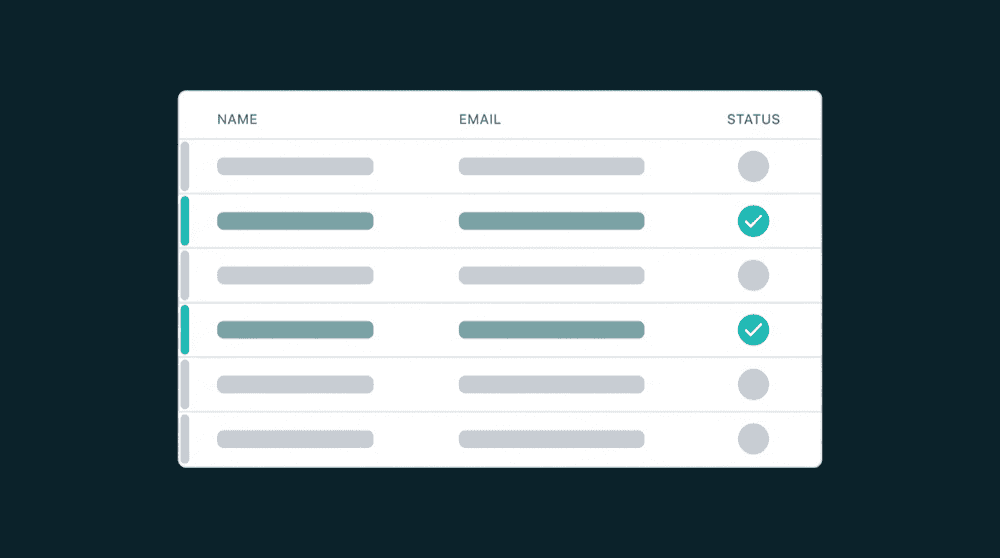
Property-level change tracking sends precise diffs. Unchanged fields stay untouched. Rate limits last longer and local edits are preserved.

Direct sync. No SQL, no dbt.
No SQL to write, no dbt models to maintain. Data moves between tools directly. Warehouse optional if you need one for analytics.

Failed records are recoverable
Records that fail after retries are captured with the exact error. Reprocess without rerunning the full sync.
How tool-to-tool data sync works
Pick a source, pick a destination, map fields, and data flows. Start syncing in minutes.
Step 1
Connect any two tools
Authenticate your source and destination. CRM, billing, support, marketing, database, spreadsheet — any combination. Oneprofile validates both connections and discovers fields from each.


Step 2
Map fields between tools
Select which fields to sync visually. Type-aware mapping flags mismatches before data flows. Missing fields are created automatically in the destination with the correct type.
Step 3
Schedule or sync on demand
Set a cron schedule or trigger syncs manually. The first run backfills every existing record. After that, only changed fields sync. Add more tools whenever you need them.