Bidirectional
No SDK Required
Bidirectional Data Sync
Your tools connect once and share data both ways. Bidirectional data sync without separate connector types or SDKs.

Why Bidirectional Data Sync Matters
Most platforms split integrations into sources and destinations. You connect the same tool twice, with two API keys and two pipelines. Bidirectional connectors eliminate the split.
Bidirectional Sync Capabilities
What your team gets from every Oneprofile connector, grounded in real product capabilities.

Every tool reads and writes
Each Oneprofile connector is both a source and a destination. Connect a tool once and use it both ways. No duplicate connections, no separate read and write types.
Your record types, not ours
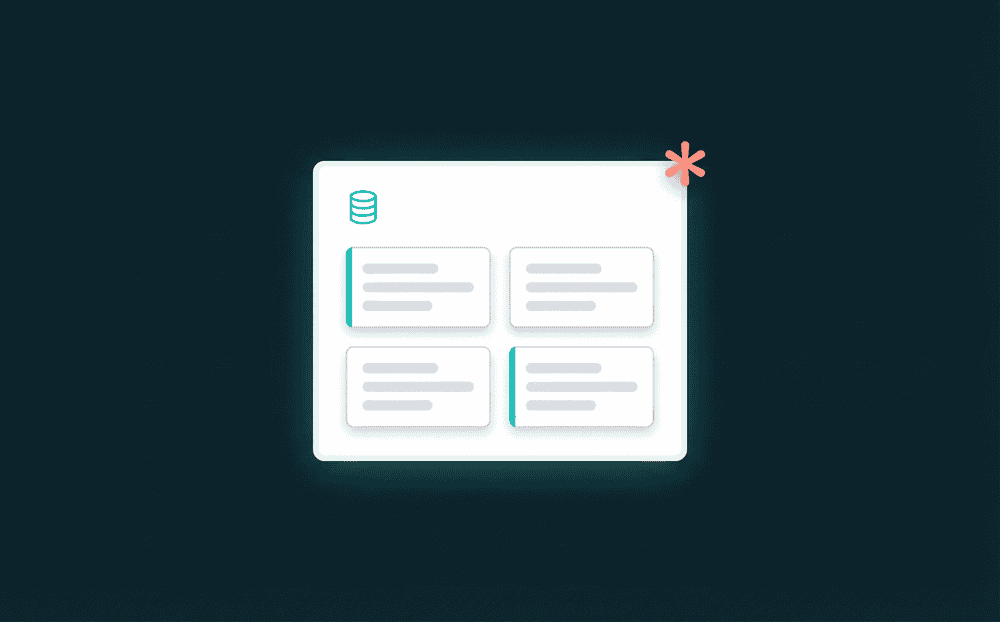
Oneprofile discovers every record type a tool exposes. Contacts, deals, companies, custom objects, database tables, spreadsheet tabs. You pick which ones to sync.

Credentials validate before data flows
Oneprofile tests your API key or OAuth token against the live service on connect. Bad credentials fail instantly, not after your first sync.

Your database is a first-class source
Point Oneprofile at Postgres, MySQL, or BigQuery and it pushes data to every SaaS tool. No SDK, no event tracking code.

Failed records never silently drop
Failed records are flagged with the exact error for investigation and retry. Reprocess from the dashboard.
How bidirectional data sync works
Authenticate a tool, pick record types, map fields, and data flows. SaaS data integration in three steps.
Step 1
Authenticate and connect your tool
Enter your API key or OAuth credentials. Oneprofile validates them against the live API immediately, so you know the connection works before saving anything.


Step 2
Pick record types and map fields
Oneprofile discovers every record type your tool exposes. Contacts, deals, companies, custom objects. Map fields visually with type-aware matching.
Step 3
Set a schedule and sync
Choose a cron schedule or trigger syncs on demand. Oneprofile sends only changed fields to every destination, reducing API calls and keeping data fresh.