Data consolidation for scattered tools
Data consolidation for scattered tools
After M&A, team growth, or years of ad-hoc tool adoption, your customer data lives in five places. Oneprofile handles the data consolidation and keeps everything synced afterward.
No credit card required
Free 100k syncs every month
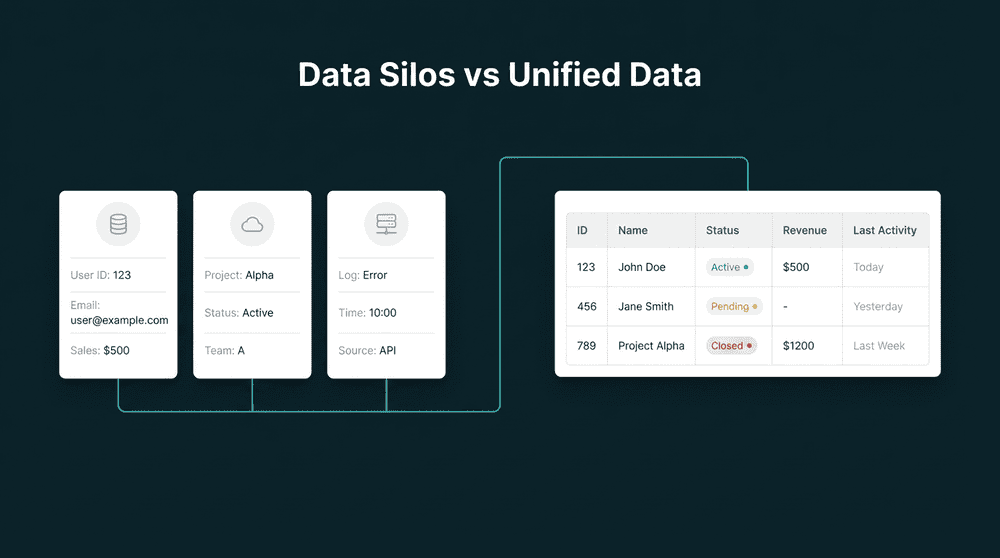
What happens when data consolidation stalls
Every team knows their data is fragmented. The consolidation project keeps getting postponed because nobody has weeks of engineering time to dedicate to it.

Customer records scattered across duplicate tools
Marketing runs Mailchimp and Brevo. Sales uses HubSpot and Pipedrive. Support is split between Zendesk and Intercom. The same customer exists in six places with six different field sets.

No one knows which record is correct
A customer updated their email in Stripe, their phone in HubSpot, and their company name in Intercom. Three tools have three partial truths. Nobody can point to the authoritative version.

One-time exports don't solve anything
Someone exports CSVs from every tool, merges them in a spreadsheet, and uploads to the surviving tool. Two weeks later the data is out of sync again. The spreadsheet was always the wrong approach.
Connect every tool as a source
Authenticate each tool with API keys. Old CRM, new CRM, email tools, billing, support. Oneprofile reads records from all of them. No CSV exports, no migration scripts, no engineering tickets.
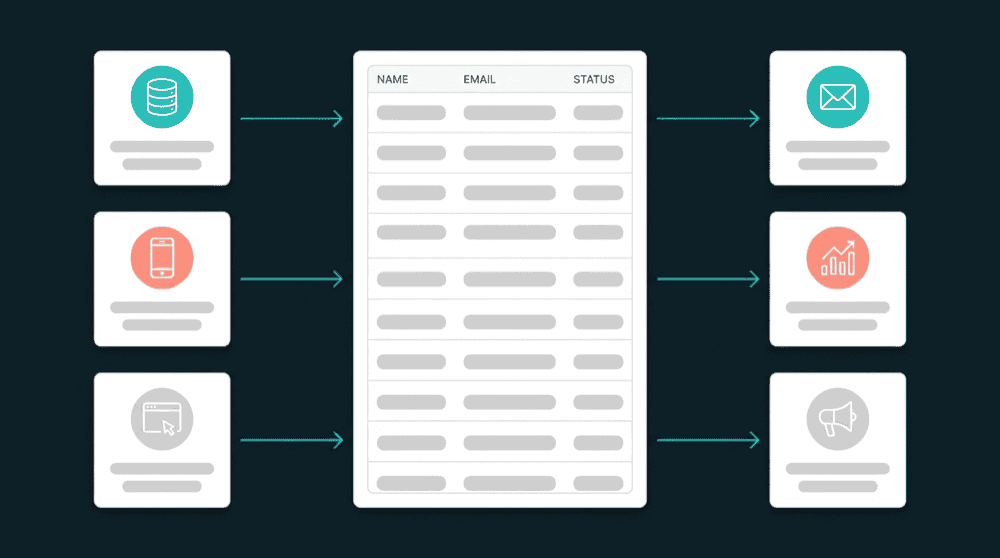
Connect every tool as a source
Authenticate each tool with API keys. Old CRM, new CRM, email tools, billing, support. Oneprofile reads records from all of them. No CSV exports, no migration scripts, no engineering tickets.

Run backfills from each source sequentially
Start with your highest-priority source. Run a full backfill in Update or Create mode. Move to the next source and repeat. Later sources fill gaps without overwriting earlier data.

Deduplicate with email or ID as matching key
Use email or customer ID as the primary key. When two sources have the same customer, Oneprofile updates the existing record instead of creating a duplicate. One customer, one record.

Every failed record is captured for review
If a record fails to consolidate due to a field type mismatch or rate limit, it lands in the error queue with full context. Fix the mapping, reprocess, and the record syncs. Nothing is dropped.
Common data consolidation examples
See how teams consolidate customer data from scattered tools into a single source of truth after M&A, tool sprawl, or team merges.


Merge Salesforce contacts into HubSpot after an acquisition. Map fields, backfill all records, and keep both CRMs synced during the transition period.
Salesforce
+
HubSpot


Consolidate Mailchimp subscriber lists into Loops after years of running both. Oneprofile maps custom fields and deduplicates by email address.
Mailchimp
+
Loops.so


Merge Zendesk customer records into Intercom when two support teams combine. Custom attributes and company associations transfer with full field mapping.
Zendesk
+
Intercom


Consolidate Pipedrive contacts and deals into Attio when the sales team standardizes on one CRM. Custom properties are created in Attio automatically.
Pipedrive
+
Attio

Import legacy customer data from Google Sheets into HubSpot as part of a broader consolidation. Column-to-field mapping handles the schema differences.
Google Sheets
+
HubSpot

Push Stripe billing data into Salesforce contact records so the consolidated CRM has subscription status, plan, and MRR alongside sales data.
Stripe
+
Salesforce
View All Integrations
Connect your tools
Oneprofile supports wide range of integrations across categories

Airtable
Productivity
Attio
CRM

Chargebee
Payments

Close
CRM

Freshdesk
Customer Support
Google Sheets
Productivity
HubSpot
CRM
Intercom
Customer Support
Loops.so
Mailchimp
Pipedrive
CRM

Plain
Customer Support
Salesforce
CRM
Stripe
Payments
Zendesk
Customer Support

Zoho CRM
CRM
View All Integrations
How data consolidation works with Oneprofile
Five steps from scattered tools to a single source of truth.
Step 1
Connect all tools that hold customer data
Authenticate your CRMs, email tools, billing platforms, and support tools. Oneprofile validates each credential and discovers available record types from every connected tool.

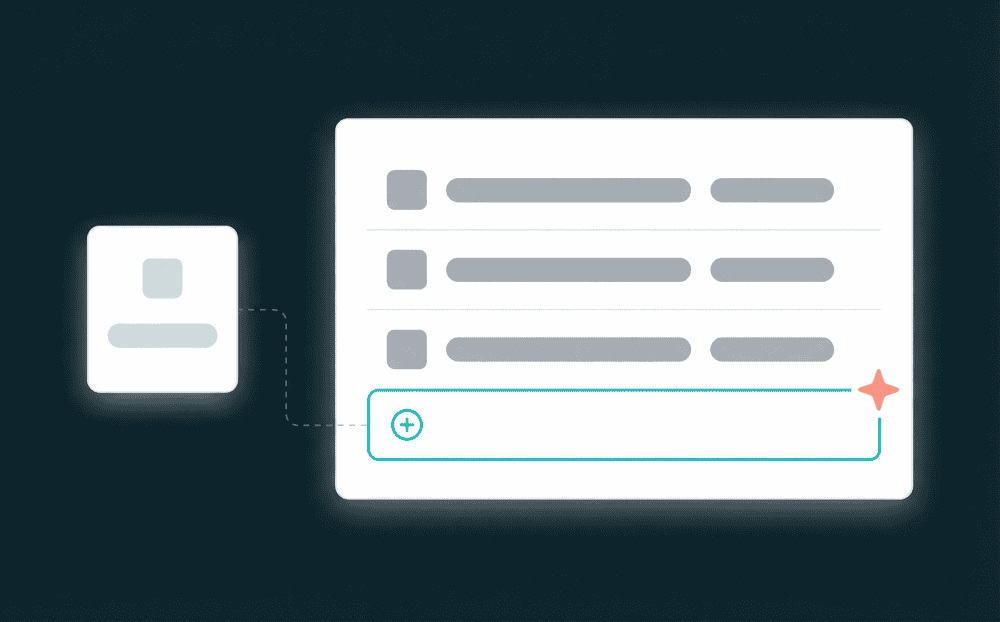
Step 2
Choose the surviving destination
Pick the tool that becomes your source of truth. Every other tool will feed records into it. Common choices: your primary CRM for customer data, or a database for the master copy.
Step 3
Map fields from each source tool
For each source, map its fields to the destination. Name, email, plan, custom attributes. Oneprofile auto-creates properties in the destination when they don't exist. Repeat for every source.

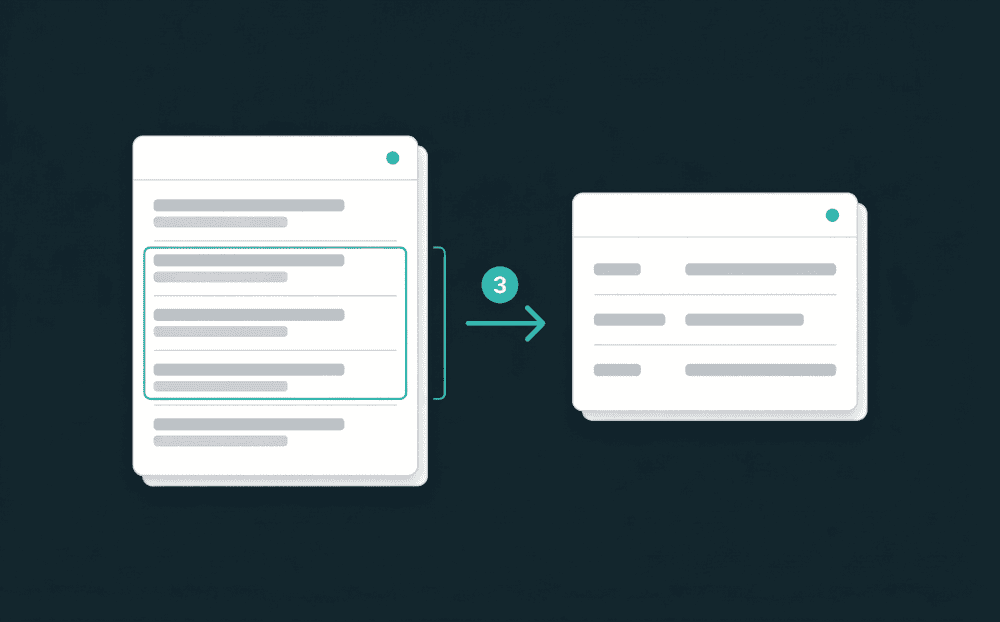
Step 4
Run sequential backfills to merge records
Use Update or Create mode. The first backfill writes records from source one. The second adds records from source two, updating matches and creating new entries. Each source enriches the destination.
Step 5
Set ongoing sync to keep the stack unified
After consolidation, set a sync schedule. Any changes in remaining active tools flow to the destination automatically. The one-time migration becomes ongoing data consolidation.
FAQ
How long does data consolidation take with Oneprofile?
Can I consolidate data from more than two tools at once?
What happens to duplicate records during consolidation?
Do I need a data warehouse to consolidate tool data?
Can I keep tools synced after the initial consolidation?