Restaurants

Restaurants
Restaurant data integration
Keep POS, delivery, CRM, and marketing tools in sync — warehouse optional, no engineering tickets.
Why restaurant data integration matters
Your POS, delivery app, Stripe, and CRM each see a different guest. Syncing every source into one complete guest record means marketing targets regulars, GMs recognize VIPs, and "we miss you" emails stop reaching guests who ordered last night. Connected data builds loyalty.

$1T
US restaurant industry annual revenue

70%
Restaurant revenue from repeat guests

3-5
Average tech systems per restaurant location
Restaurant data integration with Oneprofile
The sync patterns restaurant teams set up most. Square, Toast, Stripe, Mailchimp, and Google Sheets.
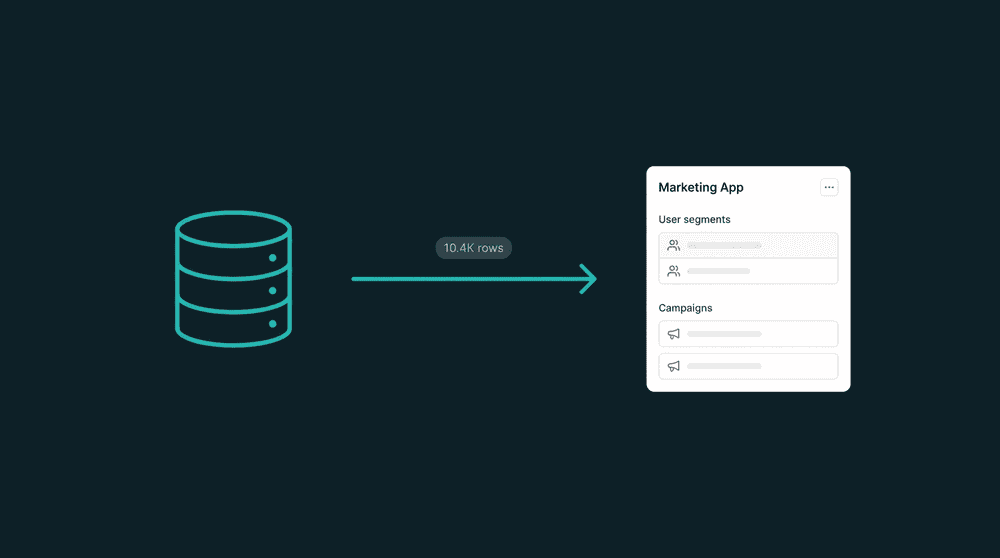
Workflow 1
Sync POS sales data to your email tool
Push Square or Toast transaction data to Mailchimp: purchase frequency, average ticket, last visit date. Target regulars with loyalty offers and win back guests who stopped coming in.

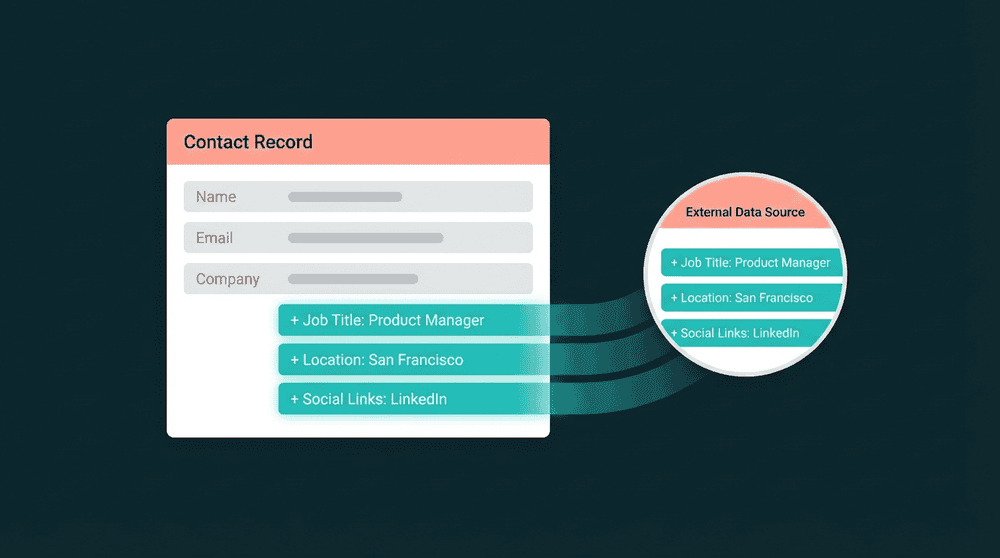
Workflow 3
Sync guest lists from Google Sheets
Restaurant groups track VIP guests, event attendees, and catering leads in spreadsheets. Connect Google Sheets and Oneprofile pushes that data to your CRM and email tool automatically.
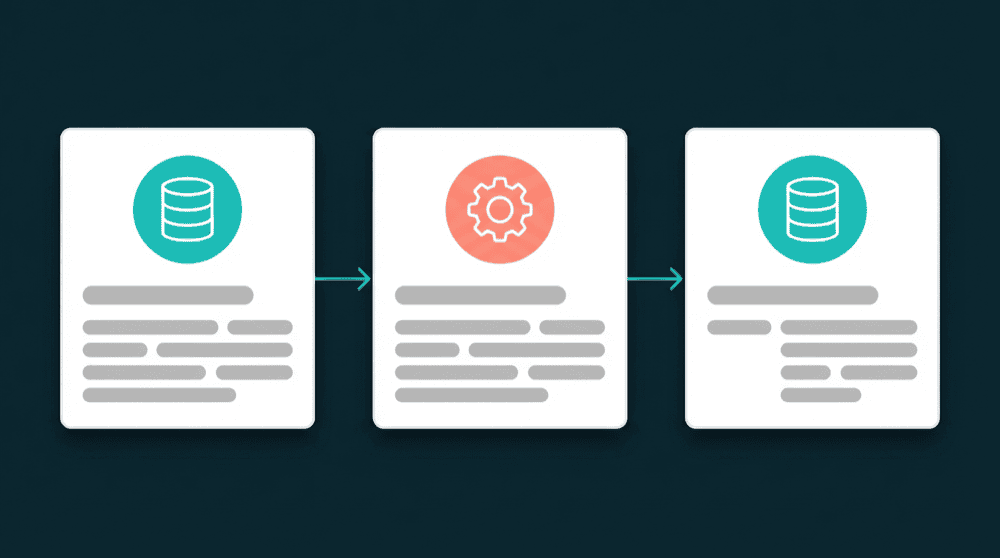
Workflow 4
Sync guest profiles from your database
Connect PostgreSQL and push guest records, order history, and loyalty tiers to every tool in your stack. Your app writes to the database. Oneprofile distributes the data.
How Oneprofile fits your restaurant stack
Built for syncing Square, Toast, Stripe, Mailchimp, and your guest database across locations.
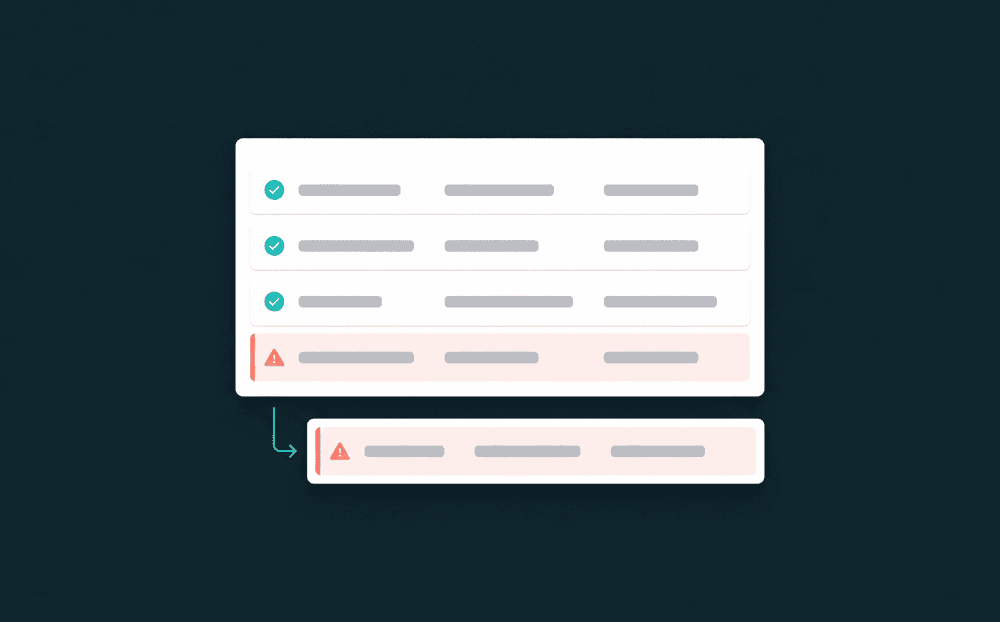
No guest record lost during rush hours
Friday dinner rush spikes API calls to your email tool. When a rate limit hits, Oneprofile captures failed records and retries them automatically. No guest data is silently dropped.

Guest preferences stay intact on sync
When a guest's loyalty tier changes, only that field syncs to your CRM. Staff notes, dietary preferences, and seating requests your team added stay untouched.
Schedule syncs around service hours
Sync guest data after closing, before the morning email send, or every 15 minutes during service. Set it once, Oneprofile runs it on that schedule without manual intervention.
Relevant Use Cases

Centralize Customer Data
Managing customer data across HubSpot, Stripe, and Zendesk? Sync billing, support, and marketing into one current CRM profile, warehouse-optional.
Learn More

Data Activation
Activate customer data across CRM, billing, support, and marketing in five no-code workflows. Warehouse optional, bidirectional sync. Start free.
Learn More

Replace Zapier Workflows
Replace Zapier data-sync Zaps with managed sync: bidirectional, historical backfill, error recovery, published pricing, no per-task fees. Start free.
Learn More
Do I need a data warehouse to sync restaurant data?
Which restaurant tools does Oneprofile connect?
How is Oneprofile different from Zapier for restaurants?
How long does restaurant data integration take to set up?
What happens when a sync fails during a busy service?