Centralize customer data across tools
Centralize customer data across tools
Managing customer data across HubSpot, Stripe, Zendesk, and Mailchimp shouldn't mean tab-switching and CSV exports. Sync billing, support, and marketing data into your CRM automatically.
No credit card required
Free 100k syncs every month
The managing customer data challenge
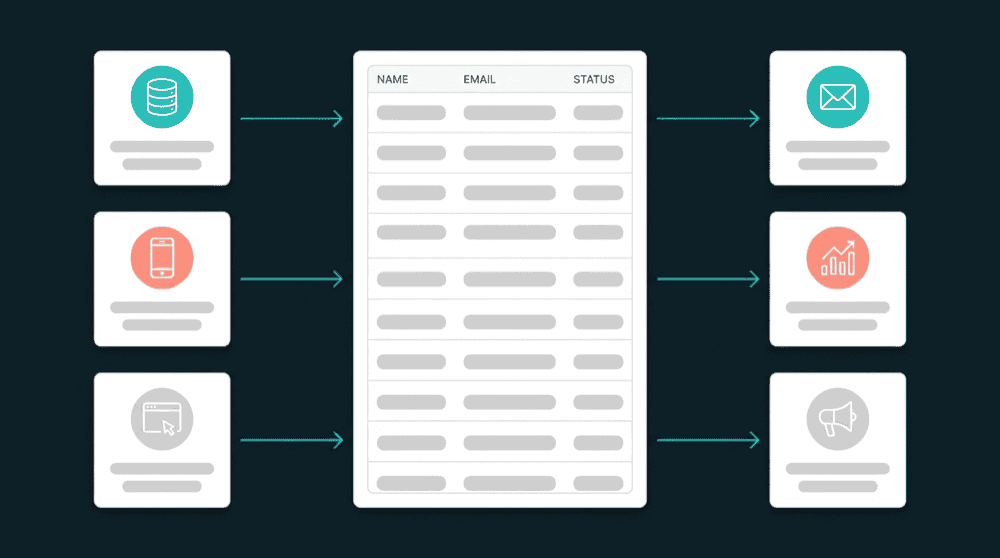
Every SaaS tool stores a different slice of the customer. Without sync, your team fills the gaps by switching tabs, exporting CSVs, and hoping the data is still current.

Every tool has a different customer record
Stripe knows plan tier and MRR. Your CRM tracks deal stage but has no billing context. Ticket history sits in Zendesk, email engagement in Mailchimp. Your team fills gaps by switching tabs.

CSV exports that go stale before they arrive
Someone exports Stripe data on Monday, maps columns, and uploads to HubSpot. By Tuesday, three customers changed plans. The CRM is already wrong, and nobody knows until a rep quotes the wrong pricing.

Enterprise CDPs that don't fit your team
CDPs promise centralized customer data, but most require a warehouse, an SDK, and six months of implementation. For teams under 200 people, the cost and complexity don't match the problem.
Unified customer data in your existing CRM
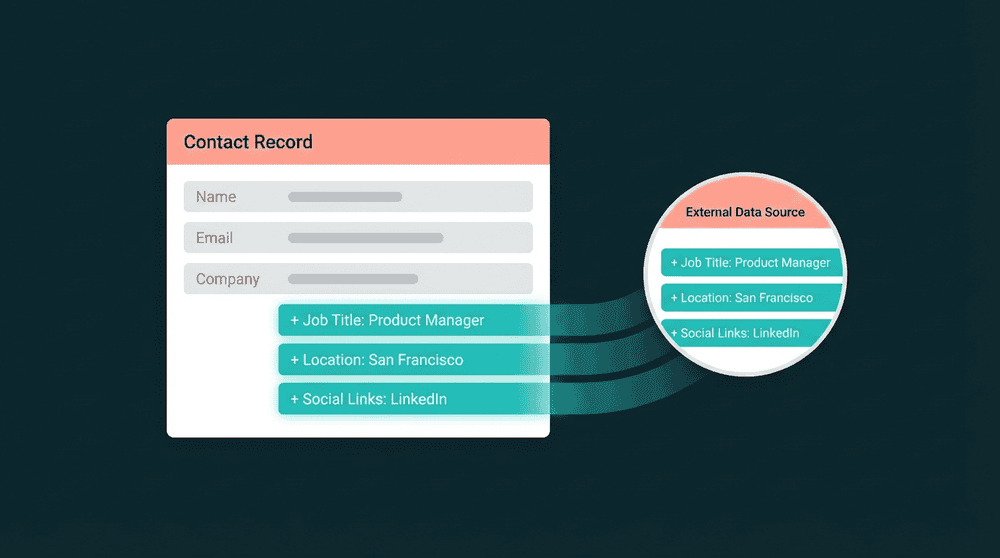
Billing status from Stripe, ticket history from Zendesk, email engagement from Mailchimp. All synced to CRM contact properties on a 15-minute schedule. Your CRM becomes the unified customer view.
Unified customer data in your existing CRM
Billing status from Stripe, ticket history from Zendesk, email engagement from Mailchimp. All synced to CRM contact properties on a 15-minute schedule. Your CRM becomes the unified customer view.

Only changed fields reach your tools
Oneprofile tracks which specific fields changed and sends only those updates. When a customer upgrades in Stripe, only plan_name and mrr update in your CRM. Unrelated fields stay untouched.

Every failed sync is visible and retryable
When a record fails to sync, you see the exact error and can retry it. Failed records queue for investigation and reprocessing without re-running the full sync. No data is silently dropped.

All historical data syncs on day one
The first sync processes every existing record, not just future changes. Your CRM gets complete billing, support, and marketing data from day one. No waiting for records to trickle in over weeks.
Customer data integration in action
See how teams connect billing, support, marketing, and analytics tools to build a complete customer view in their CRM.


Sync Stripe subscription status, plan tier, and MRR to HubSpot contact properties so sales always has current billing context.
Stripe
+
HubSpot


Push Zendesk ticket history and open ticket count to Salesforce contacts so account managers see support health at a glance.
Zendesk
+
Salesforce

Sync Mailchimp email engagement and campaign responses back to HubSpot contacts for marketing attribution in the CRM.
Mailchimp
+
HubSpot


Push Intercom conversation count, last contacted date, and CSAT score to Attio contacts so every team sees support context.
Intercom
+
Attio

Sync PostHog last login date and feature adoption metrics to Salesforce so reps prioritize accounts by product engagement.
PostHog
+
Salesforce
Keep Attio company records current with Stripe plan tier, billing status, and renewal date for accurate pipeline management.
Stripe
+
Attio
View All Integrations
Connect your tools
Oneprofile supports wide range of integrations across categories

ActiveCampaign
Attio
CRM

Close
CRM
HubSpot
CRM
Intercom
Customer Support
Mailchimp

Mixpanel
Analytics

Pipedrive
CRM
PostHog
Analytics
Salesforce
CRM
Stripe
Payments
Zendesk
Customer Support
View All Integrations
How managing customer data works with Oneprofile
Connect your tools, map fields, pick a schedule, and customer data flows automatically.
Step 1
Connect your SaaS tools
Authenticate Stripe, HubSpot, Zendesk, Mailchimp, or any other tools with API keys. Oneprofile validates each credential against the live API and discovers available record types and fields.

Step 2
Pick your matching key
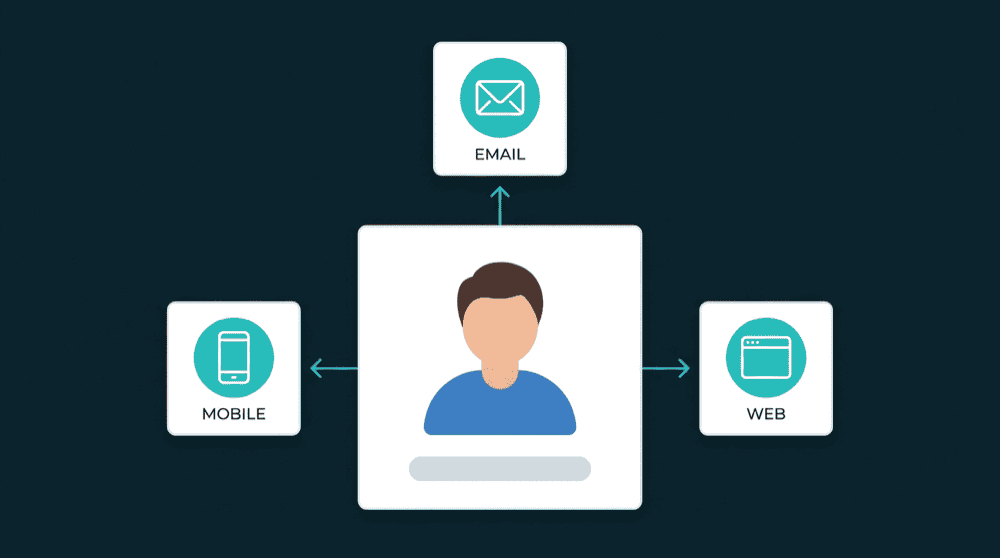
Select email as the primary key so Oneprofile links records across tools automatically. A Stripe customer and a HubSpot contact with the same email are recognized as one person.
Step 3
Map the fields that matter
Map subscription_status, plan_name, mrr, and renewal_date from Stripe to your CRM. Map ticket_count and last_ticket_date from Zendesk. Custom properties are created automatically.


Step 4
Choose sync behavior and schedule
Pick Update or Create mode to enrich existing contacts and add new ones. Set a 15-minute schedule for operational data. Oneprofile checks for changes and pushes only the fields that changed.
Step 5
Verify and expand
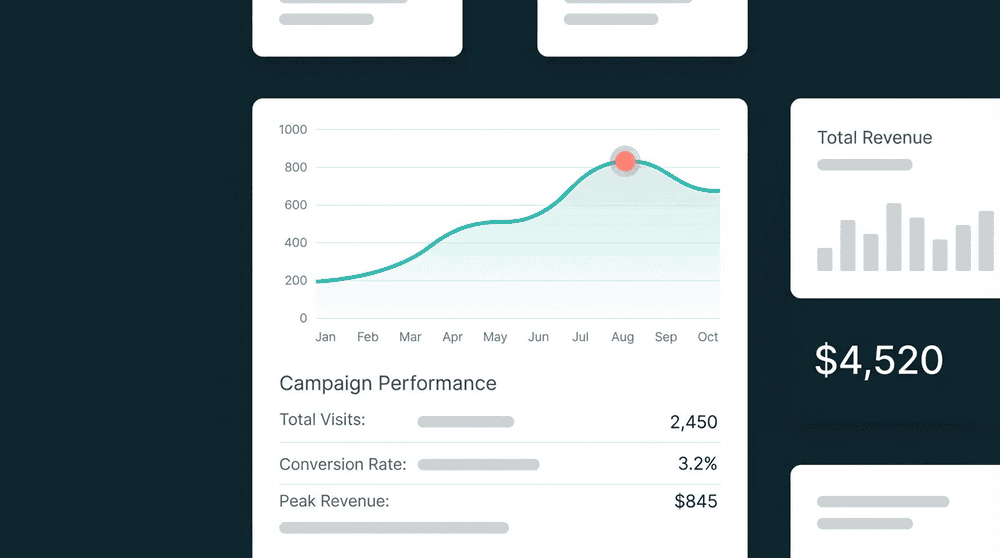
Spot-check records in your CRM to confirm billing, support, and marketing data arrived correctly. Then add more tools and fields as your team's needs grow.
FAQ
Do I need a data warehouse to centralize customer data?
How long does it take to set up customer data integration?
What is the difference between a CDP and direct sync?
Can I sync data between more than two tools at once?
What happens when source and destination fields have different names?