Replace Zapier with data sync
Replace Zapier with data sync
Most Zapier workflows are data sync problems in disguise. Replace Zapier recipes with bidirectional sync that runs on schedule with published pricing.
No credit card required
Free 100k syncs every month
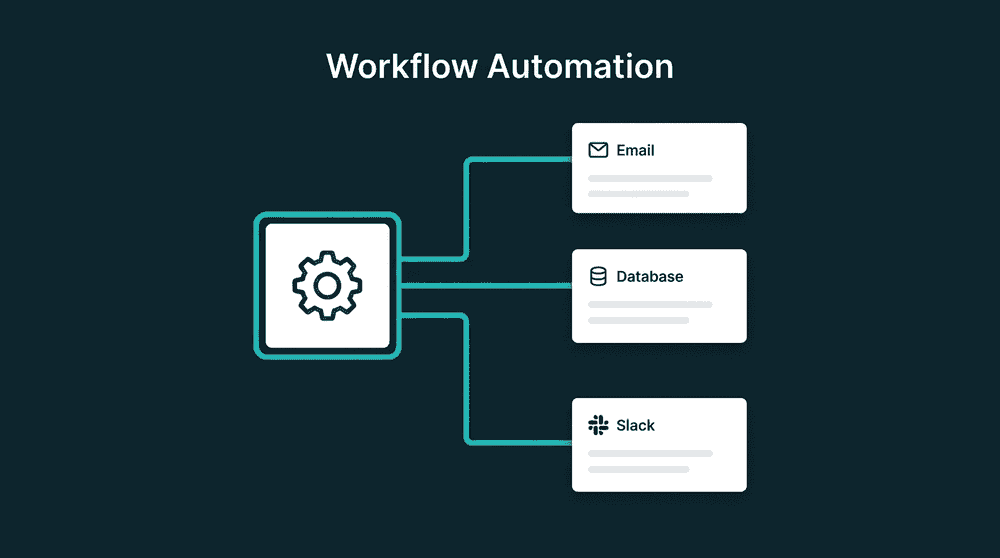
What goes wrong with Zapier as your data pipe
Zapier's recipe model was built for one-off automations. Teams that use it for ongoing data sync hit per-task bills, polling delays, and silent failures that compound over time.

Per-task pricing that grows with your data
Every field update, new record, and retry counts as a Zapier task. A team syncing 5,000 contacts generates thousands of tasks per month. Your bill scales with data volume, not with value.

One-way flows with no conflict handling
Keeping two tools in sync requires two Zaps with no shared state. Both Zaps write to the same records, causing update loops, race conditions, and overwritten fields nobody asked to change.

Silent failures with no error visibility
When a Zapier task fails, it retries and stops. No queue of failed records to inspect. No error details per record. Data goes missing and nobody notices until a rep finds a stale contact.
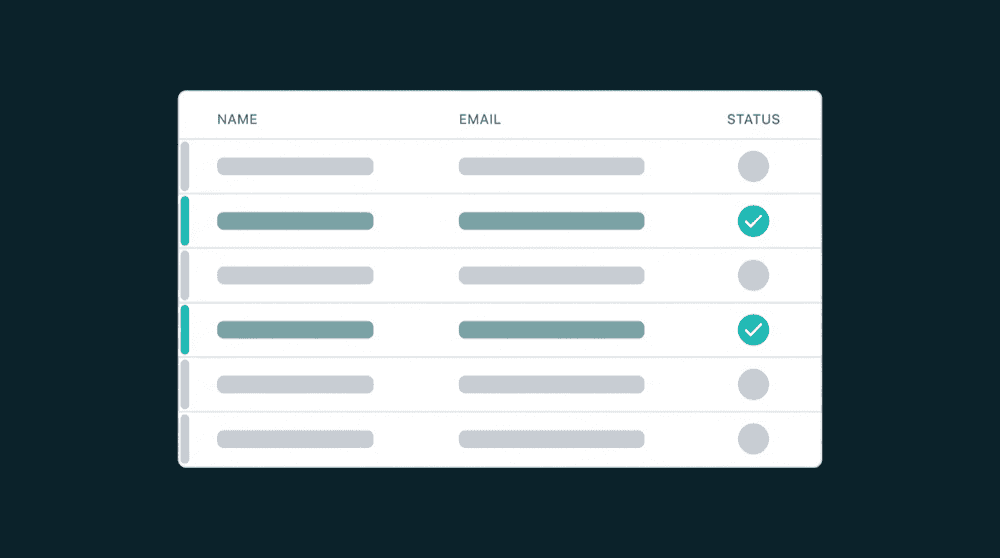
One sync config replaces dozens of Zaps
A single Oneprofile config handles the same data flow that needs 10+ Zaps. Free tier to start, $100/mo for teams with unlimited sync configs. No per-source or per-destination fees.
One sync config replaces dozens of Zaps
A single Oneprofile config handles the same data flow that needs 10+ Zaps. Free tier to start, $100/mo for teams with unlimited sync configs. No per-source or per-destination fees.

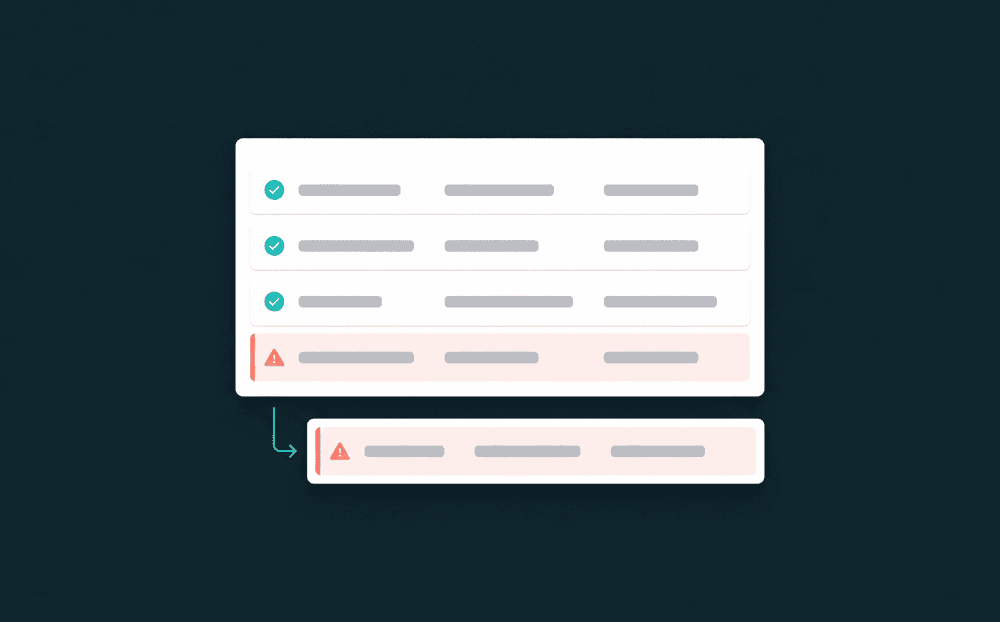
Every failed record is visible and retryable
When a record fails, Oneprofile captures the error message, record data, and timestamp. Fix the mapping issue and retry the batch. No silent data loss, no records that vanish without a trace.

Field-level tracking, not full payloads
Oneprofile tracks which fields changed with old and new values. Only changed fields write to the destination. Manual edits in your CRM stay intact instead of getting overwritten on every sync.

Historical backfill from day one
The first sync processes all existing records automatically. Zapier only handles events created after the Zap goes live. Your destination gets complete data from the start, not just future changes.
Zapier workflows teams replace first
Common Zapier data sync workflows and the alternative. Each one needs multiple Zaps on Zapier but a single sync config on Oneprofile.


Sync Stripe subscription status, plan name, and MRR to HubSpot contacts. Replaces the Zap chain that fires on every Stripe event and pushes the full payload.
Stripe
+
HubSpot


Push Intercom conversation counts, last contact date, and ticket status to Salesforce contacts. One config replaces separate Zaps for each Intercom event type.
Intercom
+
Salesforce

Send PostHog product usage metrics and last login date to HubSpot for product-led sales workflows. No per-event Zap needed for each metric.
PostHog
+
HubSpot

Keep Attio records current with Stripe billing status, plan tier, and renewal dates. Bidirectional sync means Attio tags flow back to Stripe metadata.
Stripe
+
Attio


Push user records from your Postgres database to Mailchimp subscriber lists. No polling delay on the source side and no per-row task charges.
PostgreSQL
+
Mailchimp
Sync HubSpot lifecycle stage and deal status to Intercom so support sees sales context. Both directions flow from one config.
HubSpot
+
Intercom
View All Integrations
Connect your tools
Oneprofile supports wide range of integrations across categories

ActiveCampaign

Airtable
Productivity
Attio
CRM

Close
CRM

Google Sheets
Productivity
HubSpot
CRM
Intercom
Customer Support
Mailchimp

Mixpanel
Analytics

Pipedrive
CRM
PostgreSQL
Database
PostHog
Analytics
Salesforce
CRM
Stripe
Payments
View All Integrations
How to replace Zapier workflows
Five steps to move off Zapier recipes and switch to managed data sync.
Step 1
Audit your active Zaps
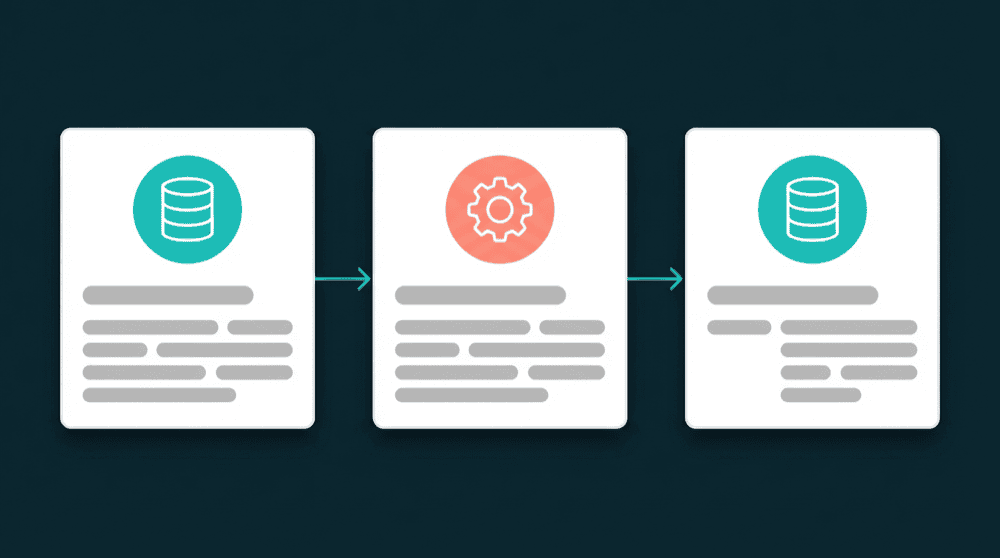
List every active Zap. For each one, ask: does it have a decision point? If it just copies data between two tools with no conditional logic, it is a sync problem, not an automation problem.

Step 2
Connect your tools to Oneprofile
Authenticate each tool with API keys or OAuth. Oneprofile validates credentials against the live API. The same tools your Zaps use work here as bidirectional sources and destinations.
Step 3
Map fields and set sync behavior
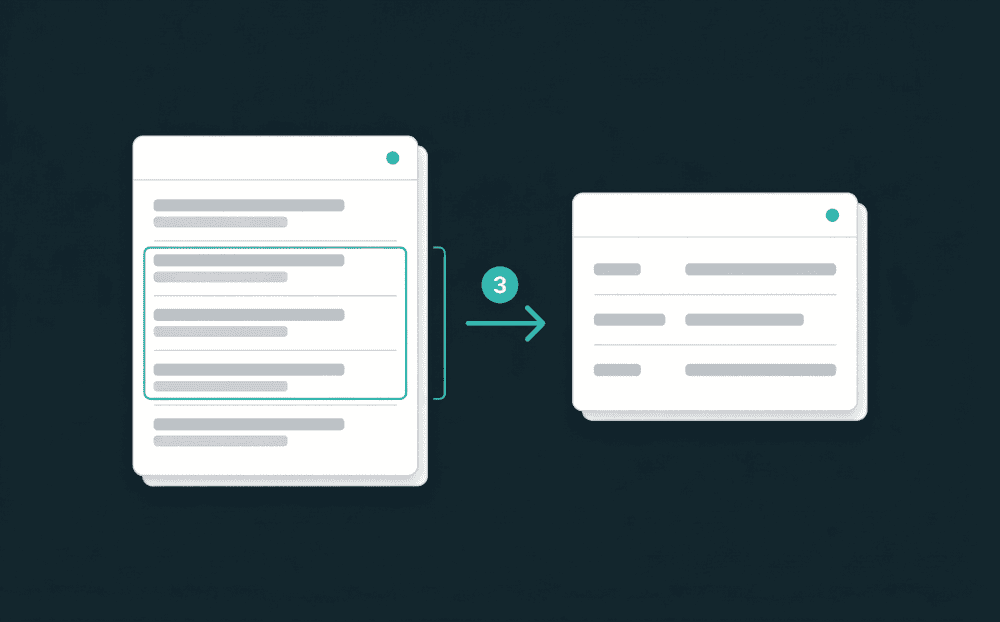
Pick record types (Stripe Customers to HubSpot Contacts), set the matching key (email), and map fields. Choose Update, Update or Create, Create Only, or Mirror as the sync mode.

Step 4
Run both systems in parallel
Start Oneprofile syncs alongside your existing Zaps. The first run backfills all historical records. Verify that data matches across both systems before turning off any Zaps.
Step 5
Disable replaced Zaps and monitor
Turn off the Zaps that Oneprofile now handles. Keep Zaps with genuine conditional logic. Monitor sync runs in the dashboard for errors or field mapping issues.
FAQ
Which Zapier workflows can Oneprofile replace?
How long does it take to migrate from Zapier?
Does Oneprofile work alongside Zapier?
Is Oneprofile cheaper than Zapier for data sync?
Can I backfill historical data that Zapier missed?