Activate Customer Data Across Tools
Activate Customer Data Across Tools
Five operational workflows that keep CRM, billing, support, and marketing tools current with real customer data. Warehouse optional. No code.
No credit card required
Free 100k syncs every month
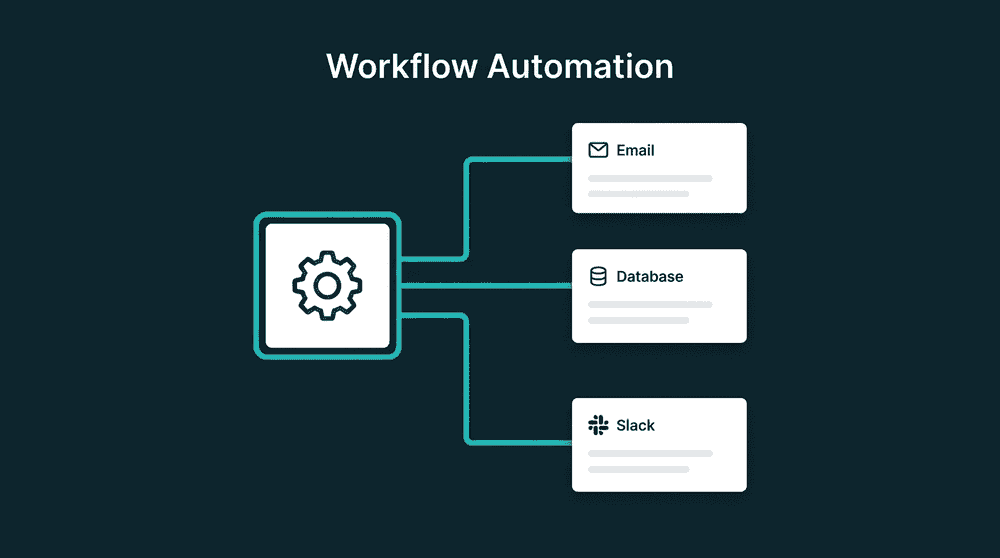
When teams can't activate customer data
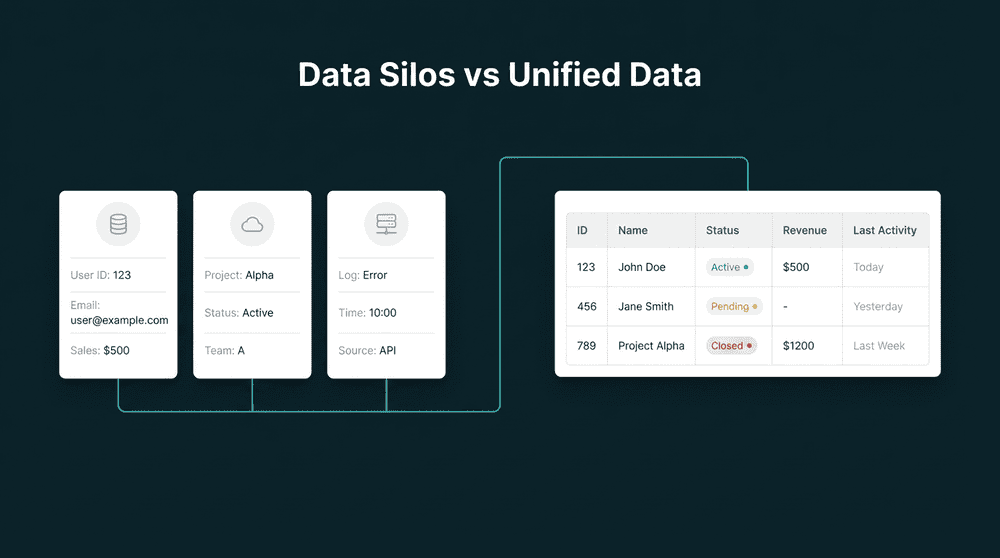
Every team has data scattered across tools. Billing in Stripe, support in Intercom, deals in the CRM, product usage in the database. Without sync, each tool runs on its own stale snapshot.

Sales reps check Stripe before every call
Your CRM says 'Free plan' for a customer who upgraded two weeks ago. Reps open a second tab to check billing status because they can't trust CRM data. That is a sync problem, not a CRM problem.

Marketing sends campaigns with stale segments
Segments are based on form data from six months ago. Who upgraded, who churned, who hit a usage milestone? That data exists in other tools but never reaches the email platform.

Support lacks account context on every ticket
A support rep handles a ticket without knowing the customer's plan tier, renewal date, or deal stage. They ask sales, who checks the CRM, who checks Stripe. Three people, one data gap.
Billing data flows to your CRM automatically
Connect Stripe and your CRM with API keys. Subscription status, plan name, MRR, and renewal date sync to contact properties every 15 minutes. Sales sees current billing without switching tabs.
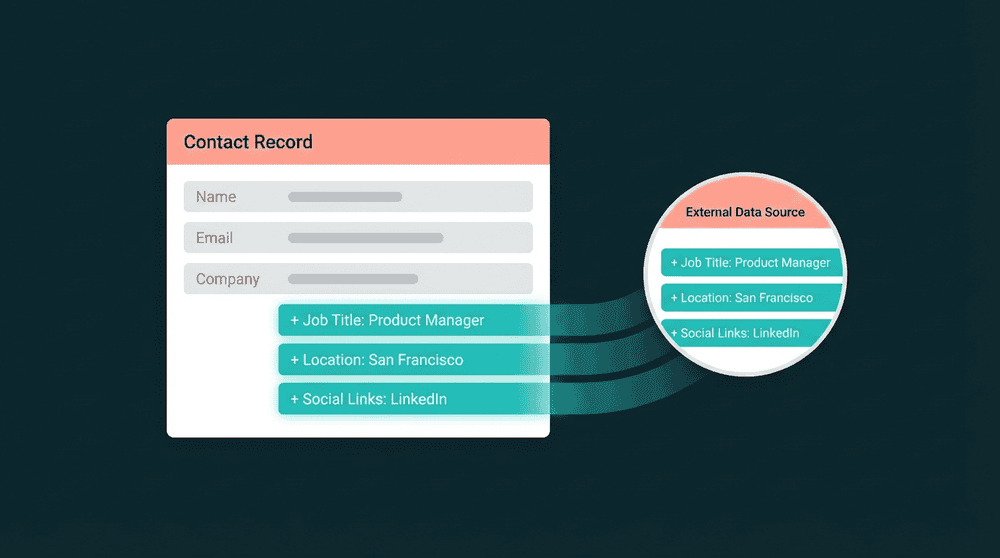
Billing data flows to your CRM automatically
Connect Stripe and your CRM with API keys. Subscription status, plan name, MRR, and renewal date sync to contact properties every 15 minutes. Sales sees current billing without switching tabs.

CRM stages sync to marketing and support
Push lifecycle stage, deal owner, and tags from your CRM to Mailchimp, Intercom, or any downstream tool. Marketing segments on real pipeline data. Support knows who owns each account.

Database records push to every cloud tool
Point Oneprofile at your Postgres database and product usage data flows to CRM, marketing, and support tools. Features activated, last login, plan tier. No SDK, no event tracking, no extra scripts.

Every failed record is captured, not dropped
When a record fails to sync, Oneprofile captures it with the error reason. Fix the mapping or field type, reprocess, and the record syncs on the next cycle. Automatic retry handles rate limits.
Operational data activation use cases
See how teams sync customer data across billing, CRM, support, and analytics tools to keep their operational stack current.


Push Stripe subscription status and MRR to HubSpot contact properties so sales sees current billing data on every record.
Stripe
+
HubSpot


Sync Intercom conversation history and ticket counts to Salesforce contacts for full support context during sales calls.
Intercom
+
Salesforce

Push HubSpot lifecycle stages and deal data to Mailchimp subscriber fields so email campaigns segment on real pipeline data.
HubSpot
+
Mailchimp


Sync product usage metrics from Postgres to Attio CRM records. Last login, feature adoption, and plan tier flow automatically.
PostgreSQL
+
Attio
Push billing status and plan name from Stripe to Intercom user profiles so support sees subscription context on every ticket.
Stripe
+
Intercom

Sync PostHog product analytics to HubSpot contacts. Feature usage, session counts, and activation status for product-led sales.
PostHog
+
HubSpot
View All Integrations
Connect your tools
Oneprofile supports wide range of integrations across categories
Attio
CRM
HubSpot
CRM
Intercom
Customer Support

Loops.so
Mailchimp

Mixpanel
Analytics

Plain
Customer Support
PostgreSQL
Database
PostHog
Analytics
Salesforce
CRM
Stripe
Payments
View All Integrations
How to activate customer data in minutes
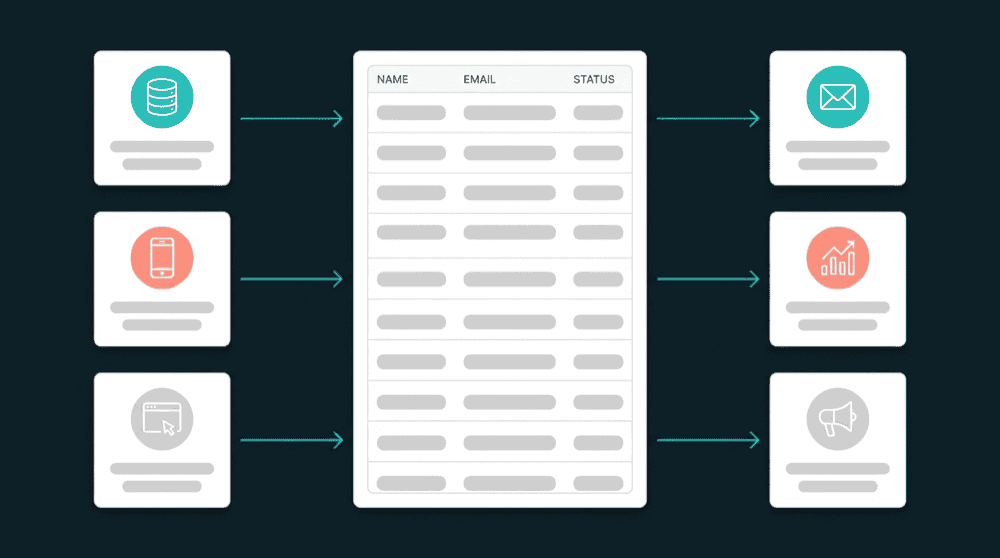
Connect your tools, map fields, set a schedule. Data flows.
Step 1
Connect your billing, CRM, and support tools
Authenticate each tool with API keys or OAuth. Oneprofile validates every credential against the live API before saving. If permissions are wrong, you know immediately.
Step 2
Choose record types and matching key
Map Stripe Customers to HubSpot Contacts, or Intercom Users to Salesforce Contacts. Set email as the matching key so records link correctly across tools.
Step 3
Map source fields to destination properties
Select 5-8 fields per sync pair. Subscription status, plan tier, ticket count, last login date. Oneprofile creates custom properties in the destination if they don't exist.


Step 4
Set sync mode and schedule
Choose Update or Create for most workflows. Set a 15-minute schedule. The first sync backfills all historical records. After that, only changed fields are processed.
Step 5
Add the next sync pair
Each tool pair takes 15-30 minutes to configure. Most teams run 3-5 active syncs covering billing, support, product usage, and marketing data within the first week.
FAQ
What is operational data activation?
Do I need a warehouse to activate customer data?
How is this different from Zapier or Make?
Which workflows should I activate first?
How long does operational data activation take to set up?