Data Quality Metrics Across Your Tools
Data Quality Metrics Across Your Tools
See whether your CRM, billing tool, and support platform actually agree on customer data. Oneprofile tracks data quality metrics per sync run and surfaces every discrepancy.
No credit card required
Free 100k syncs every month
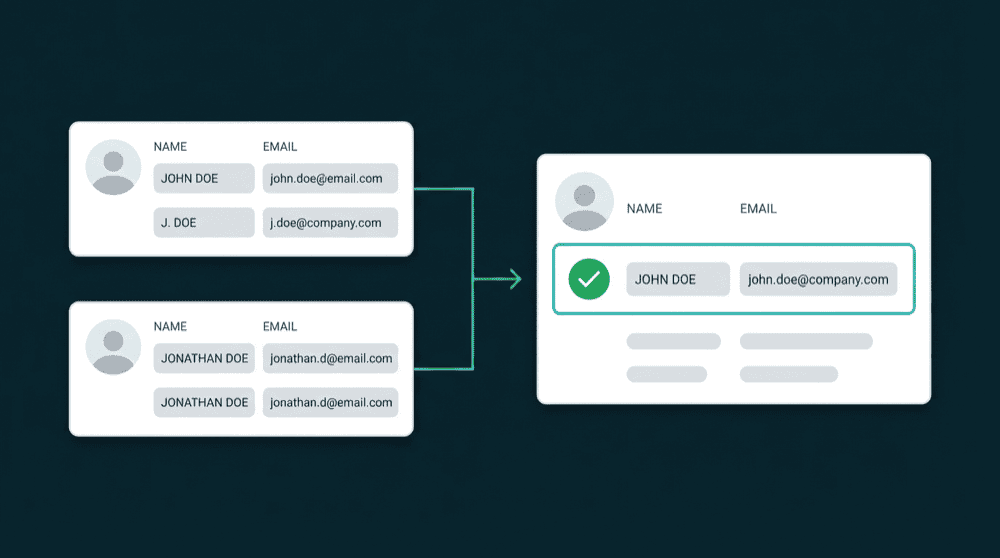
Data quality metrics you can't track with disconnected tools
When your CRM, billing, and support tools don't share data, there's no way to know which tool has the correct record. Customer data quality degrades silently, and you find out when a customer notices.

No visibility into cross-tool data consistency
Stripe says a customer upgraded yesterday. Your CRM still shows 'Free plan.' Neither tool tells you they disagree. You find out when a rep offers an upgrade to someone already paying.

Manual audits are the only way to measure data quality
Comparing Stripe and HubSpot plan status means exporting CSVs, matching records by email in a spreadsheet, and comparing columns. It takes hours, and the results are stale by the time you finish.

Enterprise data quality tools don't fit your stack
Enterprise tools measure data quality inside a warehouse. If your customer data lives in HubSpot, Stripe, and Intercom directly with warehouse optional, their metrics don't apply to your situation.
See exactly what synced and what didn't
Every sync run shows records imported, exported, created, updated, and failed. You see the data quality measurement of each run without querying a warehouse or profiling data after the fact.
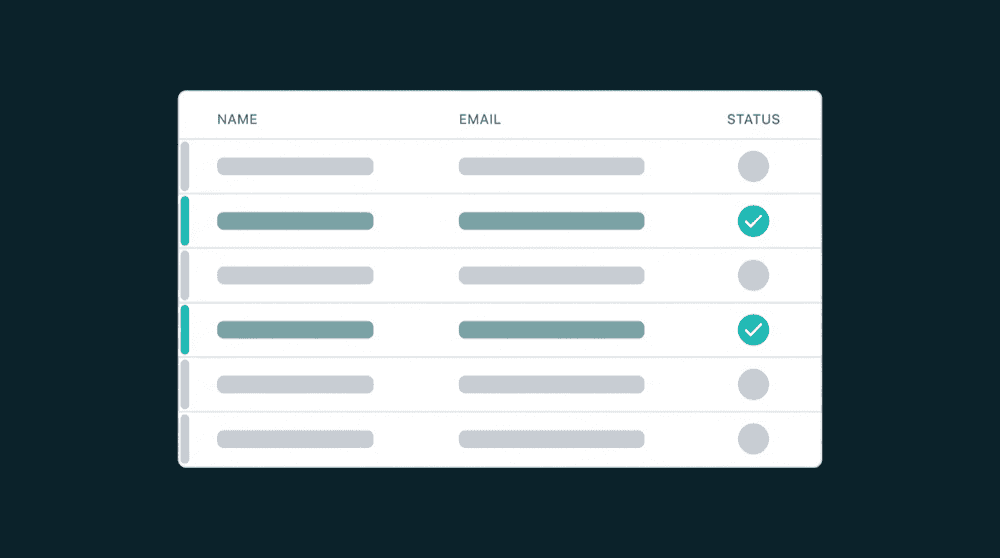
See exactly what synced and what didn't
Every sync run shows records imported, exported, created, updated, and failed. You see the data quality measurement of each run without querying a warehouse or profiling data after the fact.

Catch type mismatches before data flows
Type-aware field mapping flags problems before a single record syncs. Dates stay dates, numbers stay numbers, and picklist values match the destination. Quality issues are prevented, not cleaned up.

Recover every failed record automatically
Records that fail to sync are captured with the error reason. Fix the root cause and reprocess. Nothing is silently dropped, so your data quality metrics never degrade without your knowledge.

Warehouse optional, no data team, no profiling tools
Connect two tools with API keys and data quality monitoring starts immediately. No Snowflake, no dbt models, no data engineer. A RevOps lead can set this up in a single afternoon.
Data quality metrics examples across popular tools
See how teams track customer data quality across CRM, billing, support, and marketing tools with automated sync.


Sync Stripe billing status to HubSpot contacts. Sales always sees the current plan tier, not last month's CSV export.
Stripe
+
HubSpot


Push Intercom ticket counts and last conversation dates to Salesforce so sales sees support context in real time.
Intercom
+
Salesforce

Keep Mailchimp subscriber data consistent with HubSpot contacts so campaigns target the correct lifecycle segments.
HubSpot
+
Mailchimp


Sync PostHog product usage metrics to Attio contacts so sales knows which features each customer actually uses.
PostHog
+
Attio
Push Stripe MRR and subscription status to Salesforce so revenue reports reflect billing reality, not manual entry.
Stripe
+
Salesforce
Sync HubSpot lifecycle stages to Intercom so support agents see deal context without leaving the conversation.
HubSpot
+
Intercom
View All Integrations
Connect your tools
Oneprofile supports wide range of integrations across categories
Attio
CRM
HubSpot
CRM
Intercom
Customer Support

Loops.so
Mailchimp

Mixpanel
Analytics

Plain
Customer Support
PostHog
Analytics
Salesforce
CRM
Stripe
Payments
View All Integrations
How to measure data quality metrics with sync
Connect your tools, map fields, run the first sync, and track data quality improvements in real time.
Step 1
Connect your tools
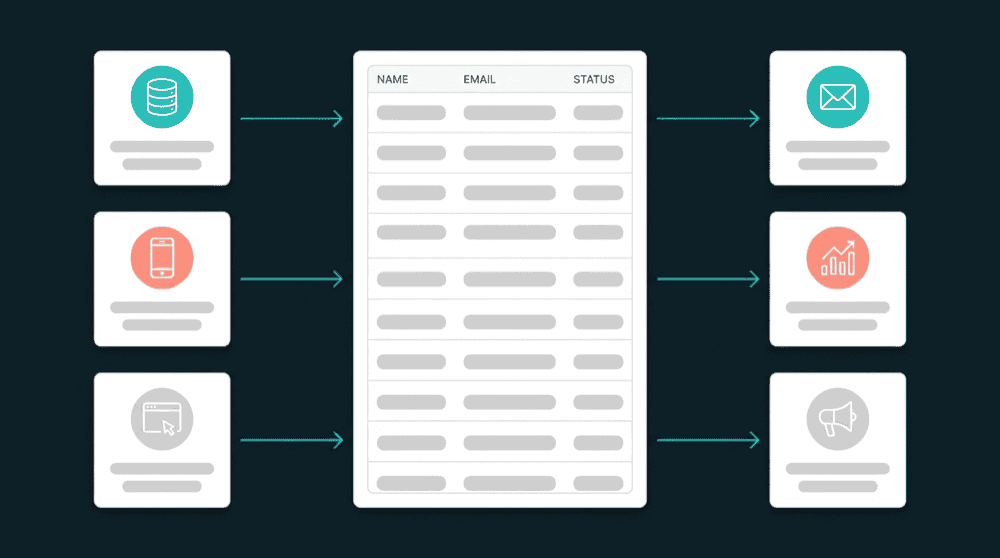
Authenticate your CRM, billing tool, support platform, and marketing tools with API keys or OAuth. Oneprofile validates each credential against the live API before saving.

Step 2
Map fields with type validation
Map source fields to destination fields. Type-aware mapping flags mismatches before data flows. Oneprofile creates custom properties in your CRM automatically if they don't exist yet.
Step 3
Run the first sync and backfill history
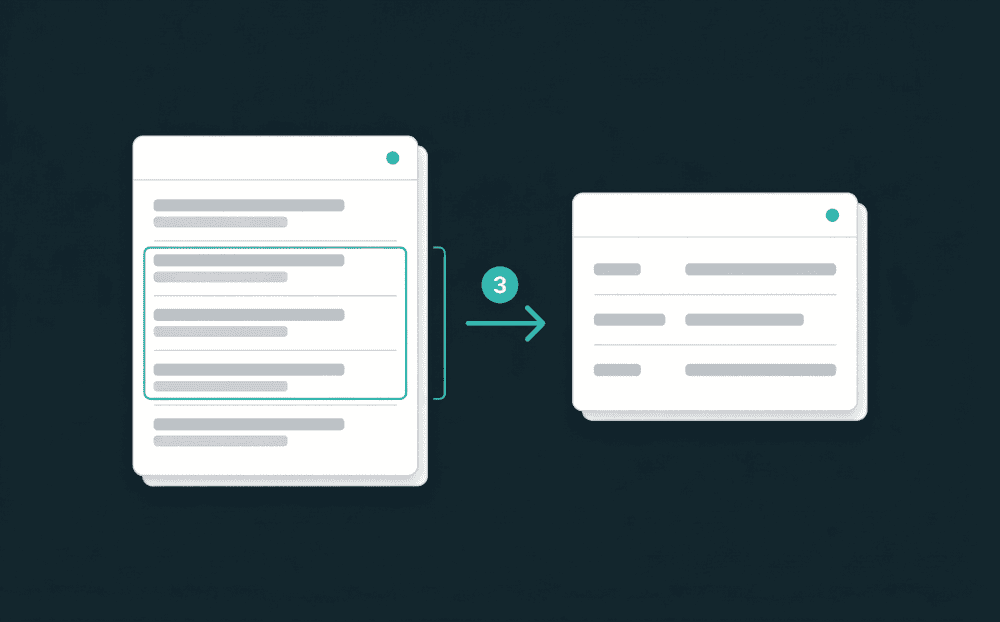
The initial sync processes all existing records, not just new changes. Every historical customer gets consistent data across all connected tools from day one.
Step 4
Monitor data quality metrics per run
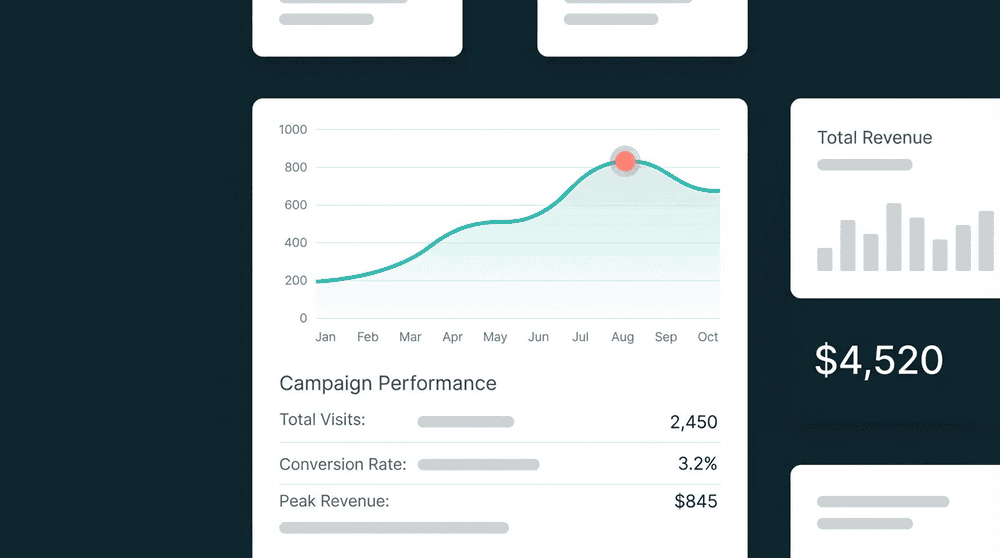
Each sync run reports records synced, created, updated, and failed. Compare run-over-run to see whether your data quality metrics are improving or degrading over time.
Step 5
Fix failures and track improvement
Review failed records with their error reasons. Fix field mappings or source data, reprocess, and watch your cross-tool consistency rate climb above 95%.

FAQ
What are data quality metrics?
How do you measure data quality across multiple tools?
Do I need data quality software to track these metrics?
How quickly do data quality metrics improve after connecting tools?
What data quality metrics examples matter most?