Customer Lifecycle Management
Customer Lifecycle Management
Orchestrate onboarding, retention, and win-back campaigns by syncing billing, support, and product data across your existing tools. Warehouse optional. No data team required.
No credit card required
Free 100k syncs every month
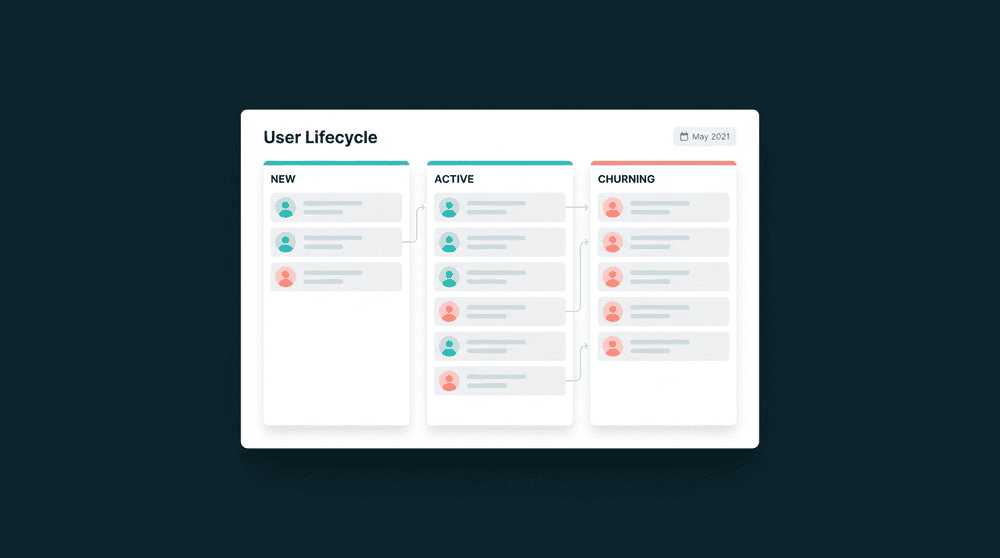
What breaks without customer lifecycle management
Each tool sees a different lifecycle stage. Your CRM says 'lead,' Stripe says 'paying customer,' and your email tool still sends trial nurture sequences. Nobody agrees on where the customer is.

Every tool has a different lifecycle stage
Stripe knows a customer upgraded yesterday. HubSpot still shows them as a trial. Mailchimp sends an upgrade prompt this morning. Three tools, three answers to 'where is this customer?'

Manual exports to keep campaigns in sync
Someone exports a CSV from Stripe every Monday, maps columns in a spreadsheet, and uploads to Mailchimp. By the time the list arrives, customers have already moved to the next stage.

Wrong messages at every lifecycle stage
A paying customer gets a trial expiration email. A churned user gets an upsell pitch. A customer with three open tickets gets a promotional blast. Every mismatch erodes trust.
Billing data flows to your marketing tools
Connect Stripe and your email platform with API keys. Subscription status, plan tier, and renewal date sync to subscriber properties every 15 minutes. Your campaigns always know who is paying.

Billing data flows to your marketing tools
Connect Stripe and your email platform with API keys. Subscription status, plan tier, and renewal date sync to subscriber properties every 15 minutes. Your campaigns always know who is paying.

Support context prevents bad timing
Sync open ticket count and last contact date from your support tool to your email platform. Promotional campaigns suppress automatically for customers with unresolved issues.

Bidirectional sync across marketing lifecycle stages
Data flows both ways. CRM lifecycle stages flow to your email tool for segmentation. Email engagement flows back to your CRM for lead scoring. One connection handles reads and writes.

Warehouse optional. No journey builder required
Connect two tools, map fields, and data flows on a schedule. Warehouse optional. No journey builder platform to buy, no six-month implementation. Most teams are live the same day.
Customer lifecycle management in action
See how teams connect billing, support, and product tools to orchestrate the customer lifecycle across onboarding, retention, and win-back.


Sync subscription status, plan tier, and renewal date from Stripe to HubSpot so your CRM reflects where each customer stands in the billing lifecycle.
Stripe
+
HubSpot


Push open ticket count and last support interaction from Intercom to Mailchimp so lifecycle campaigns suppress for customers with active issues.
Intercom
+
Mailchimp

Send last login date and feature adoption scores from PostHog to HubSpot so your team spots disengaged customers before they churn.
PostHog
+
HubSpot

Push trial end date and payment status from Stripe to Loops to trigger conversion sequences and suppress nurture emails for paying customers.
Stripe
+
Loops.so
Sync CRM lifecycle stage and account tier from HubSpot to Intercom so support agents see billing context without switching tabs.
HubSpot
+
Intercom


Push engagement scores and usage frequency from Mixpanel to Attio CRM contacts for data-driven lifecycle stage transitions.
Mixpanel
+
Attio
View All Integrations
Connect your tools
Oneprofile supports wide range of integrations across categories

ActiveCampaign
Attio
CRM

Customer.io
HubSpot
CRM
Intercom
Customer Support
Loops.so
Mailchimp
Mixpanel
Analytics

Plain
Customer Support
PostHog
Analytics

Salesforce
CRM
Stripe
Payments
View All Integrations
How customer lifecycle orchestration works
Connect your tools, map lifecycle fields, and data flows between them on a schedule.
Step 1
Connect your billing and CRM tools
Authenticate Stripe, HubSpot, and any other tools with API keys or OAuth. Oneprofile validates each credential against the live API before saving.
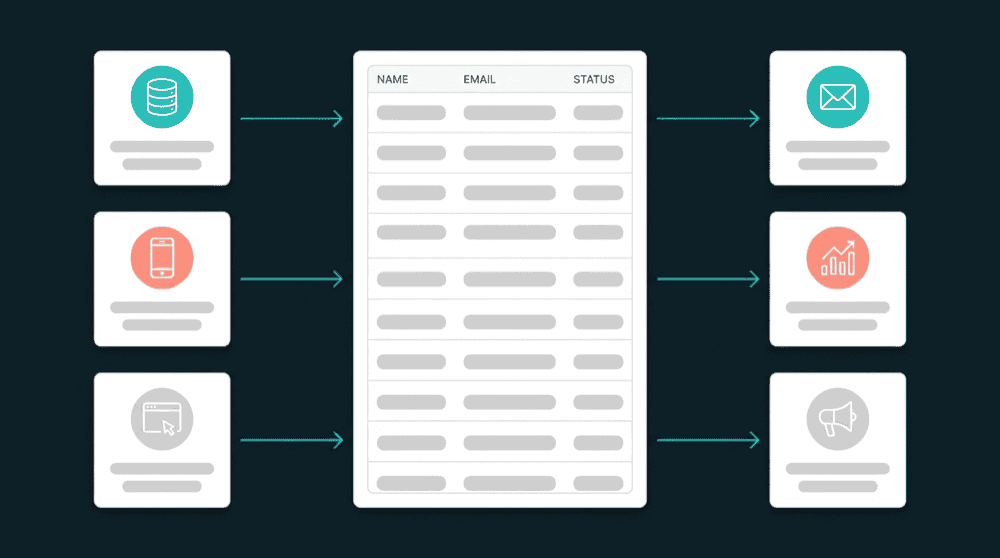
Step 2
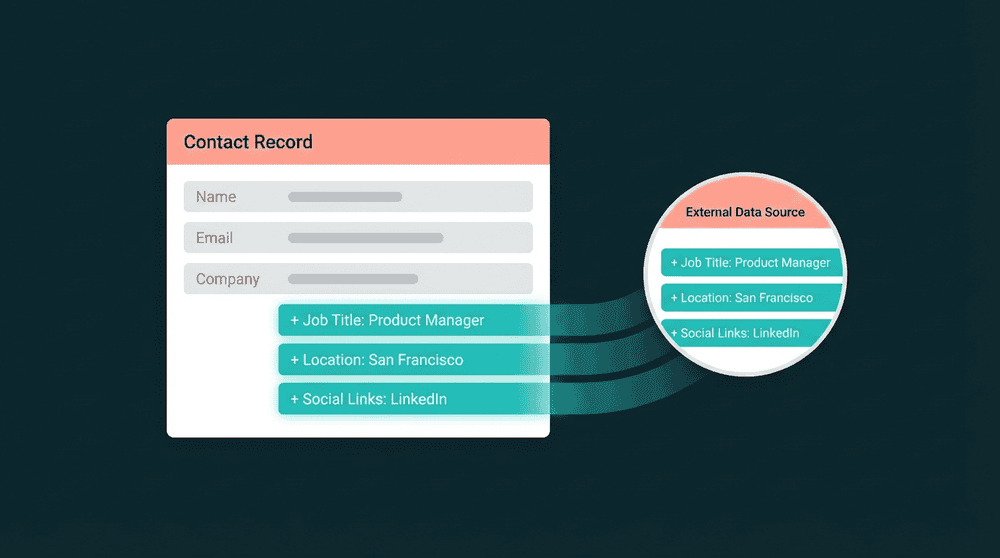
Map lifecycle fields across tools
Map subscription_status, plan_name, and renewal_date from Stripe to CRM contact properties. Map last_login and setup_completed from your database. Custom properties are created automatically.
Step 3
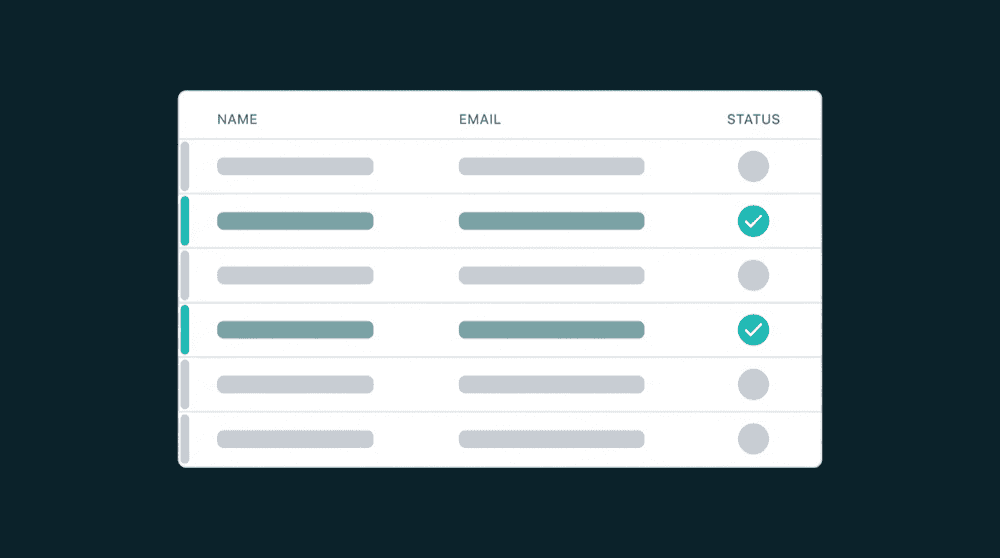
Choose sync behavior for each connection
Set 'Update or Create' mode to keep existing records current and create new ones automatically. Choose 'Update Only' if you want to enrich records without creating duplicates.

Step 4
Set a 15-minute sync schedule
Schedule each sync to run every 15 minutes. A customer who upgrades at 10 AM appears as a paid user in your email tool by 10:15 AM. Only changed records are processed after the first run.
Step 5
Build lifecycle campaigns on unified data
Use the synced fields to build campaigns in your existing tools. Segment by plan tier, trigger win-back emails on cancellation, suppress promotions for customers with open tickets.
FAQ
What is customer lifecycle management?
Do I need a warehouse for customer lifecycle orchestration?
What data do tools need for lifecycle marketing automation?
How long does it take to set up lifecycle campaign management?
Can a small team run lifecycle marketing without a data engineer?