Match customer records across tools
Match customer records across tools
Your CRM says one thing, billing says another, and support has a third version. Customer data matching with a shared key means every tool agrees on who the customer is.
No credit card required
Free 100k syncs every month
Why customer data matching breaks across tools
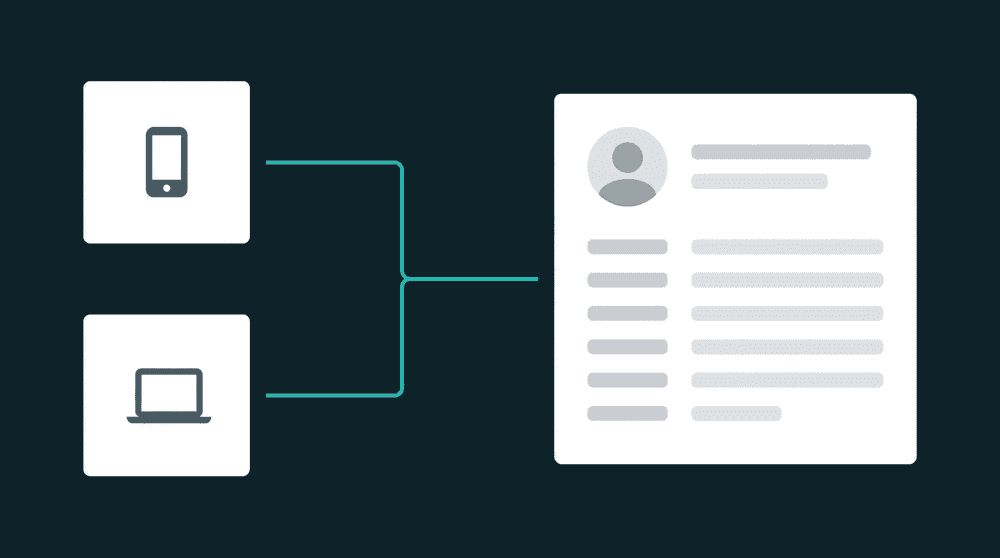
Without a shared matching key, customer record matching fragments across CRM, billing, and support. Teams work from conflicting data, send wrong messages, and create duplicate records.

Same customer, three different records
Stripe has john@company.com. HubSpot has John Smith with a different email. Intercom has a conversation with john@gmail.com. Nobody knows if these are three customers or one person.

Manual reconciliation doesn't scale
Someone exports CSVs from each tool, VLOOKUP-matches on email, and manually updates mismatched records. It works for 50 customers. At 5,000, it's a full-time job that's always behind.

Enterprise CDPs solve this with enterprise complexity
Identity graphs, ML-based probabilistic matching, warehouse-first architecture. If your team is under 200 people and your customers have email addresses, you probably don't need any of that.
Match on email, customer ID, or any shared field
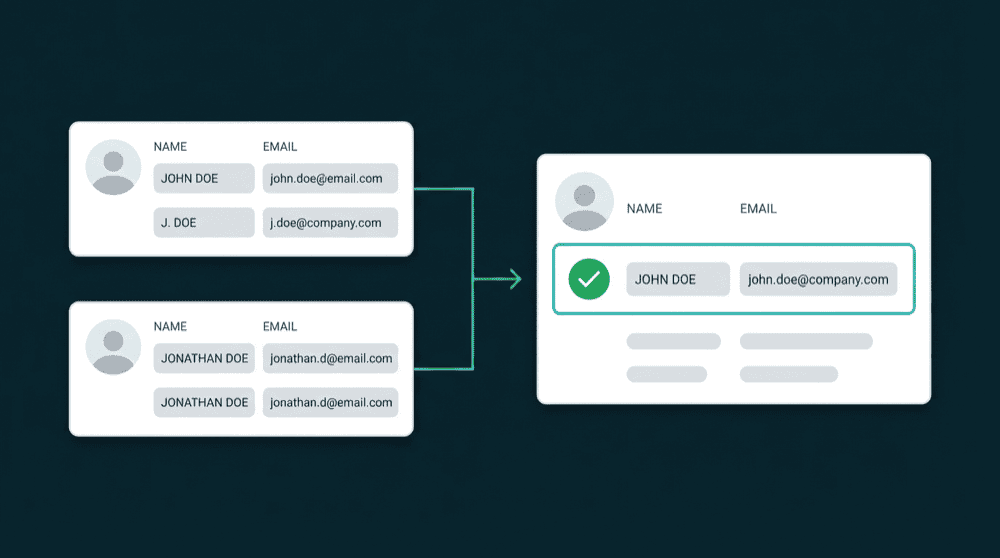
Choose the field that exists in both tools. Email works for most teams. Customer ID is more reliable when both tools store it. Oneprofile matches records on this key during every sync cycle.
Match on email, customer ID, or any shared field
Choose the field that exists in both tools. Email works for most teams. Customer ID is more reliable when both tools store it. Oneprofile matches records on this key during every sync cycle.

No identity graph required. Warehouse optional
If your tools share a known identifier, you don't need ML matching. Warehouse optional. Connect tools, pick the key, map fields. Most teams are live in under 30 minutes.

Bidirectional sync keeps records consistent
Update a contact in HubSpot and the change flows to Stripe and Intercom. Update Stripe and it flows back. Every integration is both source and destination. One connection handles both directions.

Failed matches surface for review
When a record can't match in the destination, Oneprofile captures it with full context. You see which records failed and why. Fix the issue and reprocess without re-running the entire sync.
Customer data matching examples
See how teams match customer records across billing, CRM, support, and analytics tools to unify customer records and keep every system consistent.


Match Stripe billing records to HubSpot contacts by email so sales sees current subscription status on every contact.
Stripe
+
HubSpot


Sync Intercom conversations to Salesforce contacts by email so support history appears in your CRM without manual exports.
Intercom
+
Salesforce

Match Stripe customers to Attio contacts by email to keep billing data current in your CRM for pipeline accuracy.
Stripe
+
Attio

Sync PostHog user profiles to HubSpot contacts by user email so product usage data enriches CRM records automatically.
PostHog
+
HubSpot

Match Mailchimp subscribers to Salesforce contacts by email so marketing engagement data flows into your CRM.
Mailchimp
+
Salesforce
Sync HubSpot lifecycle stages and deal data to Intercom contacts so support sees full customer context during conversations.
HubSpot
+
Intercom
View All Integrations
Connect your tools
Oneprofile supports wide range of integrations across categories
Attio
CRM
HubSpot
CRM
Intercom
Customer Support
Mailchimp

Mixpanel
Analytics

Plain
Customer Support
PostHog
Analytics
Salesforce
CRM
Stripe
Payments
View All Integrations
How customer data matching works in Oneprofile
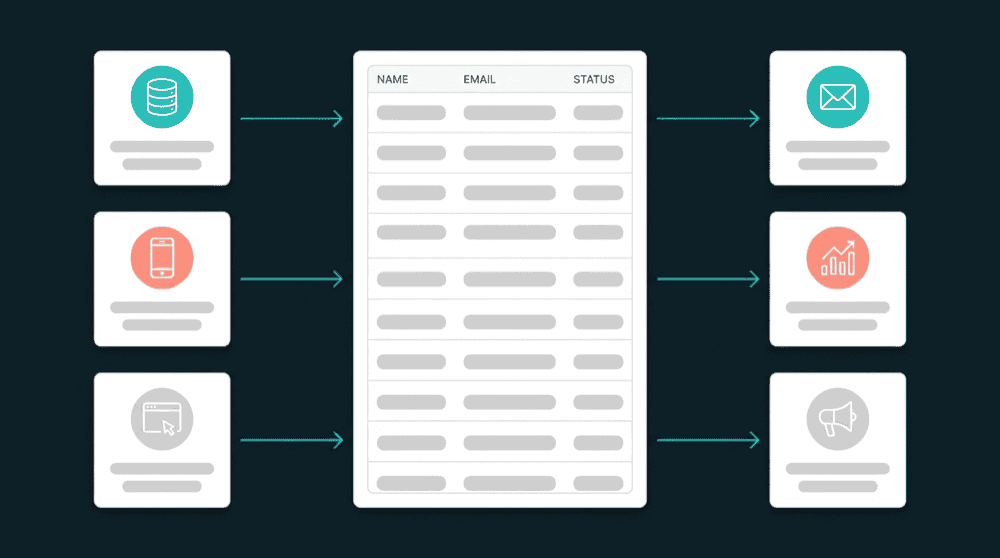
Connect your tools, choose a matching key, map fields, and records sync on schedule.
Step 1
Connect CRM, billing, and support tools
Add your tools with API keys or OAuth. Oneprofile validates each connection against the live API before saving. Connect as many tools as you need.

Step 2
Choose record types and matching key
Map Stripe Customers to HubSpot Contacts. Select email as the primary matching key. Oneprofile uses this field to find the corresponding record in the destination.
Step 3
Map fields between tools
Map subscription_status, plan_name, and support fields to CRM contact properties. Oneprofile creates custom properties in the destination automatically if they don't exist.


Step 4
Set sync mode and schedule
Choose Update or Create mode to update matched records and create new ones when no match exists. Set a 15-minute schedule so records stay current across every tool.
Step 5
Review matched records
After the first sync, open a contact in your CRM and confirm billing and support fields are populated. Unmatched records appear in the sync log for review.

FAQ
What's the difference between customer data matching and identity resolution?
Do I need a data warehouse to match customer records?
What happens when a customer exists in one tool but not another?
Can I match records across more than two tools at once?
Does Oneprofile handle customer data deduplication?