Email migration without losing subscribers
Email migration without losing subscribers
Migrate contacts, tags, custom fields, and engagement data from your old email tool to the new one. Oneprofile keeps both platforms in sync during the transition so nothing falls through the cracks.
No credit card required
Free 100k syncs every month
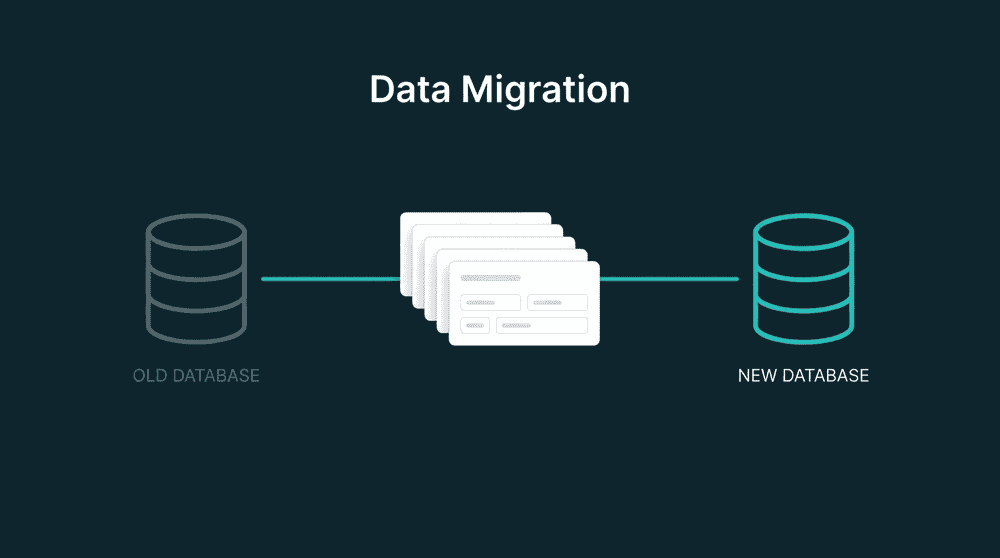
Why email migration breaks your subscriber data
Email platform switches rely on CSV exports and import wizards. Custom fields disappear, engagement history is lost, and campaigns keep sending from the old tool while the new one has stale data.

CSV exports flatten your subscriber data
Export from Mailchimp, import into Loops, and your tags, merge fields, and engagement scores don't come along. The import wizard maps name and email. Everything else requires manual recreation.

Custom fields and tags vanish in the new tool
Your old email tool has custom fields for plan_type, signup_source, and last_purchase_date. The new tool doesn't have matching fields yet. Import wizards skip what they can't match.

New subscribers land in the old tool after cutover
You migrate on Monday, but your signup form still feeds the old platform until someone updates the integration. New subscribers accumulate in the wrong tool for days before anyone notices.
Connect both email tools as source and destination
Authenticate your old and new email platforms with API keys. Oneprofile treats each tool as both source and destination. No CSV exports, no import wizards, no third-party migration scripts.

Connect both email tools as source and destination
Authenticate your old and new email platforms with API keys. Oneprofile treats each tool as both source and destination. No CSV exports, no import wizards, no third-party migration scripts.

Backfill your full subscriber list on day one
The first sync migrates every contact from the old email platform. Your new tool starts with complete subscriber data including custom fields. No partial imports, no missing segments.

Run both email tools in parallel during transition
Keep both platforms synced while you rebuild campaigns in the new tool. New subscribers added to either platform appear in both. Disconnect the old tool when you're ready.

Every failed contact is captured for review
If a subscriber fails to migrate due to a field type mismatch or missing required value, it lands in the error queue with full context. Fix the mapping, reprocess, and the contact syncs.
Popular email migration examples
See how teams migrate between email platforms and keep the new tool connected to CRM, billing, and support data afterward.


Migrate Mailchimp audiences, tags, and custom merge fields to Loops with field mapping. Keep both tools synced during the switch so no subscribers are lost.
Mailchimp
+
Loops.so

Move Mailchimp contacts and custom fields to Klaviyo with property mapping. Oneprofile creates custom properties in Klaviyo that don't exist yet.
Mailchimp
+
Klaviyo


Switch from ActiveCampaign to Brevo with subscriber field mapping, tag migration, and parallel sync during the transition period.
ActiveCampaign
+
Brevo

Migrate Mailchimp subscribers to Customer.io with custom attribute mapping. Run both tools in parallel while rebuilding automations.
Mailchimp
+
Customer.io

Move SendGrid contacts to Loops with full field mapping. Oneprofile backfills the subscriber list and keeps both tools synced until cutover.
SendGrid
+
Loops.so

Sync HubSpot contacts to Mailchimp with lifecycle stage, custom properties, and list membership mapped. Keep your email tool current as your CRM changes.
HubSpot
+
Mailchimp
View All Integrations
Connect your tools
Oneprofile supports wide range of integrations across categories
ActiveCampaign

Braze
Brevo
Customer.io
HubSpot
CRM

Intercom
Customer Support

Iterable
Klaviyo
Loops.so
Mailchimp

Omnisend
SendGrid

Stripe
Payments
View All Integrations
How email migration works with Oneprofile
Five steps from connected email tools to fully migrated subscriber data. No CSV files, no code, no manual field recreation.
Step 1
Connect your old and new email platform
Authenticate both email tools with API keys or OAuth. Oneprofile validates credentials and discovers available record types: contacts, lists, segments, and tags.

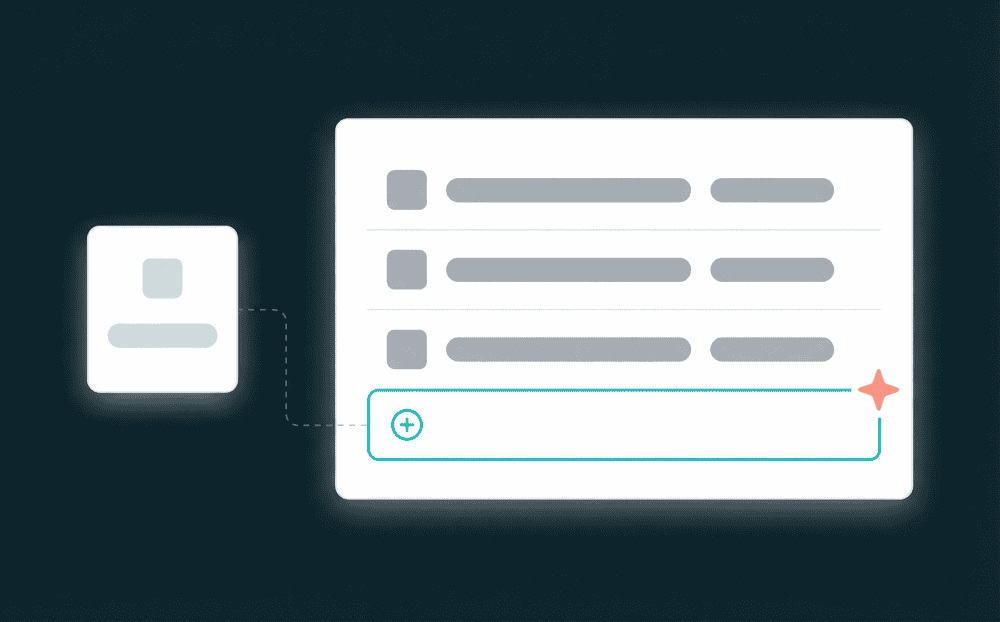
Step 2
Map subscriber fields between platforms
Oneprofile shows fields from both tools side by side. Map email, first_name, tags, list membership, and every custom field. New properties are created in the destination automatically.
Step 3
Choose your email migration mode
Pick Update or Create to add subscribers without overwriting, or Mirror to make the new tool an exact replica. Mirror mode also removes contacts deleted from the source.

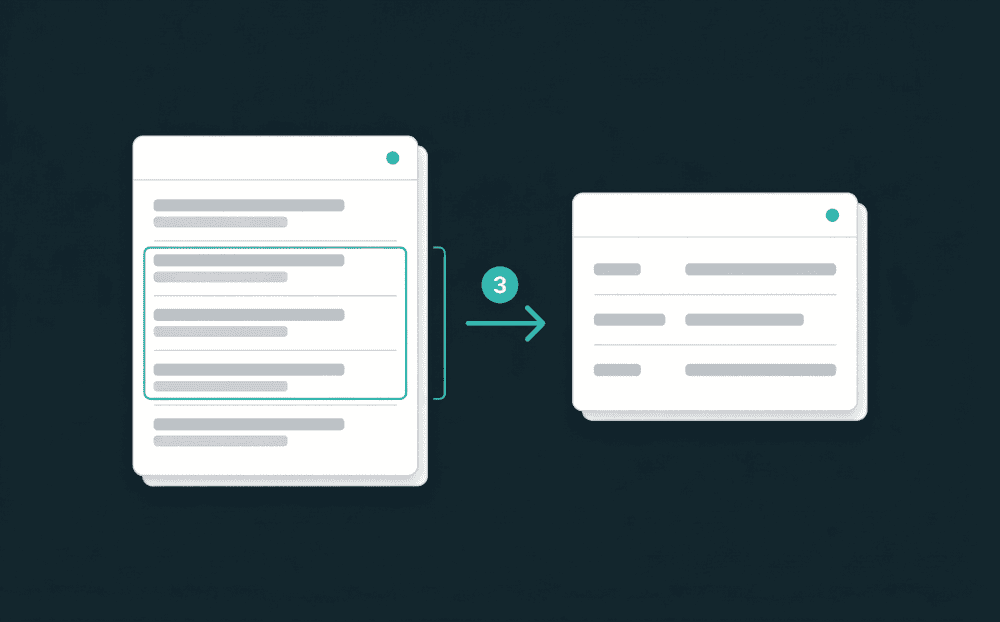
Step 4
Run the initial subscriber backfill
Start the first sync. Oneprofile processes your full subscriber list and writes every contact to the new platform with all mapped fields. Spot-check key contacts after the run.
Step 5
Keep both tools synced, then cut over
Set a sync schedule. Both platforms stay current during the transition period. When campaigns are rebuilt and your team is ready, disconnect the old email tool.
FAQ
How long does an email platform migration take?
Will I lose tags and custom fields during migration?
Can I migrate from Mailchimp to Loops?
What happens to new subscribers during migration?
Do I need to rebuild segments in the new tool?