Power personalized outreach with data
Power personalized outreach with data
Enrich CRM contacts with billing status, support history, and product usage. Every outreach sequence gets the context to convert.
No credit card required
Free 100k syncs every month
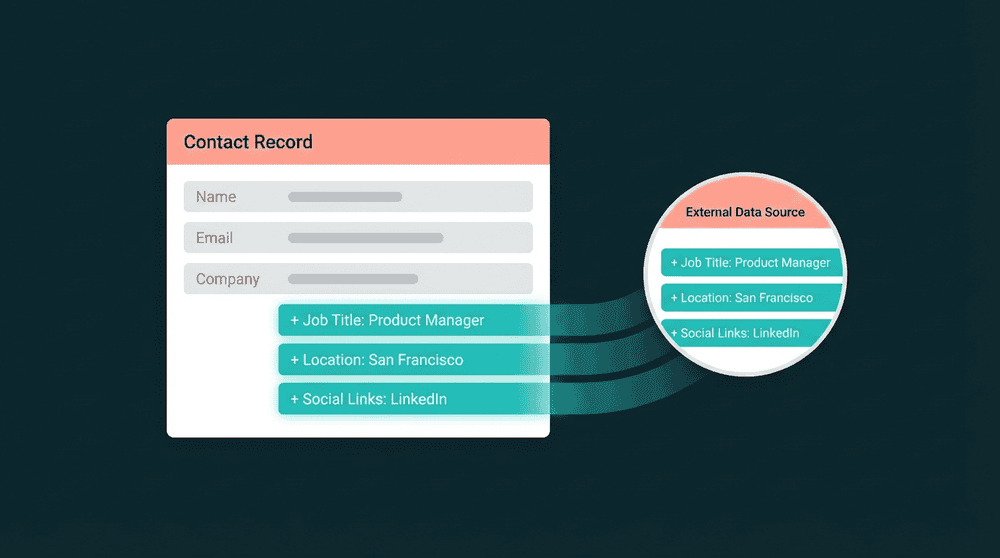
Why personalized outreach fails without data
Your CRM has names and emails. Stripe has plans and revenue. Intercom has ticket history. None of this reaches the rep writing the next outreach email.

Your CRM only has name and email
Your rep opens a contact in HubSpot. Name, email, company. Nothing about the customer's plan, billing status, or last support ticket. Every outreach message starts from scratch.

Manual research before every sales email
Before each email, your rep checks Stripe for billing status, opens Intercom for tickets, then searches PostHog for usage data. Ten minutes per contact, and most reps skip it.

Data enrichment tools require a warehouse
Reverse ETL tools can enrich CRM contacts, but they start with 'connect your data warehouse.' If your team doesn't run Snowflake or write SQL, the enrichment workflow never gets built.
Billing context in every CRM contact
Connect Stripe and your CRM. Oneprofile syncs plan_name, subscription_status, mrr, and renewal_date to contact properties on schedule. Reps see billing context before writing a word.

Billing context in every CRM contact
Connect Stripe and your CRM. Oneprofile syncs plan_name, subscription_status, mrr, and renewal_date to contact properties on schedule. Reps see billing context before writing a word.

Product usage data for outreach timing
Sync PostHog or Mixpanel data into CRM contacts: last_login_date, features_used, activation_status. Outreach timing maps to what the customer actually does in the product.

Field-level change tracking
Oneprofile tracks which fields changed and sends only those diffs. If Stripe updates billing status while a rep edits lifecycle stage, both changes apply without conflict.

Warehouse optional. No SQL, no data engineer
Connect tools with API keys, map fields, and data flows. Warehouse optional. No dbt models, no SQL. Most teams enrich CRM contacts in under 30 minutes.
Data-driven outreach examples
See how teams connect billing, support, and analytics tools to their CRM for data driven outreach that references each customer's real situation.


Sync Stripe plan tier and MRR to HubSpot contacts. Sales references billing context in every upgrade and renewal email.
Stripe
+
HubSpot


Push Intercom conversation history and ticket counts to Salesforce contacts. Reps see support context before outreach.
Intercom
+
Salesforce


Sync PostHog product usage metrics to Attio contacts. Outreach timing maps to feature adoption and login activity.
PostHog
+
Attio

Push Mixpanel engagement scores to HubSpot contacts for personalized sales outreach sequences based on product activity.
Mixpanel
+
HubSpot
Keep Salesforce contacts current with Stripe subscription status and renewal dates for timely renewal outreach.
Stripe
+
Salesforce

Sync Plain support thread counts and last contact dates to Attio. Sales sees support context alongside deal data.
Plain
+
Attio
View All Integrations
Connect your tools
Oneprofile supports wide range of integrations across categories

ActiveCampaign
Attio
CRM
HubSpot
CRM
Intercom
Customer Support

Loops.so

Mailchimp
Mixpanel
Analytics
Plain
Customer Support
PostHog
Analytics
Salesforce
CRM
Stripe
Payments
View All Integrations
How to set up personalized outreach
Five steps to enrich CRM contacts with billing, support, and product data for every outreach sequence.
Step 1
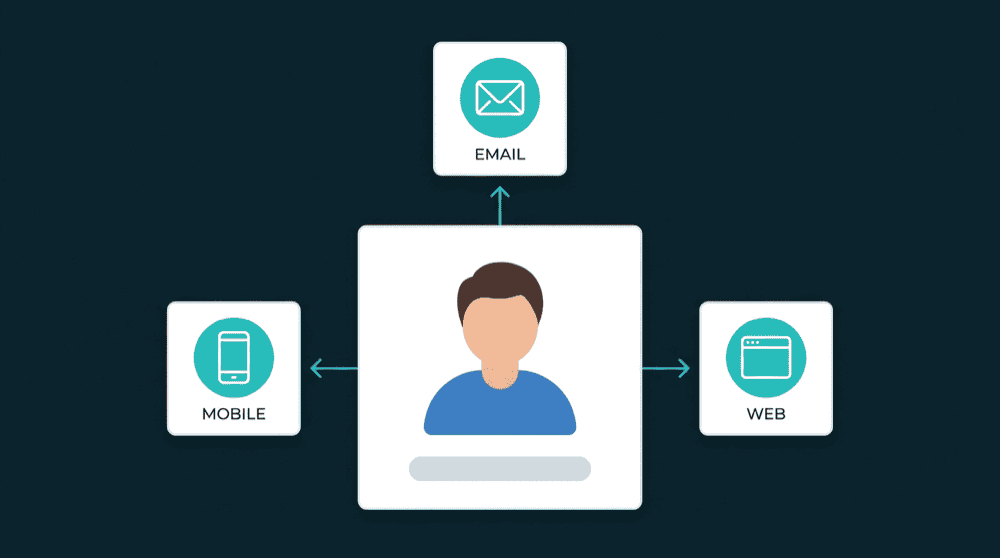
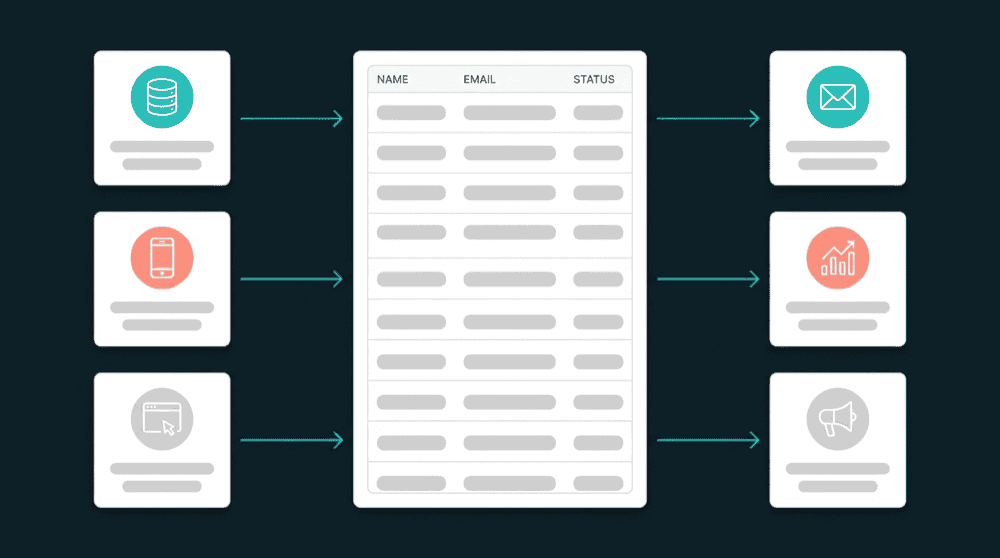
Connect your data sources
Authenticate Stripe, Intercom, PostHog, or your database with API keys. Oneprofile validates each credential against the live API before saving.
Step 2
Connect your CRM
Add HubSpot, Salesforce, or Attio as a destination. Oneprofile discovers all contact properties, including custom fields you've already created.
Step 3
Map billing, support, and usage fields
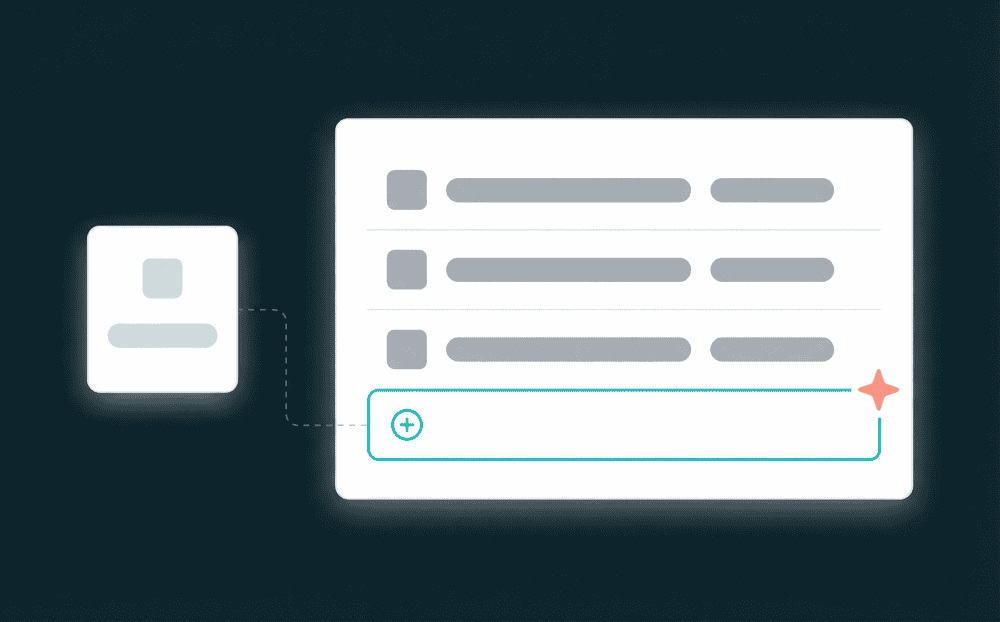
Map plan_name, subscription_status, open_tickets, and last_login_date to CRM contact properties. Custom properties are created automatically when they don't exist.

Step 4
Set sync schedule and behavior
Choose 'Update or Create' mode and a 15-minute schedule. Existing contacts get fresh data every cycle. New contacts from Stripe appear in your CRM automatically.
Step 5
Send outreach with full context
Open any CRM contact and see current billing status, recent support activity, and product usage. Build email sequences that reference each customer's real situation.
FAQ
What data should I sync for personalized outreach?
Do I need a data warehouse to enrich CRM contacts?
How fast can I start sending personalized outreach?
Will syncing overwrite data my sales team entered?
Which CRMs does Oneprofile support?
Can engagement data flow back from the CRM?