Enrich CRM records automatically
Enrich CRM records automatically
Sync billing data, support history, and product usage to enrich CRM contacts. Replace manual data entry with automatic CRM data enrichment from every tool.
No credit card required
Free 100k syncs every month
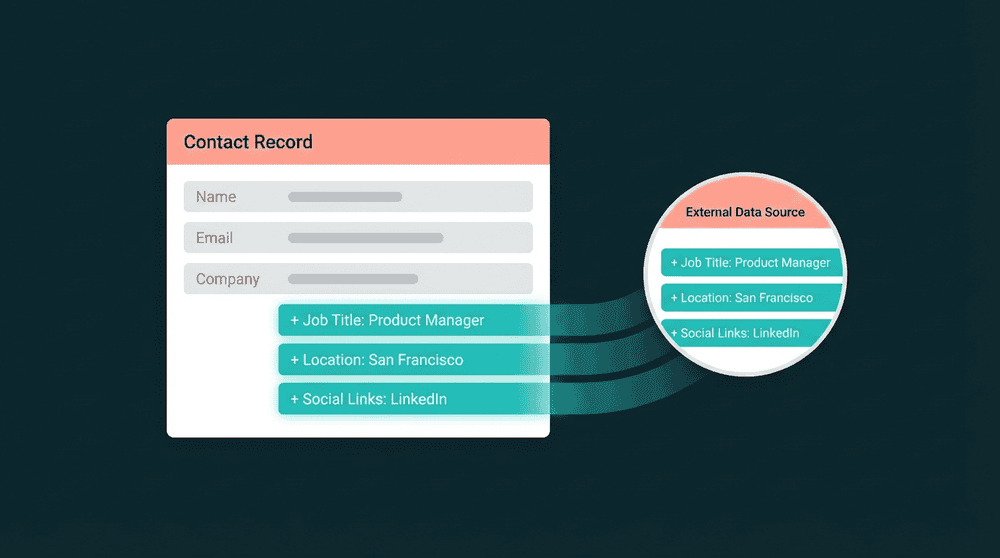
What happens without CRM data enrichment
Your CRM has names and emails, but billing status lives in Stripe, ticket history lives in your support tool, and feature usage lives in your database. None of it reaches CRM records.

CRM contacts without billing context
Your sales rep sees a name and email in the CRM. Stripe has their plan tier, MRR, and renewal date. None of that shows up in HubSpot or Salesforce, so reps reach out without knowing who pays.

Manual data entry instead of automation
Someone exports a CSV from Stripe every week, reformats columns, and uploads to the CRM. By the time it arrives, the data is outdated. Nobody repeats this for support data or product usage.

Support and product data missing from CRM
Your support team knows which accounts have open tickets. Your database knows who logged in last week. Your CRM has none of it. Sales and success teams work with partial context on every account.
Billing data in every CRM record
Connect Stripe and your CRM with API keys. Oneprofile syncs plan name, subscription status, MRR, and renewal date to contact properties on a 15-minute schedule.

Billing data in every CRM record
Connect Stripe and your CRM with API keys. Oneprofile syncs plan name, subscription status, MRR, and renewal date to contact properties on a 15-minute schedule.

Product usage visible in your CRM
Sync last login date, feature adoption, and usage metrics from your database or analytics tool to CRM properties. Reps see which contacts actively use the product and which are going quiet.

CRM properties created automatically
When you map a Stripe field to your CRM, Oneprofile creates the custom property if it doesn't exist. No schema setup in HubSpot, Salesforce, or Attio before data flows.

Historical records enriched from day one
The first sync backfills every existing record. Your CRM gets complete billing, support, and product data for all customers from day one. No separate migration needed.
CRM data enrichment examples
See how teams enrich CRM contacts with data from billing, support, analytics, and email tools.


Push Stripe plan name, subscription status, and MRR to HubSpot contact properties so reps see billing context on every deal.
Stripe
+
HubSpot


Sync Intercom conversation history and open ticket count to Salesforce contacts so reps see support context before calls.
Intercom
+
Salesforce


Send PostHog last login date and feature adoption scores to Attio CRM contacts for product-led expansion signals.
PostHog
+
Attio

Sync product tier, signup date, and team size from your Postgres database to HubSpot contacts. Your CRM reflects live product data.
PostgreSQL
+
HubSpot

Push Mailchimp email open rates and click-through data to Salesforce contacts so sales sees which leads engage with campaigns.
Mailchimp
+
Salesforce
Keep Attio records current with Stripe billing status, plan tier, and renewal dates for accurate pipeline data.
Stripe
+
Attio
View All Integrations
Connect your tools
Oneprofile supports wide range of integrations across categories
Attio
CRM

Close
CRM
HubSpot
CRM
Intercom
Customer Support
Mailchimp

Mixpanel
Analytics

Pipedrive
CRM

Plain
Customer Support
PostgreSQL
Database
PostHog
Analytics
Salesforce
CRM
Stripe
Payments
View All Integrations
How CRM data enrichment works
Connect your tools, map fields, set a schedule, and CRM records stay enriched.
Step 1
Connect your enrichment sources
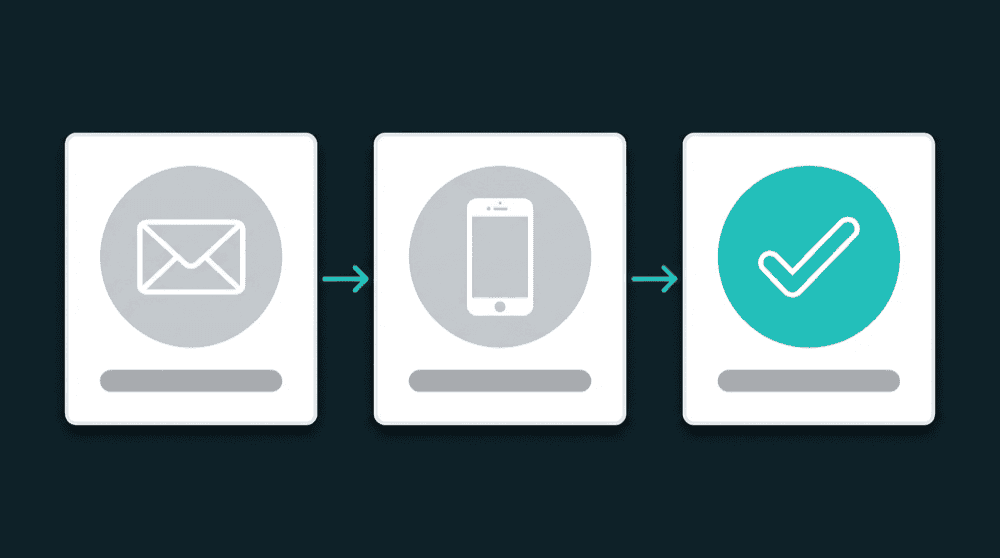
Authenticate Stripe, Intercom, your database, and any other tools with API keys or OAuth. Oneprofile validates each credential against the live API before saving.

Step 2
Add your CRM as the destination
Connect HubSpot, Salesforce, or Attio. Choose Contacts as the record type and email as the matching key so records link correctly across tools.
Step 3
Map enrichment fields to CRM properties
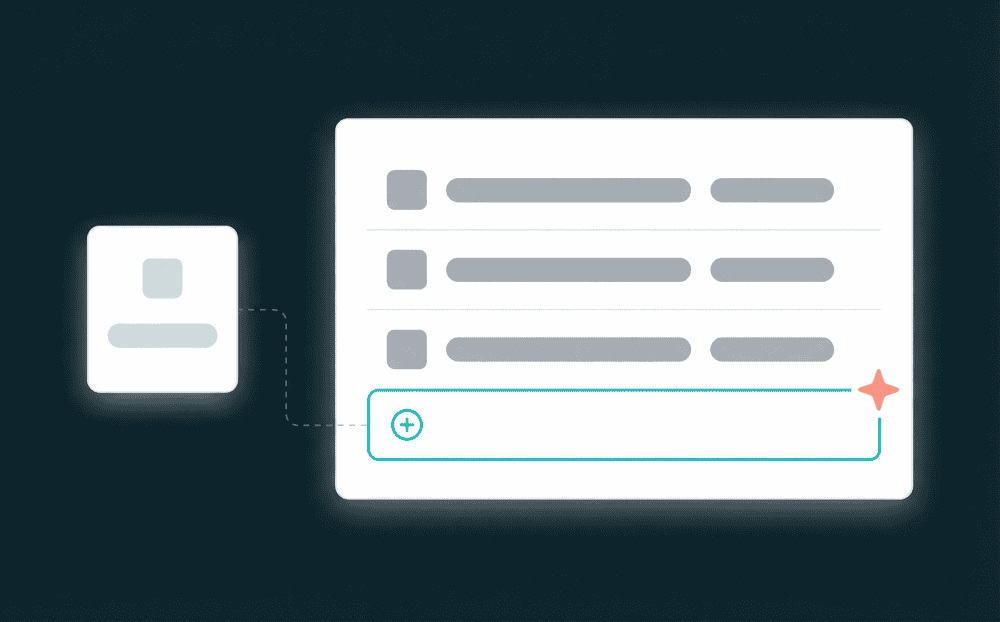
Select which source fields flow to CRM properties. Map subscription_status, plan_name, open_tickets, or last_login. Oneprofile creates missing properties automatically.

Step 4
Choose sync mode and schedule
Select Update or Create mode with a 15-minute schedule. Update mode enriches existing contacts. Update or Create also adds new contacts from the source tool.
Step 5
Run and monitor enrichment syncs
The first sync backfills all historical records. Subsequent runs process only changes. Failed records surface with full error context for review and retry.

FAQ
How long does CRM data enrichment take to set up?
Does this work with HubSpot, Salesforce, and Attio?
Will automatic enrichment overwrite fields my team updated?
Do I need a data warehouse for CRM record enrichment?
How is this different from Clearbit or ZoomInfo?