Billing migration without lost records
Billing migration without lost records
Move customers, subscriptions, and payment history from Stripe, Chargebee, or Recurly to your new billing platform. Oneprofile maps fields, backfills records, and syncs both tools during the switch.
No credit card required
Free 100k syncs every month
What goes wrong during billing migration
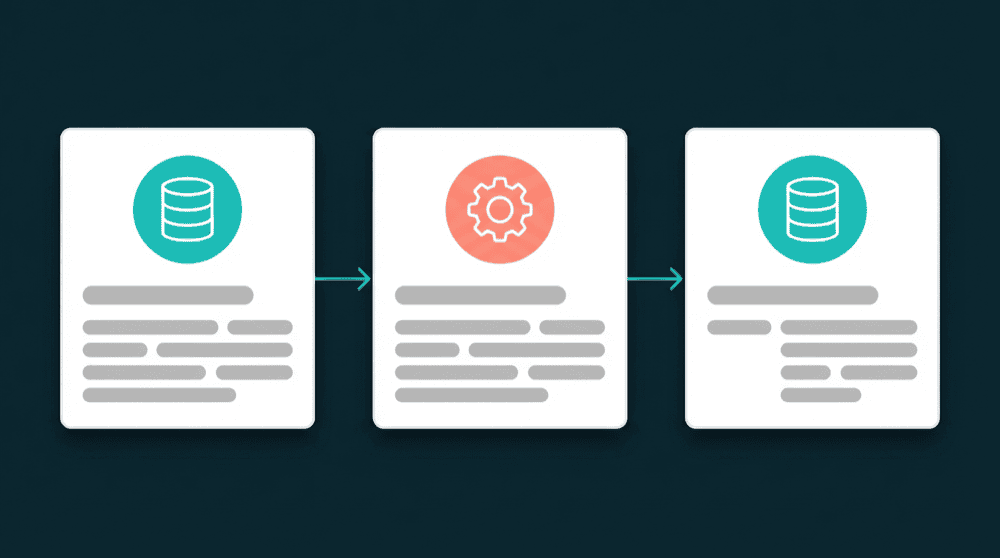
Billing platform switches rely on API migration scripts or vendor import tools. Customer records are incomplete, subscriptions get mismatched, and the old tool keeps processing charges after cutover.

API migration scripts require engineering time
Switching billing tools means writing custom scripts to extract customers, subscriptions, and payment metadata via API. One engineer spends weeks building and debugging the migration.

Custom fields and metadata don't transfer
Your billing platform has custom fields for contract_type, renewal_date, and account_tier. Vendor migration tools skip anything non-standard. Nobody notices until finance reports break a month later.

Billing and CRM data drift apart after the switch
You migrate billing records on Friday. By Monday, the CRM still shows old plan data because nobody reconnected the billing-to-CRM sync. Sales reps quote the wrong pricing for a week.
Connect both billing tools as source and destination
Authenticate your old and new billing platforms with API keys. Oneprofile treats each tool as both a source and destination. No migration scripts, no vendor import wizards, no engineering tickets.

Connect both billing tools as source and destination
Authenticate your old and new billing platforms with API keys. Oneprofile treats each tool as both a source and destination. No migration scripts, no vendor import wizards, no engineering tickets.

Backfill all customer records on day one
The first sync processes every customer and subscription record from your old billing tool. Your new platform starts with complete data from day one. No partial imports, no missing subscriptions.

Run both billing tools in parallel during transition
Keep both platforms synced while your team ramps on the new one. Customer records created in either system appear in both. Disconnect the old billing tool when the cutover is complete.

Every failed record is captured with context
If a customer record fails to migrate due to a field mismatch or rate limit, it lands in the error queue. You see exactly which record failed and why. Fix the mapping and reprocess.
Popular billing migration examples
See how teams migrate between billing platforms and keep the new tool connected to CRM, support, and marketing afterward.


Migrate Stripe customers, subscriptions, and custom metadata to Chargebee with field mapping. Keep both platforms synced during the transition.
Stripe
+
Chargebee
Move Chargebee customers and subscription records to Stripe with mapped custom fields, plan statuses, and billing metadata.
Chargebee
+
Stripe

Push Stripe customer data, MRR, and subscription status to HubSpot contacts so sales has current billing context after your migration.
Stripe
+
HubSpot

Switch from Paddle to Stripe with customer field mapping and full record backfill. Run both platforms in parallel until cutover.
Paddle
+
Stripe

Sync Stripe billing data to Salesforce after migrating. Subscription status, plan type, and MRR flow to contact and account records automatically.
Stripe
+
Salesforce

Send Chargebee subscription data to Attio so your CRM reflects current billing state. Custom billing fields are created in Attio automatically.
Chargebee
+
Attio
View All Integrations
Connect your tools
Oneprofile supports wide range of integrations across categories
Attio
CRM
Chargebee
Payments

Close
CRM
HubSpot
CRM

Intercom
Customer Support
Paddle
Payments

Pipedrive
CRM
Salesforce
CRM
Stripe
Payments

Zoho CRM
CRM
View All Integrations
How billing migration works with Oneprofile
Five steps from connected billing tools to fully migrated customer and subscription data.
Step 1
Connect your old and new billing platform
Authenticate both billing tools with API keys. Oneprofile validates credentials against the live API and discovers available record types: customers, subscriptions, plans, and invoices.

Step 2
Choose record types and matching key
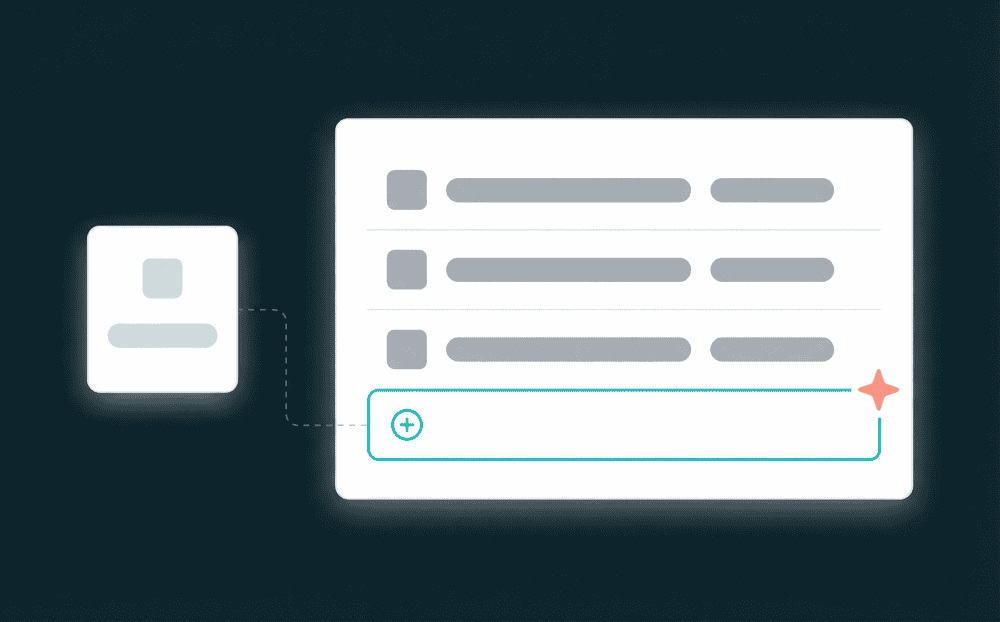
Map Customers to Customers, Subscriptions to Subscriptions. Select email or customer ID as the matching key so Oneprofile pairs records correctly across both billing platforms.
Step 3
Map billing fields and custom metadata
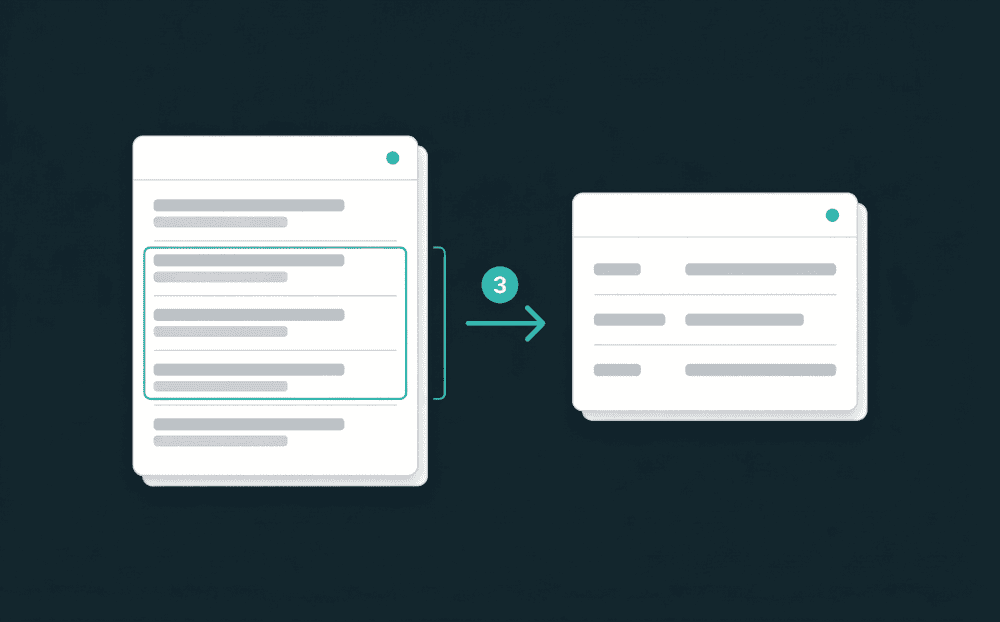
Map customer name, email, plan_id, subscription_status, and custom fields. Oneprofile creates custom properties in the destination automatically when they don't exist.

Step 4
Run the initial billing migration backfill
Start the first sync in Update or Create mode. Oneprofile processes every customer and subscription from the old billing tool. Review record counts and verify key accounts.
Step 5
Keep both billing tools synced, then cut over
Set a sync schedule. Both platforms stay current during the transition. When your team is ready, disconnect the old billing tool. The new one stays connected to CRM and support.
FAQ
How long does a billing platform migration take?
Will I lose subscription history during billing migration?
Can I migrate from Stripe to Chargebee?
What happens to new customers created during migration?
Do I need a developer to run a billing migration?