Customer Experience Optimization
Customer Experience Optimization
Connect billing, support, and product tools so every customer interaction starts with complete context. Warehouse optional. No enterprise CX platform.
No credit card required
Free 100k syncs every month
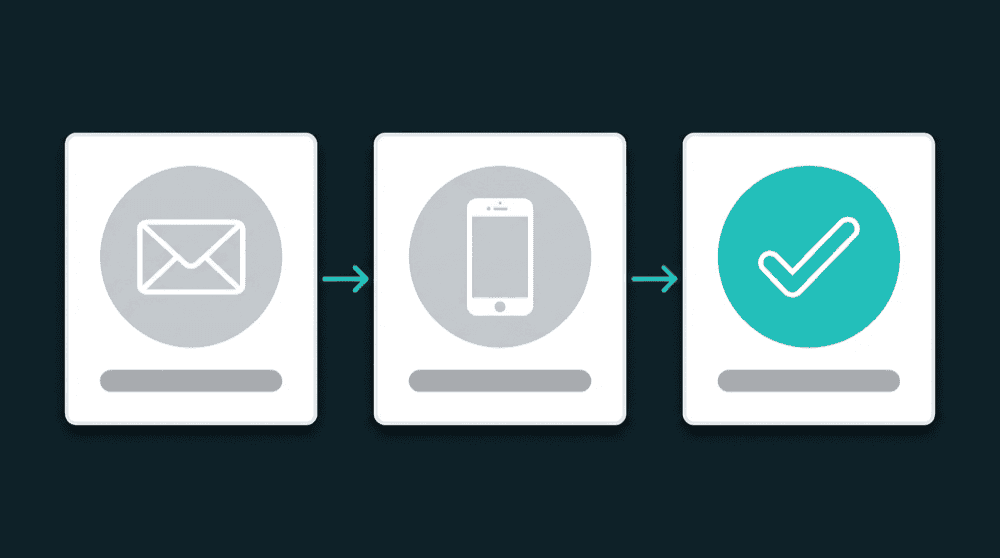
What blocks customer experience optimization
Every tool holds a different slice of the customer. Sales sees CRM data, support sees tickets, billing sees revenue. Nobody has the full picture when it matters.

Your CRM has no billing context
A rep opens a contact record and sees name, email, deal stage. No plan tier, no MRR, no renewal date. They pitch an upgrade to someone already on your highest plan. Stripe had the data the whole time.

Marketing ignores support context
Your email tool doesn't know a customer filed three tickets this week. It sends a promo campaign to someone waiting on a fix. They see cheerful marketing instead of a resolution.

Support can't see product usage
A power user who logs in daily gets the same generic response as someone who signed up yesterday. Usage data sits in your database. Support never sees it. Every ticket starts from zero context.
Billing data in every CRM record
Stripe subscription status, plan name, MRR, and renewal date flow into HubSpot, Salesforce, or Attio contact properties. Sales and support see billing context without switching tools.
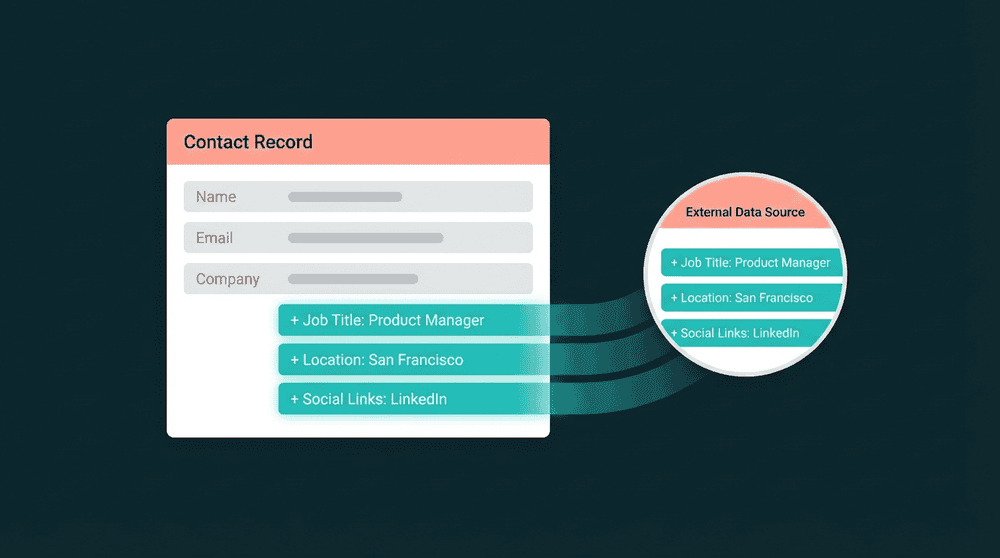
Billing data in every CRM record
Stripe subscription status, plan name, MRR, and renewal date flow into HubSpot, Salesforce, or Attio contact properties. Sales and support see billing context without switching tools.

Product usage data in your sales tools
Feature adoption, last login, and usage tier flow from your database to CRM. Sales knows which features each customer actually uses before calling. Success teams spot churn signals early.

Field-level changes, not full record overwrites
Oneprofile tracks which individual fields changed and sends only those. Your CRM reflects the latest billing status within 15 minutes of a Stripe change without overwriting fields other teams set.

Bidirectional sync across every tool
Data flows both directions. CRM tags and lifecycle stages flow back to billing and support tools. One connection handles reads and writes. No separate integrations for each direction.
Customer experience optimization in practice
See how teams connect billing, support, and product tools to give every customer touchpoint the full picture.


Push Stripe plan tier, MRR, and renewal date to HubSpot contact records so sales conversations start with current billing context.
Stripe
+
HubSpot


Sync Intercom ticket count and last conversation date to Mailchimp so campaigns skip customers with open support issues.
Intercom
+
Mailchimp


Send PostHog feature adoption and login frequency to Salesforce so reps know which features each customer actually uses.
PostHog
+
Salesforce

Keep Attio CRM records current with Stripe subscription status and payment health for proactive renewal conversations.
Stripe
+
Attio

Push Mixpanel engagement scores and event data to HubSpot so customer success identifies power users and at-risk accounts.
Mixpanel
+
HubSpot
Sync Intercom satisfaction ratings and ticket volume to HubSpot so marketing segments by support experience.
Intercom
+
HubSpot
View All Integrations
Connect your tools
Oneprofile supports wide range of integrations across categories
Attio
CRM
HubSpot
CRM
Intercom
Customer Support
Mailchimp
Mixpanel
Analytics
Plain
Customer Support
PostHog
Analytics
Salesforce
CRM
Stripe
Payments

Zendesk
Customer Support
View All Integrations
How customer experience optimization works
Five steps to connect the tools behind every customer touchpoint.
Step 1
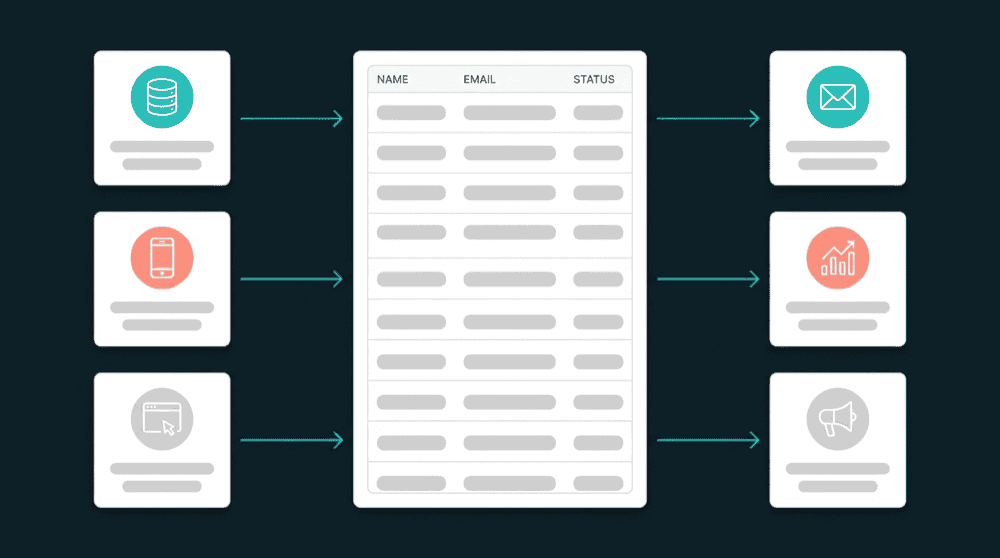
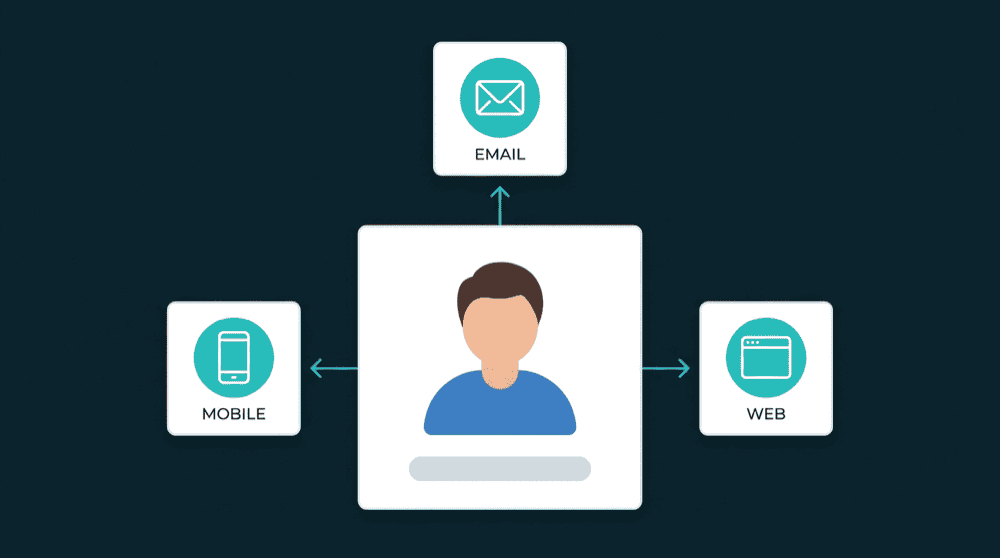
Connect your billing, CRM, and support tools
Authenticate Stripe, HubSpot, Intercom, and any other tools with API keys. Oneprofile validates each credential against the live API before saving.
Step 2
Choose record types and matching keys
Map Stripe Customers to CRM Contacts using email as the primary key. Oneprofile finds matching records across tools automatically.
Step 3
Map the fields each team needs
Map subscription_status, plan_name, open_ticket_count, and last_login to CRM contact properties. Oneprofile creates custom properties in your CRM if they don't exist yet.


Step 4
Set sync behavior and schedule
Choose Update or Create mode to update existing contacts and create new ones. Set a 15-minute sync schedule or enable real-time sync where supported.
Step 5
Run and monitor every sync
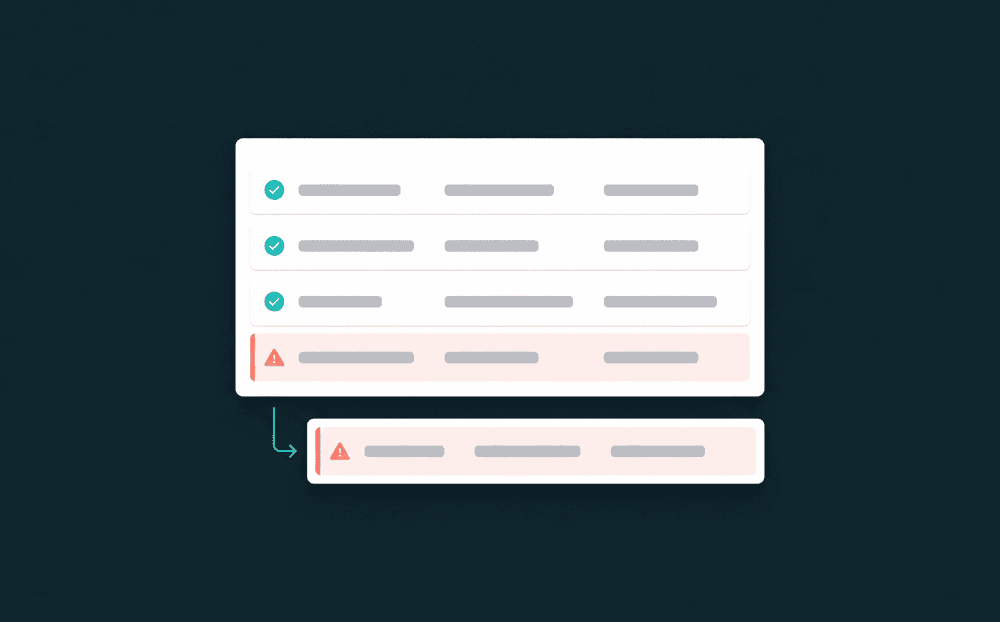
The first sync backfills all historical records. Subsequent syncs push only changed fields. Failed records are captured with full error context for review and retry.
FAQ
What is customer experience optimization?
Which tool connections improve customer experience most?
Do I need a warehouse to optimize customer experience?
How do you measure customer experience improvement?
How long does it take to set up CX optimization?