Omnichannel customer experience
Omnichannel customer experience
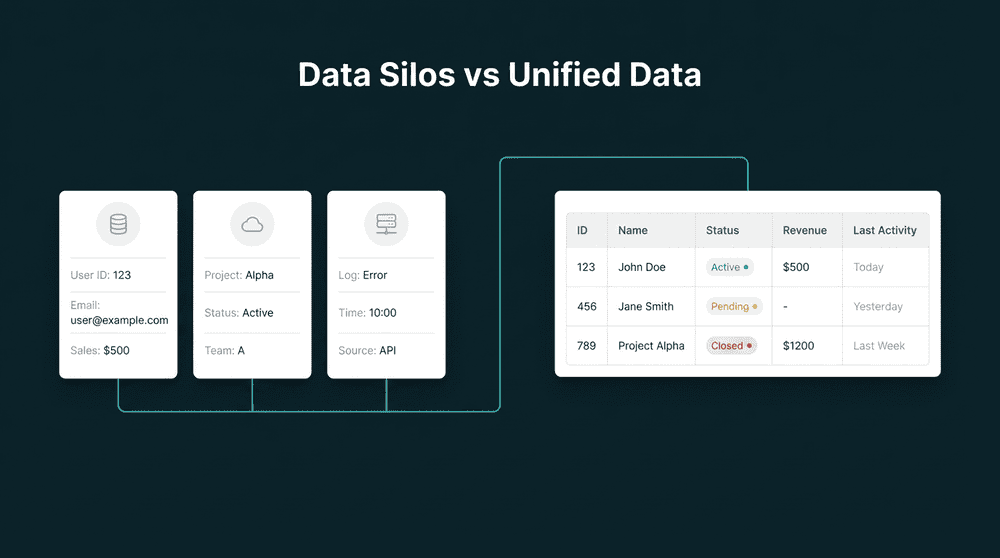
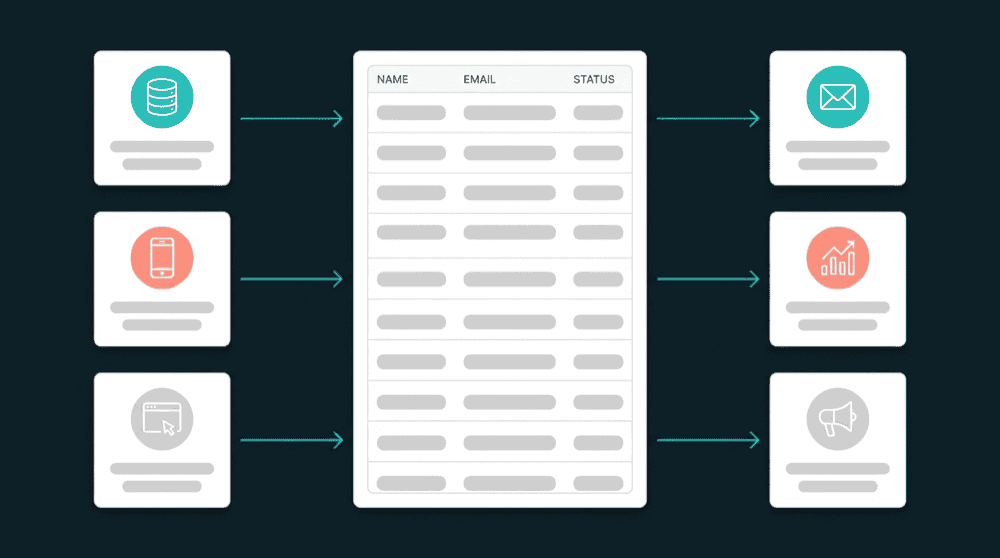
When every tool holds a different slice of the customer, channels send conflicting messages. Connect CRM, email, support, and billing tools to give every channel the same unified customer view.
No credit card required
Free 100k syncs every month
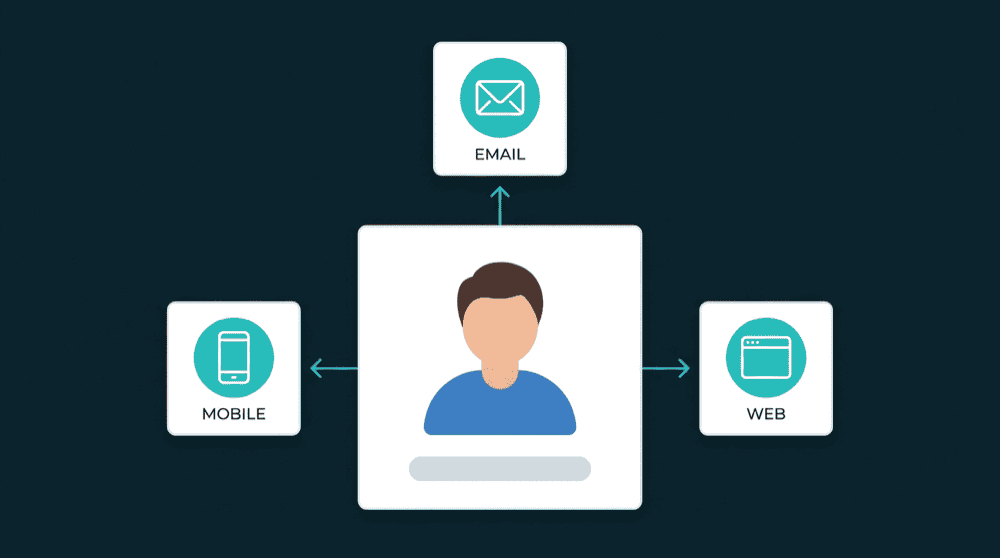
Why omnichannel customer experience breaks
Each tool stores its own version of the customer. Your email tool misses billing status. Your CRM ignores support tickets. Campaigns contradict each other because channels run on different data.

Email sends upgrade offers to paying customers
Your email tool can't see Stripe billing data, so it promotes an upgrade to someone who bought last week. The customer replies asking if your systems talk to each other.

Sales calls customers with open support tickets
Your CRM has no support ticket data. A rep calls to discuss expansion while the customer has an unresolved issue from yesterday. The rep looks uninformed and the customer feels ignored.

Marketing segments on incomplete data
Your marketing tool knows email opens but not plan tier, support history, or product usage. Segments built on engagement alone miss the context that actually drives conversions.
Billing data in every customer-facing tool
Connect Stripe to your CRM and email tool. Plan tier, MRR, and renewal date sync to contact records on a 15-minute schedule. Email campaigns segment by plan, and sales sees revenue context.
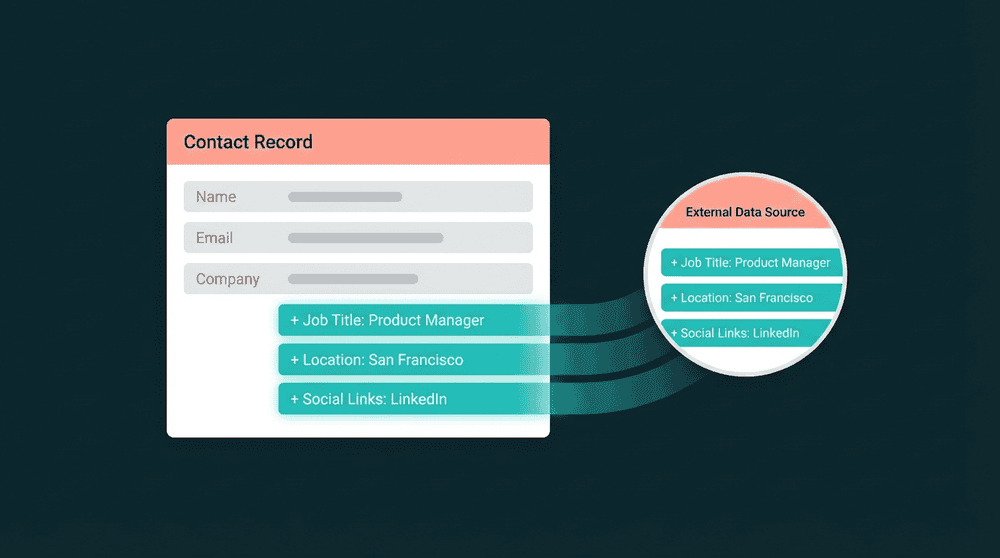
Billing data in every customer-facing tool
Connect Stripe to your CRM and email tool. Plan tier, MRR, and renewal date sync to contact records on a 15-minute schedule. Email campaigns segment by plan, and sales sees revenue context.

Cross-channel data flows both directions
Bidirectional sync means CRM changes reach your email tool, and email engagement flows back to the CRM. One connection handles both reads and writes across every channel.

Warehouse optional, no engineering team
Connect tools with API keys, map fields visually, and set a sync schedule. No Snowflake prerequisite, no six-month implementation. A single ops person can set up the data layer in an afternoon.

Every failed record is visible and recoverable
When a record fails to sync, you see which record, why it failed, and can retry it. Nothing is silently dropped. Full error context for every sync across every channel.
Cross-channel customer data in action
See how teams connect billing, support, product, and CRM tools to give every channel the unified customer view it needs.


Sync plan tier, MRR, and renewal date to CRM contact records so sales sees billing context on every customer.
Stripe
+
HubSpot

Push open ticket count and last conversation to CRM contacts. Sales knows about support issues before the next call.
Intercom
+
HubSpot

Sync lifecycle stage and deal status to your email tool. Campaigns segment by CRM data, not just email engagement.
HubSpot
+
Mailchimp

Send last login date and feature adoption scores to email contacts. Onboarding emails adapt to actual product usage.
PostHog
+
Mailchimp
Push billing status and plan name to support conversations. Agents see revenue context without switching to Stripe.
Stripe
+
Intercom

Sync product usage data from your database to CRM contacts. Sales sees feature adoption and activity without asking engineering.
PostgreSQL
+
HubSpot
View All Integrations
Connect your tools
Oneprofile supports wide range of integrations across categories

Attio
CRM
HubSpot
CRM
Intercom
Customer Support
Mailchimp

Mixpanel
Analytics
Plain
Customer Support
PostgreSQL
Database
PostHog
Analytics

Salesforce
CRM
Stripe
Payments

Zendesk
Customer Support
View All Integrations
How to build omnichannel customer experience
Five steps from disconnected tools to a unified customer view across every channel.
Step 1
Connect your customer-facing tools
Add your CRM, email platform, support tool, and billing system. Oneprofile authenticates each connection against the live API and shows available record types and fields.
Step 2
Choose record types and matching key
Map CRM Contacts to email Subscribers, Stripe Customers to CRM Contacts. Use email address as the primary key to match records across every tool without duplicates.
Step 3
Map fields across your stack
Map plan_name, ticket_count, lifecycle_stage, and last_login to the right fields in each destination. Oneprofile creates custom properties automatically if they don't exist.


Step 4
Set sync behavior and schedule
Choose Update or Create mode per connection. Set a 15-minute schedule. Oneprofile tracks field-level changes and syncs only what changed since the last run.
Step 5
Run first sync and validate
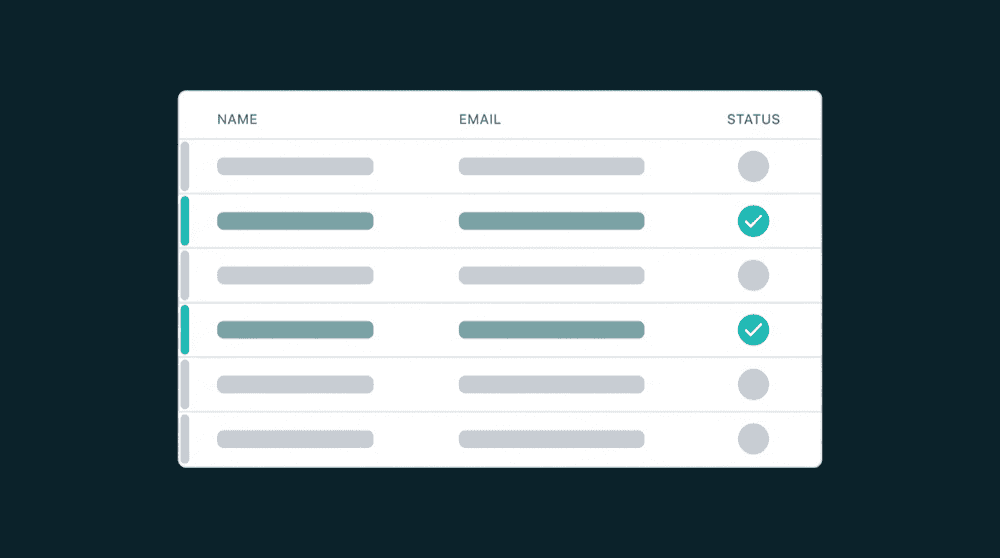
The initial sync backfills all historical records. Your CRM, email tool, and support platform get the complete customer picture from day one. Review any failed records and adjust mappings.
FAQ
Do I need an enterprise CDP for omnichannel customer experience?
How does cross-channel personalization work without a warehouse?
What happens if a record fails to sync between tools?
How long does it take to set up cross-channel data sync?
Can small teams achieve omnichannel customer experience?