Improve lead scoring in your CRM
Improve lead scoring in your CRM
Your CRM's lead scoring model only sees the data inside it. Sync billing status from Stripe, support history from Intercom, and product usage from your database so scores reflect reality.
No credit card required
Free 100k syncs every month
Why lead scoring in your CRM fails without external data
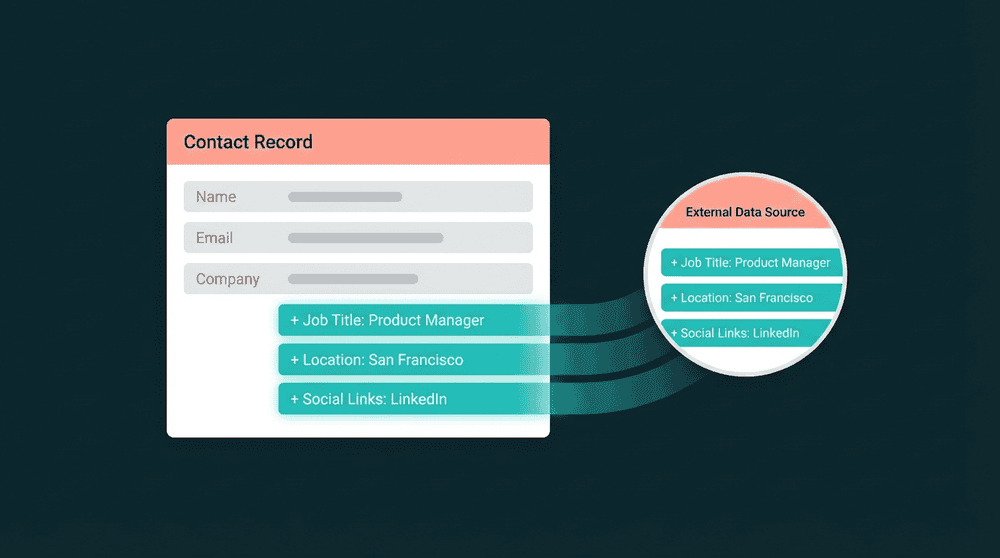
CRM-native scoring models only access data inside the CRM. Job title and email domain are not enough. The billing, support, and product signals that predict conversion live in other tools.

Scoring models run on incomplete data
Your CRM knows job title and email opens. It doesn't know the lead logged in 6 times this week, hit pricing twice, and upgraded to paid. Those signals sit in your database and Stripe.

Billing data stays locked in Stripe
Plan tier and MRR predict conversion better than form fills. Stripe has this data. Your CRM doesn't. Without sync, scoring ignores the strongest signals and reps treat paying users like cold leads.

Support history invisible to sales reps
A lead with 12 open support tickets is not buying. A lead who resolved a feature request last week is engaged. That signal lives in your support tool, invisible to your CRM's scoring rules.
Billing data in every contact record
Connect Stripe to your CRM with API keys. Oneprofile syncs subscription_status, plan_name, and MRR to contact properties. Scoring rules can award points for paid plans and deduct for cancellations.

Billing data in every contact record
Connect Stripe to your CRM with API keys. Oneprofile syncs subscription_status, plan_name, and MRR to contact properties. Scoring rules can award points for paid plans and deduct for cancellations.

Only changed fields propagate
When subscription_status updates in Stripe, only that field syncs. No full-record overwrites. No risk of clobbering notes, deal stages, or custom fields your sales team just edited.

CRM properties created automatically
Oneprofile creates custom contact properties in your CRM before writing data. No manual field setup. Map plan_name from Stripe and it appears as a CRM property automatically.

Every failed sync captured for retry
If a record fails due to a field type mismatch or rate limit, it is captured with full error context. Fix the mapping, reprocess, and data syncs. Your scoring model never runs on stale data.
Lead scoring CRM sync examples
See how teams connect billing, support, and product tools to feed CRM lead scoring models with the data sources they need.


Sync Stripe subscription_status and MRR to HubSpot contact properties so lead scoring rules weight paying customers higher.
Stripe
+
HubSpot


Push Intercom conversation count and last ticket date to Salesforce contacts so scoring models factor in support engagement.
Intercom
+
Salesforce


Send PostHog last login and feature adoption to Attio records so lead scores reflect real product usage alongside deal context.
PostHog
+
Attio
Keep Salesforce contacts current with Stripe plan tier and billing status for pipeline-aware lead scoring.
Stripe
+
Salesforce

Sync Mixpanel engagement metrics and activation status to HubSpot contacts for behavioral lead scoring signals.
Mixpanel
+
HubSpot
Push PostHog session_count and features_activated to Salesforce leads as product-qualified scoring signals.
PostHog
+
Salesforce
View All Integrations
Connect your tools
Oneprofile supports wide range of integrations across categories
Attio
CRM
HubSpot
CRM
Intercom
Customer Support
Mixpanel
Analytics

Pipedrive
CRM
PostHog
Analytics
Salesforce
CRM
Stripe
Payments

Zendesk
Customer Support
View All Integrations
How lead scoring CRM enrichment works
Connect your data sources, map fields to CRM properties, and scoring data flows on schedule.
Step 1
Connect your data sources
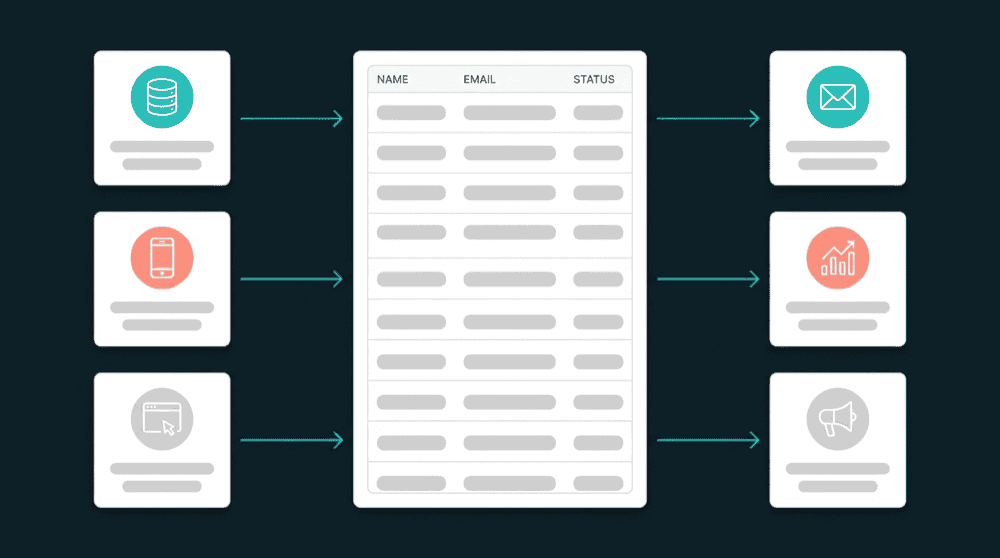
Authenticate Stripe, Intercom, your PostgreSQL database, and any other tools with API keys. Oneprofile validates each credential against the live API before saving.

Step 2
Connect your CRM as destination
Add HubSpot, Salesforce, or Attio via OAuth or API key. Oneprofile discovers record types and existing properties so you can map fields directly.
Step 3
Map scoring-relevant fields
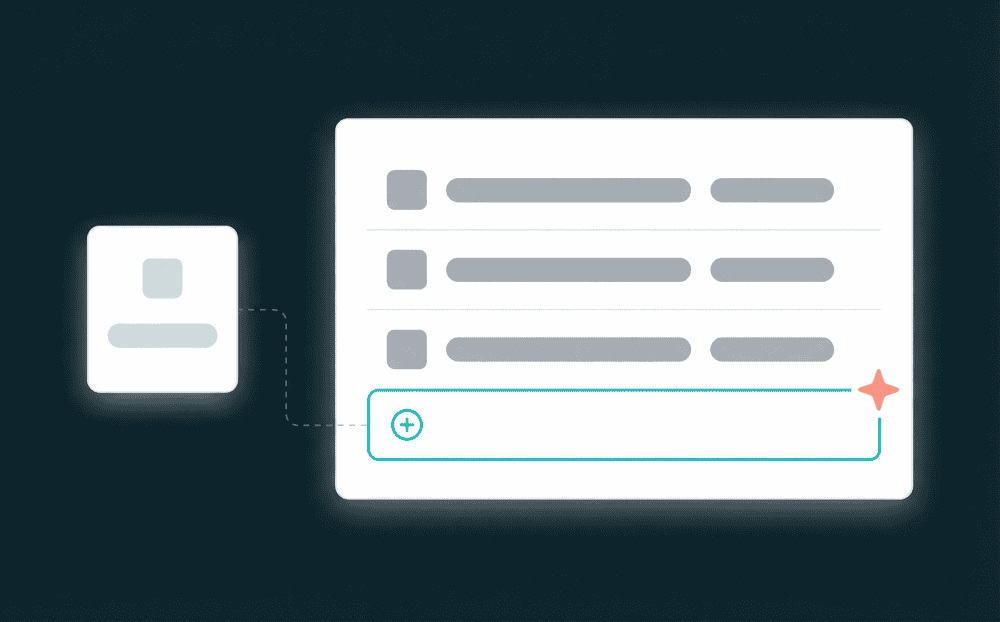
Map subscription_status and MRR from Stripe, open_ticket_count from Intercom, and last_login from your database to CRM contact properties. Missing properties are created automatically.

Step 4
Set sync behavior and schedule
Choose Update or Create mode and a 15-minute schedule. The first sync backfills all historical records. Every subsequent run pushes only the fields that changed.
Step 5
Build scoring rules on enriched data
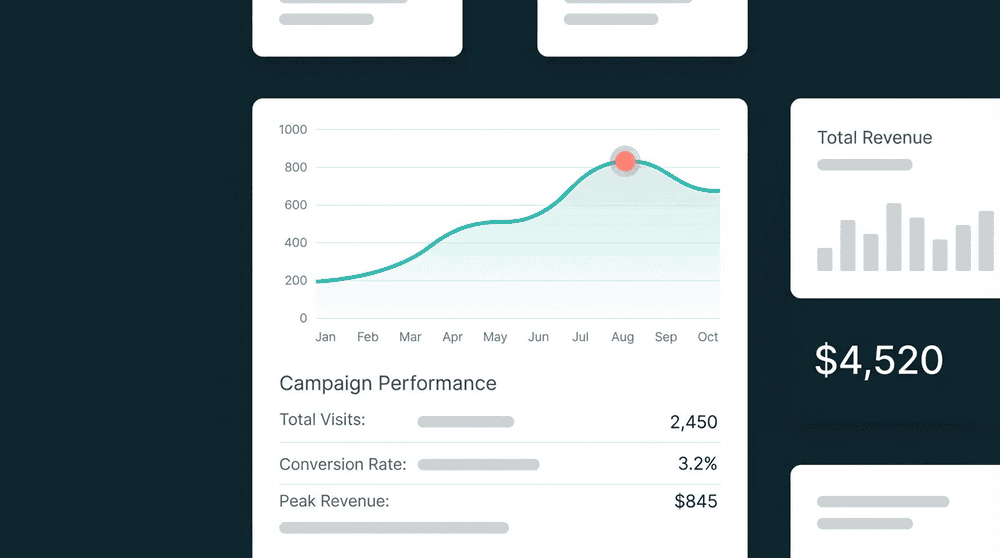
Open your CRM scoring settings and build rules on the synced fields. Paid plan: +20 points. Login this week: +10. No login in 30 days: -15. Scores stay current as data refreshes every 15 minutes.
FAQ
Does CRM-native scoring work without external data?
What data improves lead scoring accuracy the most?
How long does it take to connect data for lead scoring?
Can I do account scoring with the same connected data?
What if I already use a data warehouse?