Increase customer LTV with connected data
Increase customer LTV with connected data
Sync billing, support, and product data to your CRM so you can improve customer lifetime value with real numbers, not gut instinct. Warehouse optional. No code, no data team.
No credit card required
Free 100k syncs every month
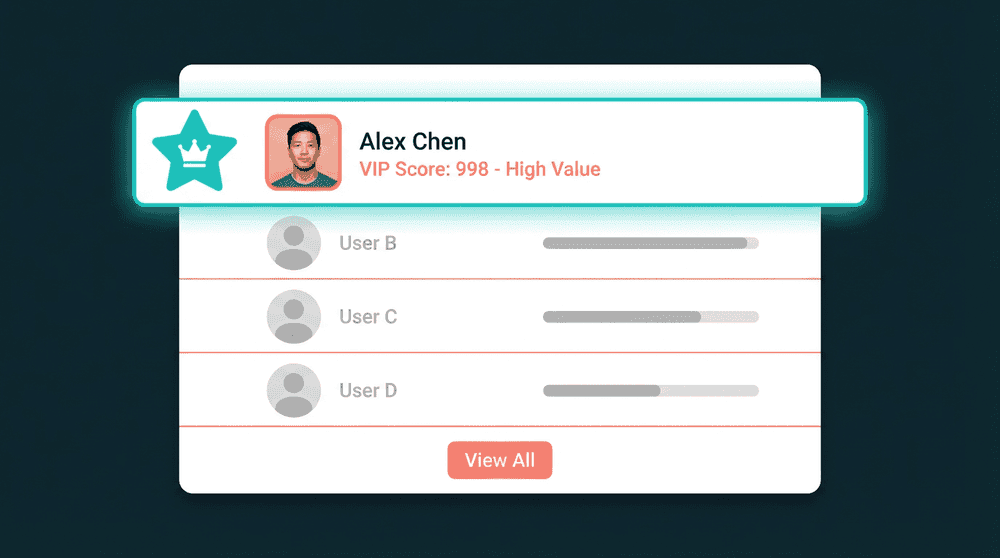
Why most teams fail to increase customer LTV
Customer LTV requires billing, support, and usage data in one place. When each lives in a separate tool, LTV stays a spreadsheet guess instead of an operational metric.

Revenue data locked inside your billing tool
Stripe knows every subscription change, payment, and churn event. Your CRM does not. Sales and success teams can't see revenue per account, so retention and upsell decisions run on gut feel.

Support signals invisible to revenue teams
A customer files three tickets in a week. That is a churn signal worth acting on. But your support tool doesn't talk to your CRM, so the account owner finds out when the customer cancels.

Warehouse-first tools that exclude most teams
Enterprise CDPs promise to increase LTV, but they start with 'connect your Snowflake instance.' If you don't run a warehouse or have a data engineer, their LTV playbook does not apply to you.
Billing data in every CRM contact record
Connect Stripe or Chargebee to your CRM. Subscription status, plan tier, MRR, and lifetime revenue sync to contact properties every 15 minutes. Your team sees revenue context on every record.
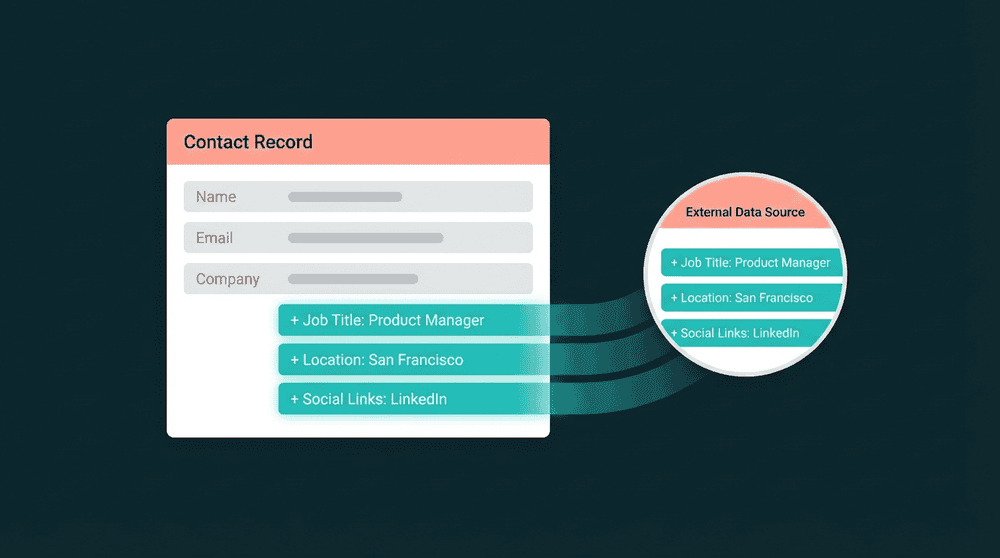
Billing data in every CRM contact record
Connect Stripe or Chargebee to your CRM. Subscription status, plan tier, MRR, and lifetime revenue sync to contact properties every 15 minutes. Your team sees revenue context on every record.

Product usage signals flow automatically
Point Oneprofile at your database or analytics tool. Login frequency, feature adoption, and seat count push to CRM contact properties without custom code or SQL queries.

Field-level change tracking for precision
Oneprofile tracks which fields changed and sends only those diffs. When MRR drops from $250 to $100, the CRM shows the exact change with old and new values. No full-record overwrites.

Historical backfill from day one
The first sync processes all historical records. Your CRM gets complete billing history from the start, not just changes after setup. LTV calculations have full context immediately.
Customer LTV integration examples
See how teams connect billing, support, and product tools to increase customer LTV across their stack.


Sync Stripe MRR, plan tier, and lifetime revenue to HubSpot contacts so sales sees LTV context on every deal and renewal.
Stripe
+
HubSpot


Push Intercom ticket counts and conversation dates to Salesforce contacts. Support context helps retention teams prioritize high-LTV accounts.
Intercom
+
Salesforce


Sync PostHog login frequency and feature adoption to Attio contacts for product-led upsell signals on high-value accounts.
PostHog
+
Attio

Send Stripe billing segments to Mailchimp so upsell and retention campaigns target customers by plan tier and revenue bracket.
Stripe
+
Mailchimp

Push Mixpanel engagement scores and feature usage to HubSpot for LTV-driven lifecycle marketing workflows.
Mixpanel
+
HubSpot

Sync Chargebee subscription data and renewal dates to Salesforce contacts for proactive retention outreach before renewals.
Chargebee
+
Salesforce
View All Integrations
Connect your tools
Oneprofile supports wide range of integrations across categories
Attio
CRM
Chargebee
Payments
HubSpot
CRM
Intercom
Customer Support
Mailchimp
Mixpanel
Analytics

PostgreSQL
Database
PostHog
Analytics
Salesforce
CRM
Stripe
Payments
View All Integrations
How to increase customer LTV step by step
Connect your tools, map the fields that drive LTV, and data flows on schedule.
Step 1
Connect billing and CRM tools
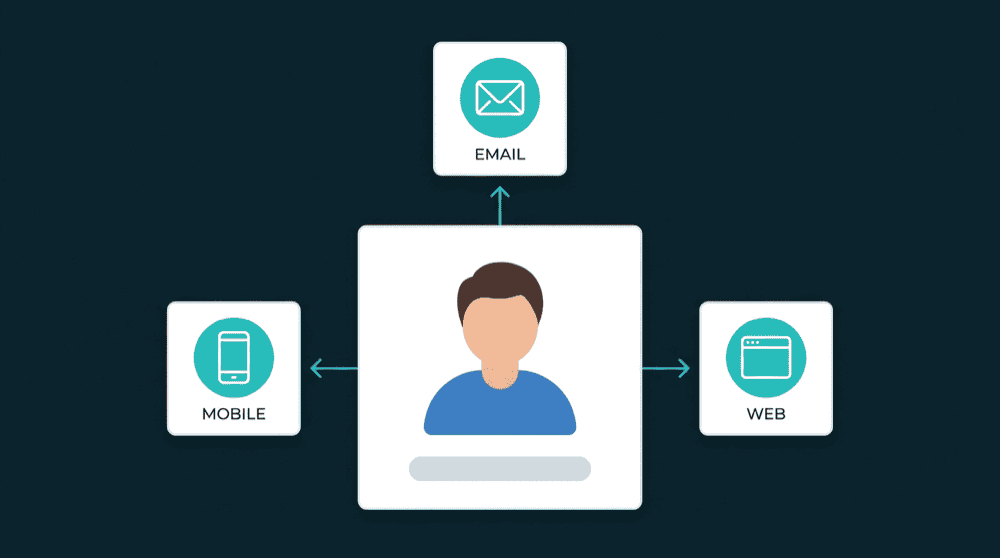
Authenticate Stripe, your CRM, and any other source tools with API keys. Oneprofile validates each credential against the live API before saving the connection.
Step 2
Choose record types and matching key
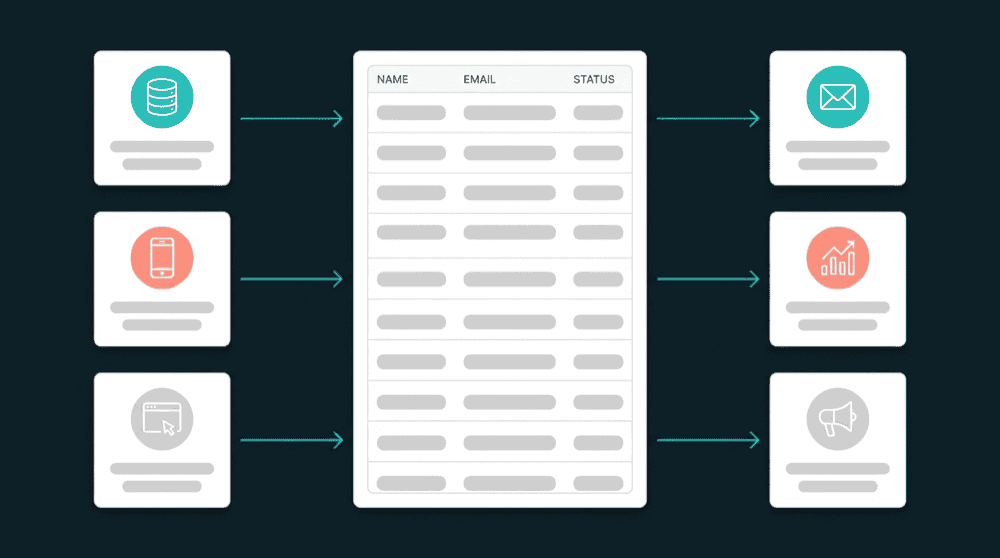
Map Stripe 'Customers' to CRM 'Contacts.' Select email as the primary key for matching records across tools. Oneprofile handles the record matching automatically.
Step 3
Map revenue and retention fields
Map subscription_status, plan_name, mrr, lifetime_revenue, and ticket_count to CRM contact properties. Oneprofile creates custom properties if they don't exist.


Step 4
Set sync behavior and schedule
Choose 'Update or Create' mode and a 15-minute schedule. Only changed fields are synced each run. The first sync backfills all historical records so LTV data is complete from day one.
Step 5
Build LTV segments in your CRM
Create CRM lists by LTV tier: top 10% for dedicated success, declining accounts for intervention, high-usage free accounts for upsell. Route each segment to the right team or workflow.
FAQ
How does connecting tools help increase customer LTV?
Do I need a data warehouse to track customer LTV?
What data do I need to increase customer LTV?
How quickly can I start tracking LTV after setup?
Can Oneprofile sync data back from my CRM to billing tools?