Sync product data to your tools
Sync product data to your tools
Push product usage data from PostHog, Mixpanel, or your database to CRM, marketing, and support tools. Last login, feature adoption, and usage counts stay current. Warehouse optional.
No credit card required
Free 100k syncs every month
What happens without product data sync
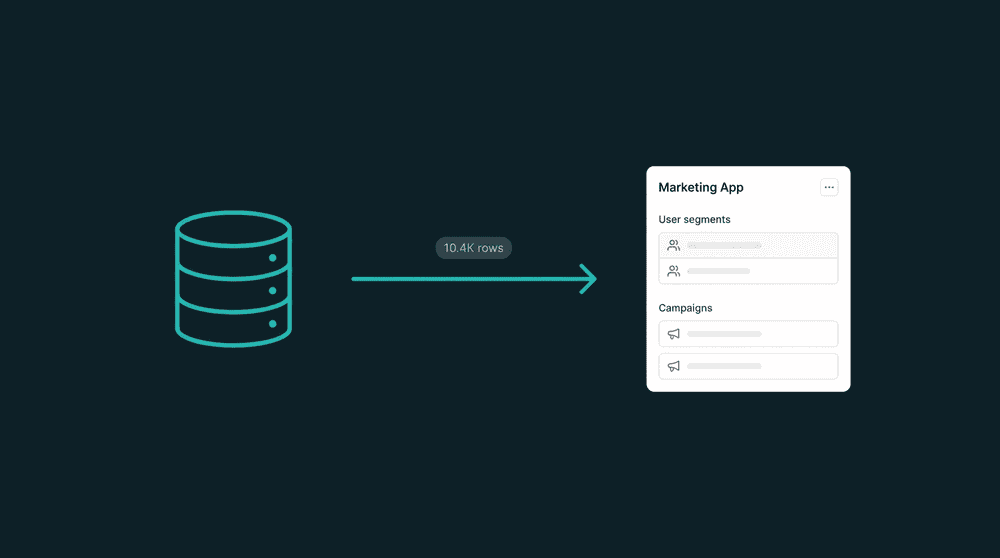
Without a sync pipeline, product usage data stays locked in analytics tools. Sales, marketing, and support teams operate without knowing how customers actually use the product.

Product data trapped in analytics tools
Your reps alt-tab to Mixpanel before every call to check if the prospect used the product. Half the time they forget. The other half they misread a chart. The data exists, just not where teams work.

Custom scripts that nobody maintains
An engineer wrote a script to push PostHog events to Salesforce. It broke when the API changed. Nobody noticed for three weeks. Sales lost trust in the data, and engineering won't touch it again.

Warehouse-first tools that require SQL
Reverse ETL tools can sync product data, but they start with 'Step 1: connect your data warehouse.' If you don't run Snowflake or BigQuery, or your team doesn't write SQL, you're stuck.
Connect analytics tools directly
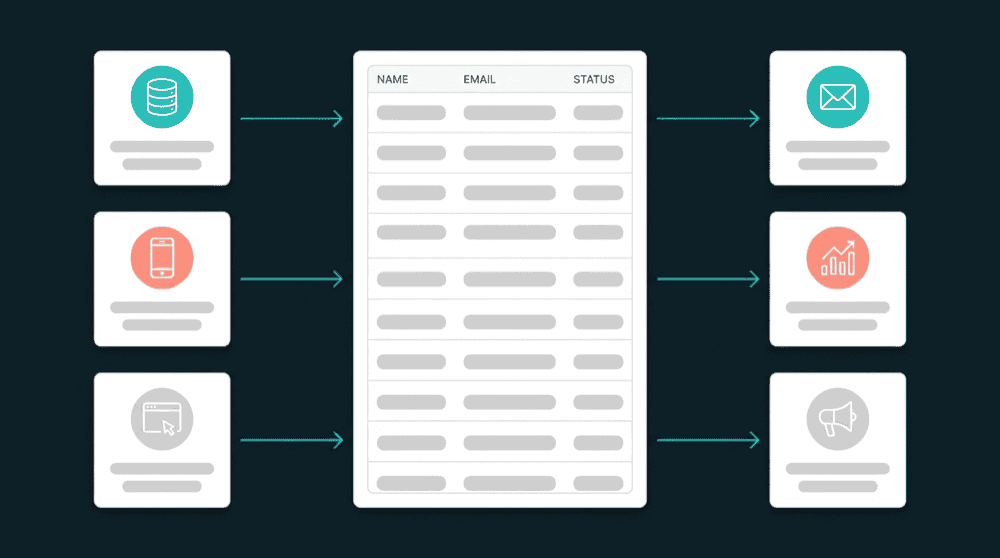
Authenticate PostHog, Mixpanel, or your database and your destination tools with API keys. Oneprofile syncs product usage fields directly. Warehouse optional. No SQL queries, no data modeling step.
Connect analytics tools directly
Authenticate PostHog, Mixpanel, or your database and your destination tools with API keys. Oneprofile syncs product usage fields directly. Warehouse optional. No SQL queries, no data modeling step.

Property-level change tracking
Oneprofile tracks which specific fields changed and sends only those diffs. No full-record overwrites, no wasted API calls, no risk of clobbering data another team just updated.

Every failed record is recoverable
If a record fails to sync (field type mismatch, rate limit, invalid mapping), it is captured with full error context. Fix the issue, reprocess, and the record syncs. Nothing is silently dropped.

Bidirectional by default
Destination data flows back to your analytics tools too. Sync lifecycle_stage, deal_value, or owner from your CRM into PostHog so product teams can segment by sales status without asking for a CSV.
Popular product data sync examples
See how teams connect analytics and billing tools to push product usage data to CRM, marketing, and support tools.


Push Stripe subscription status and MRR directly to HubSpot contact properties for sales context on every deal.
Stripe
+
HubSpot


Sync PostHog last login, feature adoption, and session count to Salesforce contacts for product-led sales signals.
PostHog
+
Salesforce


Send Mixpanel feature usage scores and activation status to Attio contacts for data-driven expansion outreach.
Mixpanel
+
Attio

Push PostHog usage metrics to Mailchimp subscriber fields so email campaigns target users by product engagement.
PostHog
+
Mailchimp

Sync Stripe billing status and plan tier to Intercom so support reps see subscription context in every conversation.
Stripe
+
Intercom

Push Mixpanel engagement data to ActiveCampaign for behavior-driven onboarding and re-engagement campaigns.
Mixpanel
+
ActiveCampaign
View All Integrations
Connect your tools
Oneprofile supports wide range of integrations across categories
ActiveCampaign

Amplitude
Analytics
Attio
CRM

Close
CRM

Customer.io
HubSpot
CRM
Intercom
Customer Support

Loops.so
Mailchimp
Mixpanel
Analytics

Pipedrive
CRM

Plain
Customer Support

PostgreSQL
Database
PostHog
Analytics
Salesforce
CRM
Stripe
Payments
View All Integrations
How product data sync works
Connect your analytics tool and destination, map fields, and product data flows on schedule.
Step 1
Connect your analytics tool and destination
Authenticate PostHog, Mixpanel, or your database and your destination (HubSpot, Salesforce, Mailchimp, Attio) with API keys. Oneprofile validates each credential against the live API before saving.

Step 2
Choose record types and matching key
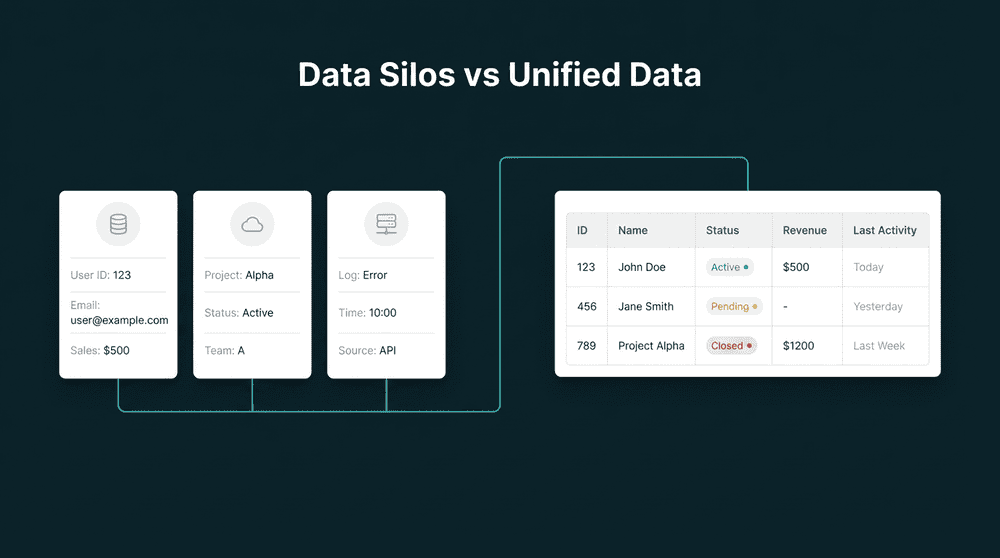
Map analytics 'Users' to destination 'Contacts.' Select email as the primary key so Oneprofile matches records across both tools automatically.
Step 3
Map product usage fields
Map last_login_date, session_count, features_used, and plan_name to destination properties. Oneprofile creates custom properties automatically if they don't exist.


Step 4
Set sync behavior and schedule
Choose 'Update or Create' mode and a 15-minute schedule. Oneprofile checks for changes and pushes only the fields that changed. The first sync backfills all historical records.
Step 5
Review synced data
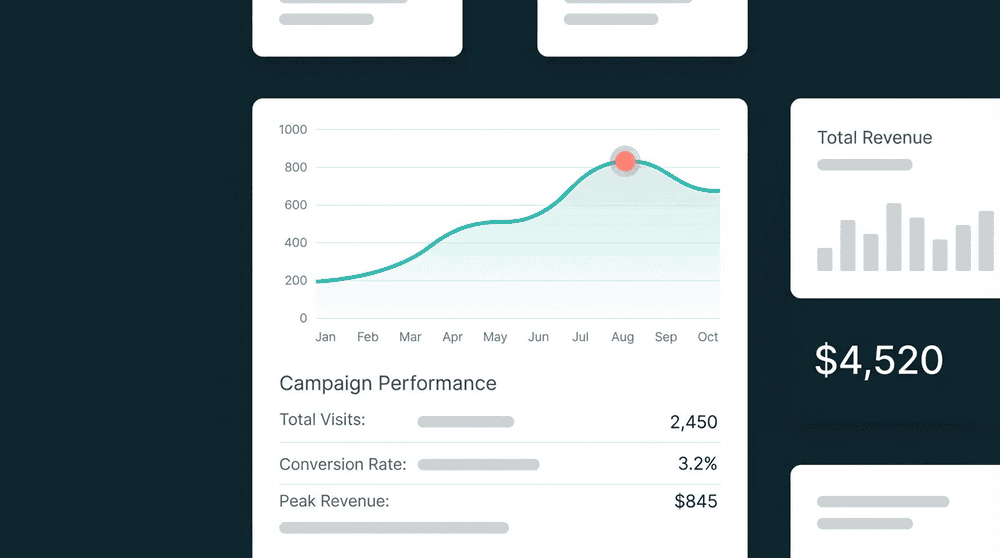
Open a record in your destination tool and confirm product usage fields are populated. Your team now sees real-time engagement data without switching tools.
FAQ
Do I need a data warehouse to sync product usage data?
What product usage fields can I sync?
How often does product usage data sync?
Does this work with PostHog, Mixpanel, and Amplitude?
Can I sync data back to my analytics tool?