Data privacy for SaaS data sync
Data privacy for SaaS data sync
Keep your SaaS tools connected without expanding your compliance surface area. Oneprofile syncs customer data directly between tools you already use. Warehouse optional. No SDK required.
No credit card required
Free 100k syncs every month
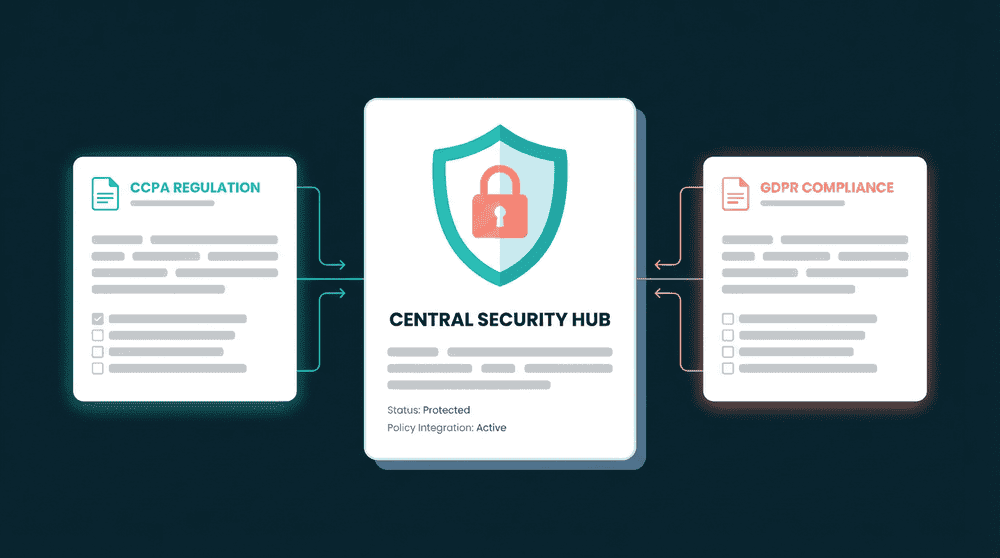
What makes data privacy for SaaS sync difficult
Every tool that touches customer data adds a system to audit, a deletion target, and a breach surface. Most sync approaches make this problem worse.

Sync tools add new places for data to live
CDPs collect data into a central platform. Warehouses create another copy. Each additional system expands your compliance scope with more places to audit and more targets for deletion requests.

SDKs and scripts create consent obligations
Client-side tracking scripts mean new cookie banners, consent flows, and privacy disclosures. Installing third-party code on your site adds regulatory requirements before you sync a single record.

No visibility into what data moved where
When compliance asks which customer fields exist in which tools, most teams cannot answer confidently. Without sync logs, you reconstruct data flows from memory and hope nothing was missed.
Direct sync with no intermediate copies
Oneprofile moves data between your tools without routing through a warehouse or staging area. Your compliance scope stays where it was. No new systems to audit or include in deletion requests.
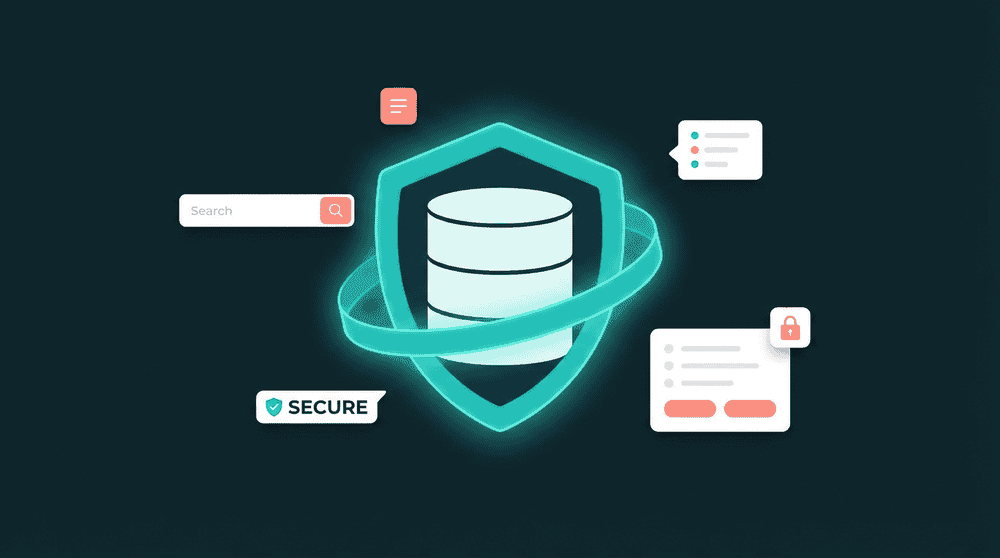
Direct sync with no intermediate copies
Oneprofile moves data between your tools without routing through a warehouse or staging area. Your compliance scope stays where it was. No new systems to audit or include in deletion requests.

Every record change is logged automatically
Sync logs capture which records moved, which fields changed, old and new values, and timestamps. When compliance asks for an audit trail, it already exists.

No tracking scripts or SDKs required
Oneprofile connects through tool APIs and reads from your database directly. No client-side JavaScript, no cookie banners, no additional consent flows for your website visitors.

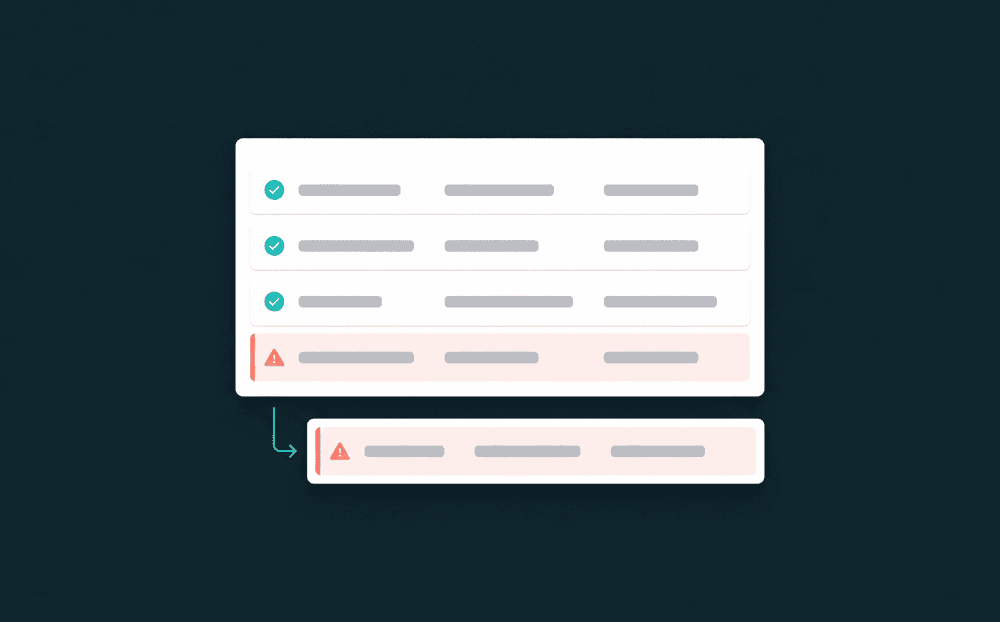
Failed records are captured, not lost
If a record fails to sync, it is flagged with the exact error for investigation and retry. No silent data loss means no gaps in your compliance record.
Data privacy for SaaS sync in practice
See how teams keep their tools connected while controlling exactly which customer data flows where.


Sync billing status and plan tier to HubSpot contacts without routing customer payment data through a warehouse or staging area.
Stripe
+
HubSpot


Push support conversation metadata to Salesforce contacts. Only conversation count and last contact date sync, not full message content.
Intercom
+
Salesforce


Sync product usage metrics to Attio with field-level control. Choose exactly which behavioral signals reach your CRM.
PostHog
+
Attio

Send only name, email, and lifecycle stage to Mailchimp. No additional personal data reaches your email tool beyond what it needs to send.
HubSpot
+
Mailchimp

Push database records to your CRM without client-side tracking. Your app writes to Postgres and Oneprofile syncs selected fields to HubSpot.
PostgreSQL
+
HubSpot
Sync CRM context back to your support tool so agents see customer tier without direct CRM access. Only the fields support needs are shared.
Salesforce
+
Intercom
View All Integrations
Connect your tools
Oneprofile supports wide range of integrations across categories

Airtable
Productivity
Attio
CRM
HubSpot
CRM
Intercom
Customer Support
Mailchimp

Mixpanel
Analytics
PostgreSQL
Database
PostHog
Analytics
Salesforce
CRM
Stripe
Payments
View All Integrations
How privacy-compliant data sync works
Connect tools, choose which fields sync, and data flows on schedule with full audit visibility.
Step 1
Connect your tools with API keys
Authenticate each tool with API credentials. Oneprofile validates every connection against the live API and discovers available record types and fields. No SDK installation needed.
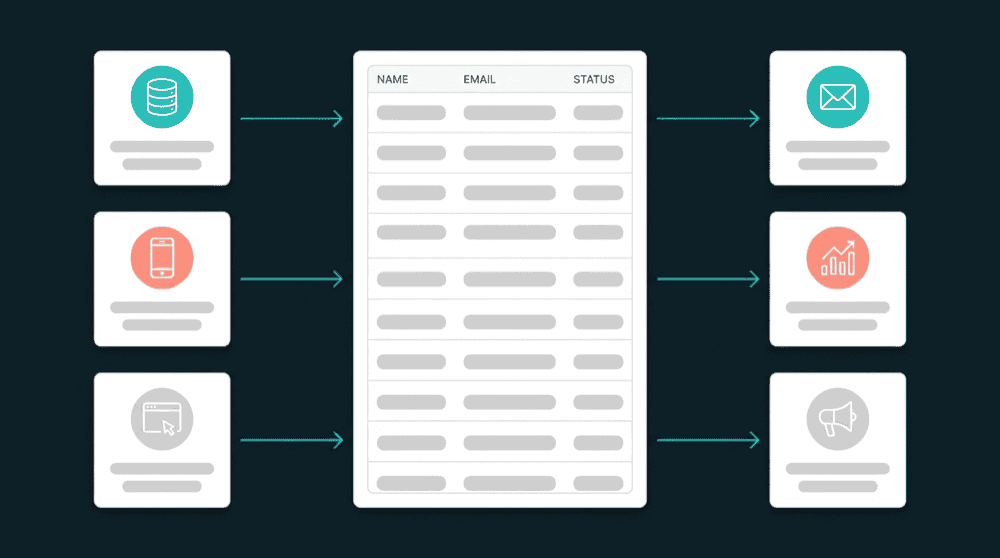

Step 2
Choose record types and matching key
Select which record types to sync and pick a primary key like email for matching. Oneprofile links records across tools so the same customer is recognized everywhere.
Step 3
Map only the fields each tool needs
Select which fields flow to each destination. Skip sensitive fields that a destination does not need. Custom properties are created automatically if they do not exist.


Step 4
Set sync behavior and schedule
Choose a sync mode and schedule. Oneprofile checks for changes at each interval and pushes only updated fields. The first sync backfills all historical records.
Step 5
Monitor syncs in the audit log
Every sync run logs which records were created, updated, or skipped. Old and new field values are recorded with timestamps. Review the log for compliance audits or troubleshooting.
FAQ
Does Oneprofile store a copy of my customer data?
Do I need tracking scripts on my website?
How does field mapping support GDPR data minimization?
Can I see which customer data Oneprofile synced?
What happens if a sync fails partway through?