Connect your entire SaaS stack
Connect your entire SaaS stack
Stop exporting CSVs, maintaining scripts, and paying for middleware. Oneprofile connects CRM, billing, support, and marketing tools in one customer data platform. Bidirectional, scheduled, self-serve.
No credit card required
Free 100k syncs every month
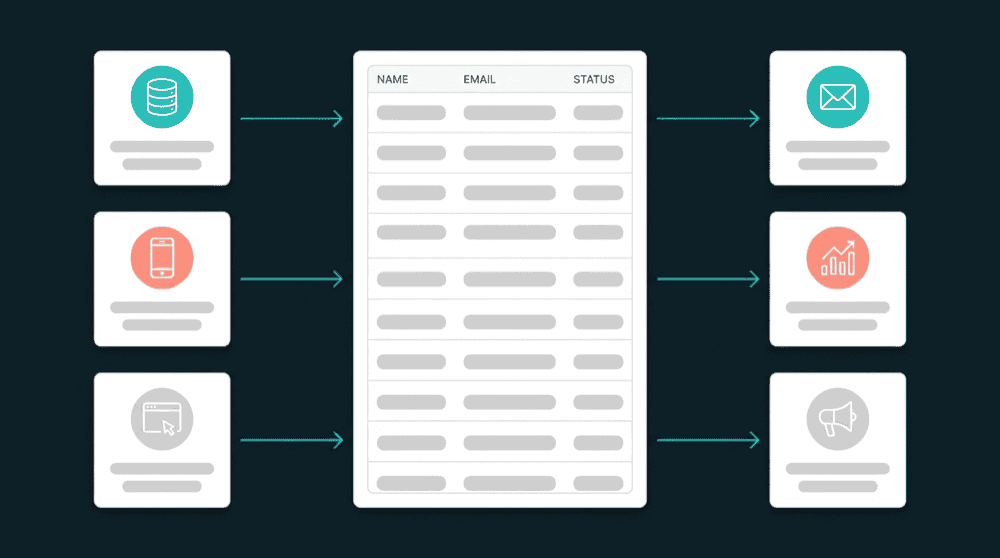
What breaks without a no-code customer data platform
Your team uses a dozen SaaS tools, but none of them share data. Customer records go stale within hours of any change. The workarounds cost more time than the problem they solve.

Manual exports between every tool
Someone downloads a CSV from Stripe every Monday, reformats columns to match HubSpot's import template, and uploads it. The data is stale by Tuesday. Next week, they do it again.

Zapier chains that break at scale
You built a multi-step Zap to sync Stripe events to HubSpot. It worked at 500 customers. At 5,000, you hit task limits and the Zap fails silently. Nobody notices until a sales rep complains.

Middleware built for enterprises, not your team
iPaaS platforms sell workflow builders, recipe editors, and per-task pricing designed for 500-person companies with integration engineers. Your 20-person team just needs data flowing between tools.
Connect tools directly with API keys
Authenticate Stripe, HubSpot, Intercom, Postgres, or any supported tool. Oneprofile validates credentials against the live API and discovers available record types and fields automatically.
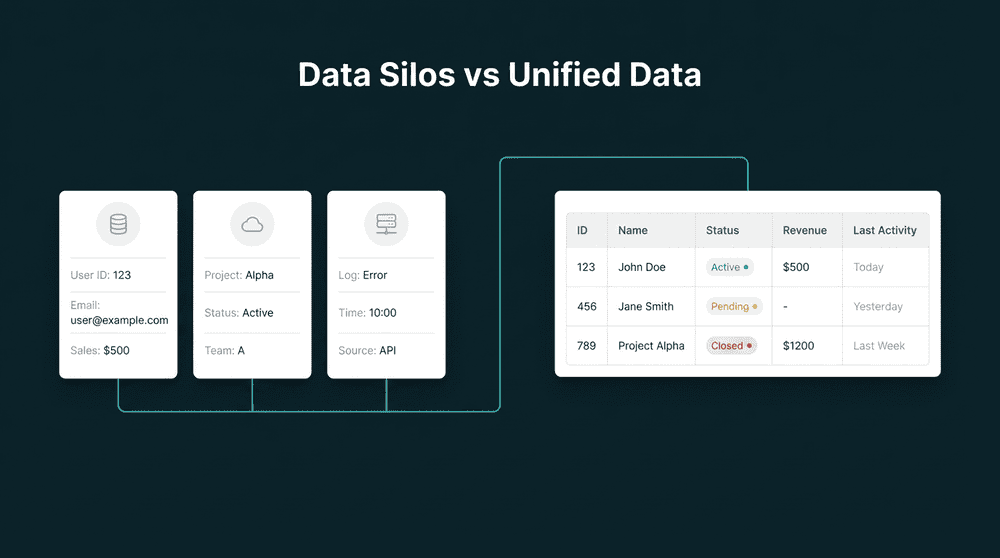
Connect tools directly with API keys
Authenticate Stripe, HubSpot, Intercom, Postgres, or any supported tool. Oneprofile validates credentials against the live API and discovers available record types and fields automatically.

Bidirectional sync on every connection
Data flows both directions on the same connection. CRM lifecycle stages flow to Stripe metadata. Billing data flows back to your CRM. One integration handles both reads and writes.

Failed records are captured, not dropped
When a record fails (rate limit, field mismatch, invalid mapping), you see exactly which record and why. Fix the mapping, reprocess, and the record syncs. Every failure includes full error context.

Free to start, self-serve forever
A free tier generous enough for real use. Published pricing on the website. Upgrade through Stripe checkout at any tier. No sales calls, no yearly contracts, no hidden costs.
Popular ways teams connect SaaS tools
See how teams use a no-code customer data platform to connect billing, CRM, support, and marketing tools. Each setup takes under 30 minutes.


Push Stripe subscription status, plan tier, and MRR to HubSpot contact properties so sales sees billing context on every record.
Stripe
+
HubSpot


Sync Intercom conversation history and open ticket counts to Salesforce contacts for full support context during sales calls.
Intercom
+
Salesforce


Send PostHog product usage metrics and last login dates to Attio CRM contacts for product-led expansion signals.
PostHog
+
Attio

Sync HubSpot lifecycle stages and contact segments to Mailchimp subscriber fields for targeted email campaigns by pipeline position.
HubSpot
+
Mailchimp

Push customer data from your Postgres database directly to HubSpot. Your database becomes the source of truth for every CRM field you map.
PostgreSQL
+
HubSpot
Sync Stripe billing status and plan tier to Intercom so support reps see subscription context in every conversation.
Stripe
+
Intercom
View All Integrations
Connect your tools
Oneprofile supports wide range of integrations across categories

ActiveCampaign

Airtable
Productivity
Attio
CRM

Close
CRM

Customer.io

Google Sheets
Productivity
HubSpot
CRM
Intercom
Customer Support

Loops.so
Mailchimp

Mixpanel
Analytics

Pipedrive
CRM
PostgreSQL
Database
PostHog
Analytics
Salesforce
CRM
Stripe
Payments
View All Integrations
How to connect SaaS tools in five steps
Authenticate your tools, map fields, set a schedule, and data flows. Most teams connect their first pair in under 30 minutes.
Step 1
Pick your first two tools
Start with the data flow that causes the most pain. Usually it's billing data from Stripe that's missing in your CRM, or support context from Intercom that sales can't see.

Step 2
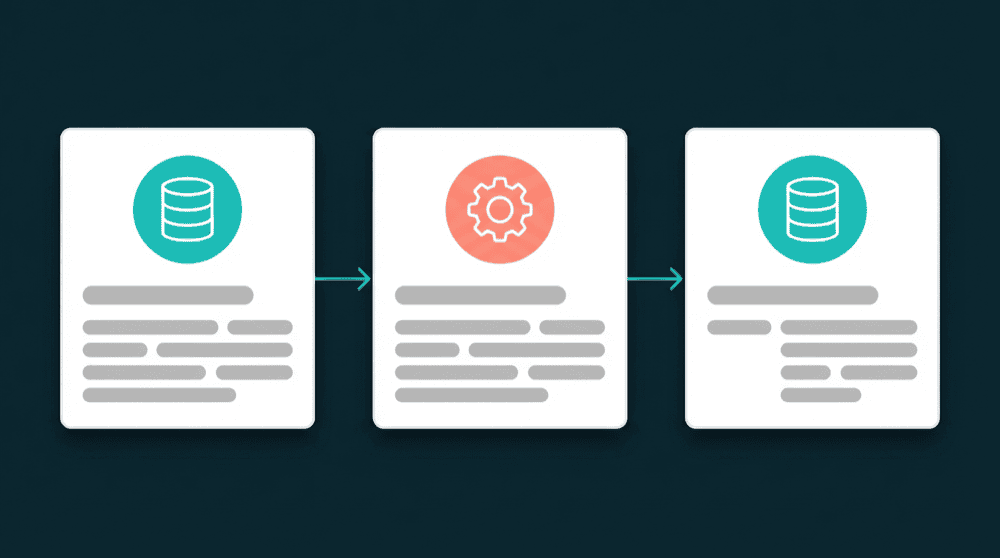
Authenticate with API keys
Enter API credentials for both tools. Oneprofile validates each credential against the live API before saving. Restricted API keys work fine for read-only sources.
Step 3
Map record types and fields
Map Stripe 'Customers' to HubSpot 'Contacts' using email as the primary key. Then map the fields you care about: subscription_status, plan_name, mrr. Custom properties are created if needed.


Step 4
Choose sync mode and schedule
Select 'Update or Create' mode and a 15-minute schedule. Oneprofile checks for field-level changes and syncs only the diffs. The first run backfills all historical records automatically.
Step 5
Add your next tool
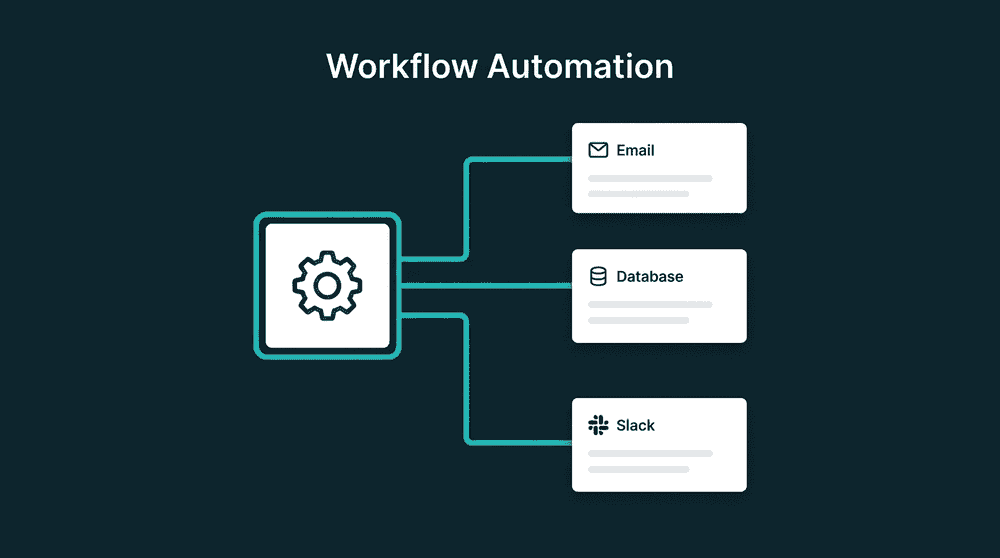
Once the first pair is running, add another tool. Connect PostHog for product data, Mailchimp for marketing, or your Postgres database. Each new connection takes the same 15 minutes.
FAQ
What tools can I connect with Oneprofile?
Do I need a developer to connect my SaaS tools?
How much does it cost to connect SaaS tools?
How is this different from Zapier or an iPaaS?
Can I connect more than two tools at once?