Salesforge

Salesforge integration
Sync contacts, sequences, and email engagement between Salesforge and your CRM, analytics, and warehouse tools. Bidirectional: read from Salesforge or write to it.
Sync Salesforge data into your stack
Turn cold-email activity into context your whole team can act on.
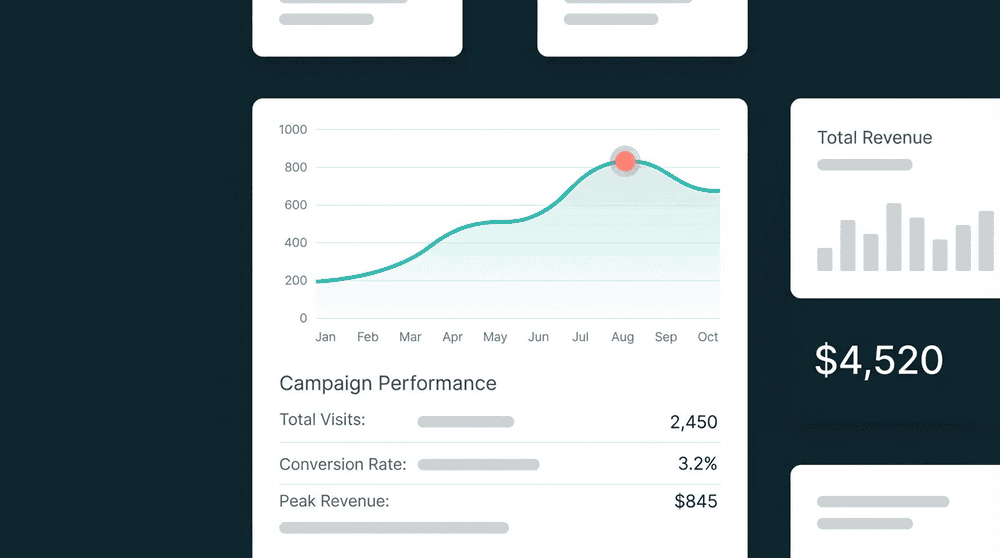
Email activity in your CRM
Push Salesforge sends, opens, and replies to your CRM contacts automatically. Sales sees who engaged with which outbound sequence, then follows up at the right moment without leaving the CRM.
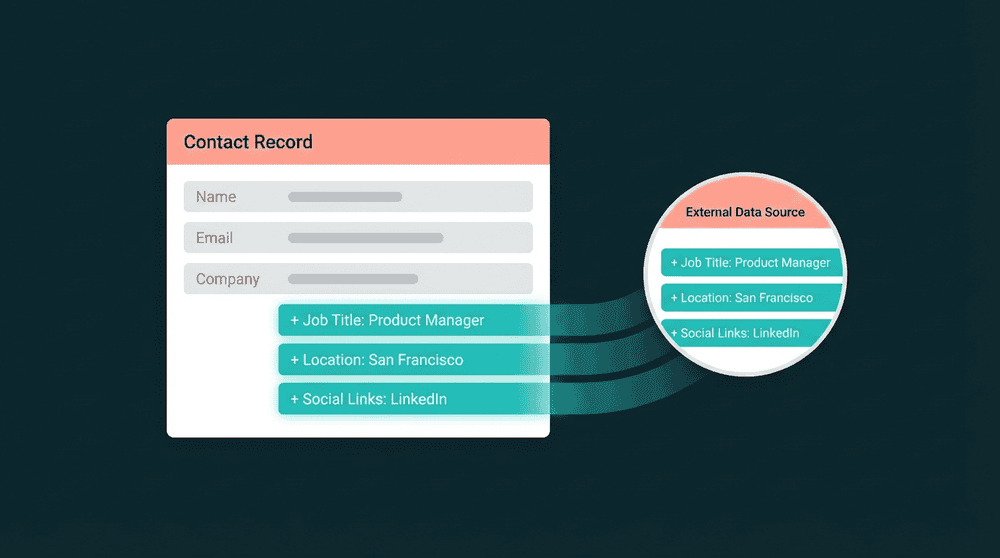


Popular integrations with
Salesforge
Connect
Salesforge
to these tools for powerful data workflows

CRM
Push Salesforge email engagement to HubSpot contacts so reps follow up on opens and replies in their CRM.
Salesforge
+
HubSpot
CRM
Sync Salesforge sequence activity to Salesforce leads for full outbound visibility across sales teams.
Salesforge
+
Salesforce

CRM
Keep Attio records updated with Salesforge reply and engagement data without manual exports.
Salesforge
+
Attio

Productivity
Feed Clay-enriched prospects into Salesforge sequences so every cold email starts with accurate data.
Salesforge
+
Clay

Customer Support
Enrich Intercom contacts with Salesforge outbound history so support sees prior prospecting touchpoints.
Salesforge
+
Intercom

Database
Consolidate Stripe billing data into PostgreSQL for custom reporting and SQL-based dashboards.
Salesforge
+
PostgreSQL
View All Integrations
Connect the tools you already use
Oneprofile supports wide range of integrations across categories
HubSpot
CRM
Salesforce
CRM
Attio
CRM

Pipedrive
CRM

Close
CRM

Apollo.io
CRM
Clay
Productivity

Mailchimp

Customer.io

Klaviyo

ActiveCampaign

SendGrid

Mixpanel
Analytics

PostHog
Analytics
Amplitude
Analytics

BigQuery
Data Warehouse
PostgreSQL
Database

Snowflake
Data Warehouse
Intercom
Customer Support

Zendesk
Customer Support
View All Integrations
About
Salesforge
Oneprofile is not just about sending data from one tool to another. It ensures customer profiles and events stay consistent across every system, even as data changes over time.
SUPPORTED RECORDS
Contacts
Sequences
Email activity
INTEGRATION TYPE
Source
Destination
CATEGORY
CRM
FAQ
How long does it take to set up the Salesforge integration?
Which Salesforge record types can I sync?
Can I sync Salesforge data to multiple tools at once?
Is the Salesforge integration available on the free plan?
Can I write data back to Salesforge from my CRM?