Replace Custom Integrations
Replace Custom Integrations
Replace custom integrations with managed sync. Stop maintaining webhook handlers, API scripts, and Zapier chains. Oneprofile handles retries, field mapping, and API changes for you.
No credit card required
Free 100k syncs every month
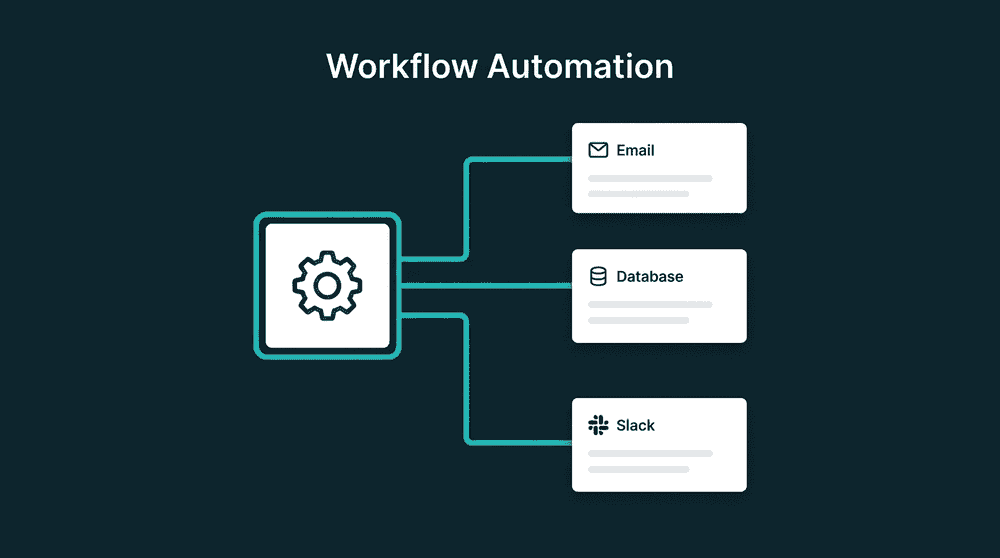
What custom integration code costs your team
You built webhook handlers and API scripts because nothing off-the-shelf did what you needed. Now you maintain them, debug them, and rebuild them every time an API changes.

Webhook handlers that break silently
Your Stripe webhook handler worked for six months. Then a payload field changed, records started getting skipped, and nobody noticed for three weeks. Sales was working with data from last quarter.

API scripts that need constant updates
Your Python script pulls from Intercom and pushes to Salesforce. Every API version bump, rate limit change, or new field requires an engineer to update the code, test it, and redeploy.

Zapier workflows that crack at volume
Zapier works for 50 records. At 5,000, you hit task limits, pay per-zap fees, and lose visibility into failures. No backfill, no change tracking, and no way to reprocess a batch that errored.
Managed connectors replace webhook handlers
Connect Stripe with API keys instead of hosting a webhook endpoint. Oneprofile reads data on schedule, maps fields to your destination, and adapts when APIs change. No payload parsing to maintain.

Managed connectors replace webhook handlers
Connect Stripe with API keys instead of hosting a webhook endpoint. Oneprofile reads data on schedule, maps fields to your destination, and adapts when APIs change. No payload parsing to maintain.

Sync configs replace Zapier chains
One sync config replaces a multi-step Zap. You get backfill on day one, four sync modes, scheduled runs, and failed records captured with full error context instead of a generic error email.

Every failed record is captured, not dropped
Webhook endpoints drop events when they're down. Custom scripts log errors nobody reads. Oneprofile captures every failed record with the exact error, and you can fix and reprocess from the dashboard.

Free to start, no engineering time required
Your custom code took weeks to build and costs engineering hours every month. Oneprofile has a free tier, takes 30 minutes to set up, and requires zero ongoing maintenance from your engineering team.
Custom integrations teams retire first
These are the webhook handlers, cron scripts, and Zapier workflows teams most commonly replace with managed sync.


Replace the Stripe webhook handler that updates HubSpot contacts with subscription status, plan name, and MRR on every billing event.
Stripe
+
HubSpot


Retire the API script that pulls Intercom conversation counts and last contact dates into Salesforce contact records on a nightly cron.
Intercom
+
Salesforce

Replace the cron job that queries your Postgres database and pushes user records to HubSpot. Oneprofile reads directly from your database tables.
PostgreSQL
+
HubSpot


Retire the custom script syncing PostHog product usage events to Attio CRM contact properties for expansion signals.
PostHog
+
Attio

Replace the Zapier workflow that pushes HubSpot contacts to Mailchimp lists. One sync config handles backfill, updates, and new contacts.
HubSpot
+
Mailchimp
Replace the Stripe-to-Salesforce webhook pipeline syncing billing data, churn dates, and renewal status to opportunity records.
Stripe
+
Salesforce
View All Integrations
Connect your tools
Oneprofile supports wide range of integrations across categories

Airtable
Productivity
Attio
CRM

Close
CRM

Google Sheets
Productivity
HubSpot
CRM
Intercom
Customer Support

Loops.so
Mailchimp

Mixpanel
Analytics

Pipedrive
CRM
PostgreSQL
Database
PostHog
Analytics
Salesforce
CRM
Stripe
Payments

Zendesk
Customer Support
View All Integrations
How to replace custom integrations
Pick one custom integration to retire. The migration takes about 30 minutes.
Step 1
Identify the data flow
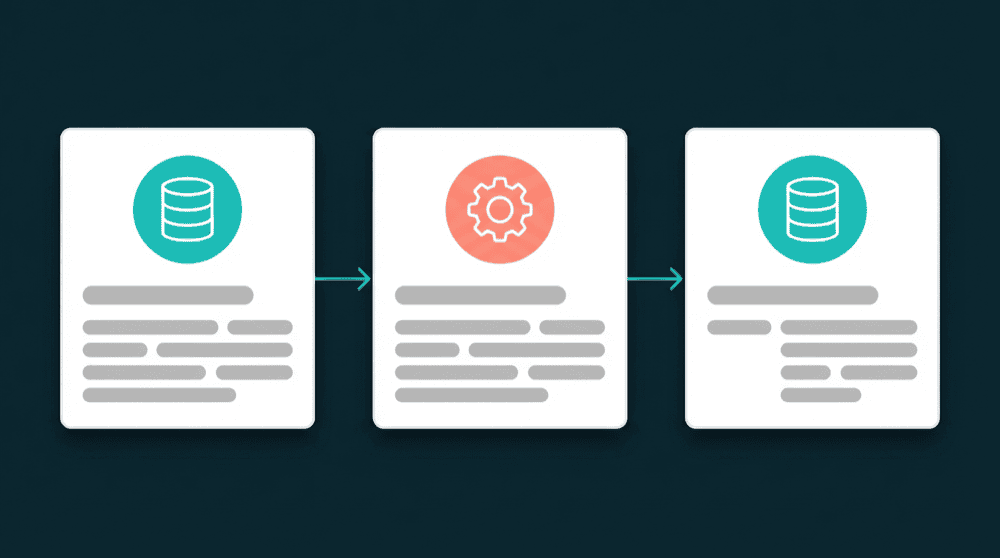
Write down what your script does: which tool it reads from, which fields it pulls, where it writes, and what matching key it uses. You'll replicate this exact flow in Oneprofile.

Step 2
Connect both tools
Authenticate the source and destination with API keys. Oneprofile validates credentials against each live API and shows available record types and fields before any data moves.
Step 3
Map the same fields
Map the exact fields your custom code maps. If a destination property doesn't exist yet, Oneprofile creates it automatically. Custom fields, standard fields, and metadata all work.


Step 4
Set sync mode and schedule
Choose Update, Update or Create, Create Only, or Mirror mode. Set a schedule that matches or improves your current frequency. The first run backfills all historical records.
Step 5
Verify and retire the old code
Run both systems in parallel for a few sync cycles. Compare records in the destination tool. Once the data matches, turn off the old webhook handler or script and delete the code.
FAQ
How long does it take to replace a custom integration?
What if my custom integration has business logic?
Will I lose data during migration?
What happens when an API changes?
Can Oneprofile handle the same volume as my custom code?