Autopilot

Autopilot integration
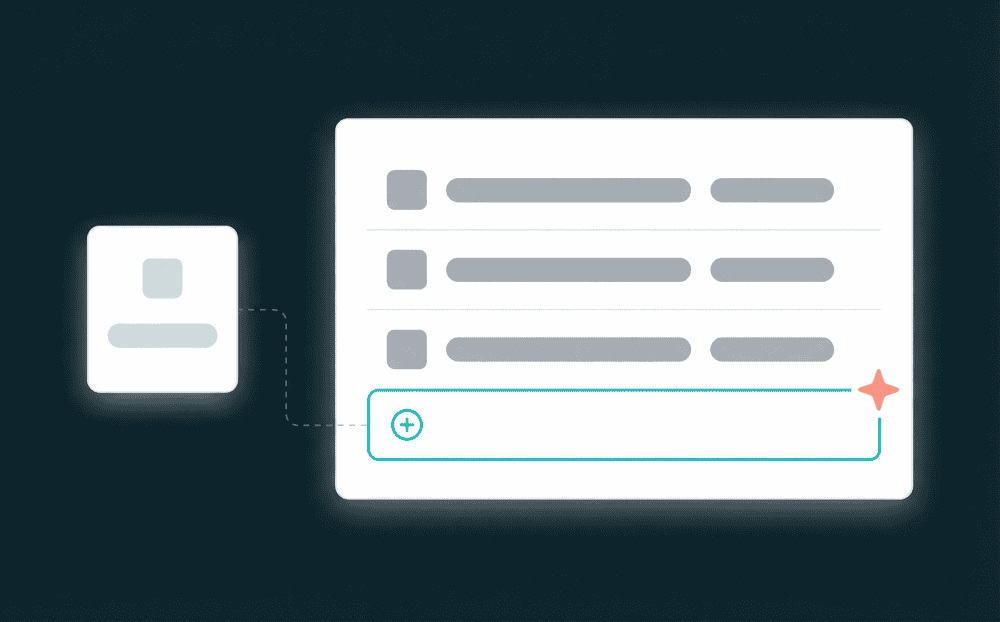
Sync contacts, journeys, and list data between Autopilot and your other tools. Bidirectional: read from Autopilot or write to it.
Sync Autopilot data across your stack
Keep Autopilot contacts current across every tool in your stack.
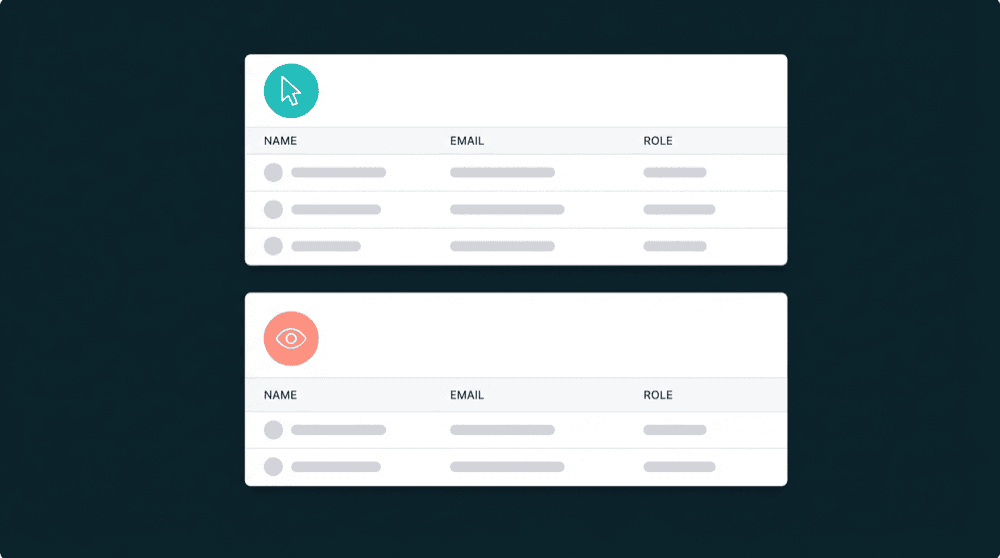
Segment data, ready to activate
Push CRM segments, billing tiers, and product usage data into Autopilot so every campaign starts from the right audience, not a bulk list.


Popular integrations with
Autopilot
Connect
Autopilot
to these tools for powerful data workflows

CRM
Push Autopilot contact data and journey status to HubSpot so sales sees marketing engagement context.
Autopilot
+
HubSpot

Payments
Sync Stripe billing status into Autopilot to trigger upgrade or winback journeys based on payment events.
Autopilot
+
Stripe

Customer Support
Keep Intercom and Autopilot contacts aligned so support and marketing teams share the same customer view.
Autopilot
+
Intercom

Analytics
Sync product usage data from PostHog into Autopilot for behavior-based email sequences.
Autopilot
+
PostHog

Database
Push modeled data from PostgreSQL into Autopilot contacts for data-driven segmentation.
Autopilot
+
PostgreSQL

CRM
Consolidate Stripe billing data into PostgreSQL for custom reporting and SQL-based dashboards.
Autopilot
+
Salesforce
View All Integrations
Connect the tools you already use
Oneprofile supports wide range of integrations across categories
HubSpot
CRM
Salesforce
CRM

Attio
CRM

Pipedrive
CRM

Close
CRM
Stripe
Payments

Chargebee
Payments

Paddle
Payments

Mailchimp

Braze

Customer.io

Klaviyo
Intercom
Customer Support

Zendesk
Customer Support
PostgreSQL
Database

BigQuery
Data Warehouse

Snowflake
Data Warehouse

Mixpanel
Analytics
PostHog
Analytics

Amplitude
Analytics
View All Integrations
About
Autopilot
Oneprofile is not just about sending data from one tool to another. It ensures customer profiles and events stay consistent across every system, even as data changes over time.
SUPPORTED RECORDS
Contacts
Lists
Journeys
INTEGRATION TYPE
Source
Destination
CATEGORY
FAQ
How do I connect Autopilot to Oneprofile?
Which Autopilot record types can I sync?
Can I sync Autopilot data to multiple tools at once?
Does Oneprofile handle Autopilot API rate limits?
Is the Autopilot integration on the free plan?